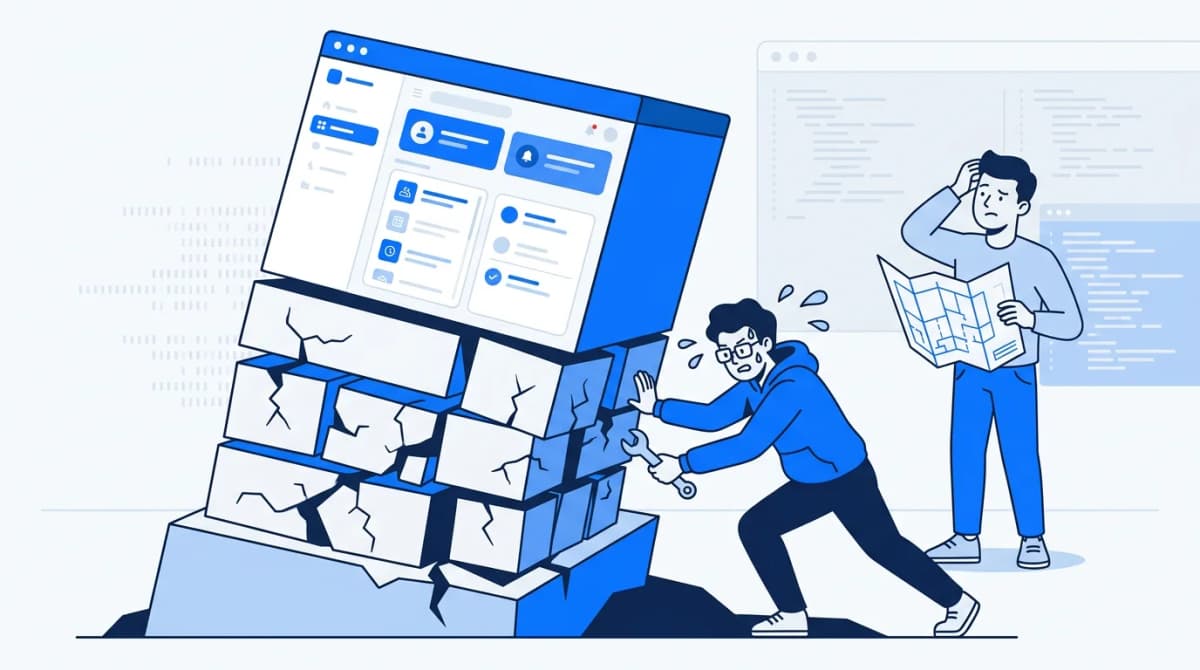
You bought a $29 Flutter template on CodeCanyon, took the Regular License because it was the default and the cheaper option, and shipped your app free. It picked up enough users that you are now building a monthly Pro tier. Somewhere between creating the subscription product in the store console and designing the paywall screen, you go back to the license page and read the line about end users paying. Your stomach drops a little.
That moment is the CodeCanyon regular vs extended license question in its most expensive form. You are no longer asking which one to buy. You are asking whether you already bought the wrong one. The answer turns on a single test that most write-ups phrase badly, and it has less to do with making money than you would expect.
The license is one of several things worth checking when you are buying Flutter app templates alongside code quality, maintenance, and whether the app needs a server at all. It is the one that costs real money when you get it backwards, because the mistake usually surfaces after launch.
Some context on where this comes from: we publish on CodeCanyon and Codester, so we deal with these rules from the author side as well as the buyer side. Everything below about Envato's terms comes from Envato's own pages as they read on 28 September 2026, not from memory or another vendor's summary. Where those pages do not answer a question, we say so.
What the license actually gates: whether end users pay
The usual framing is personal use versus commercial use. It is wrong, and it causes most of the confusion.
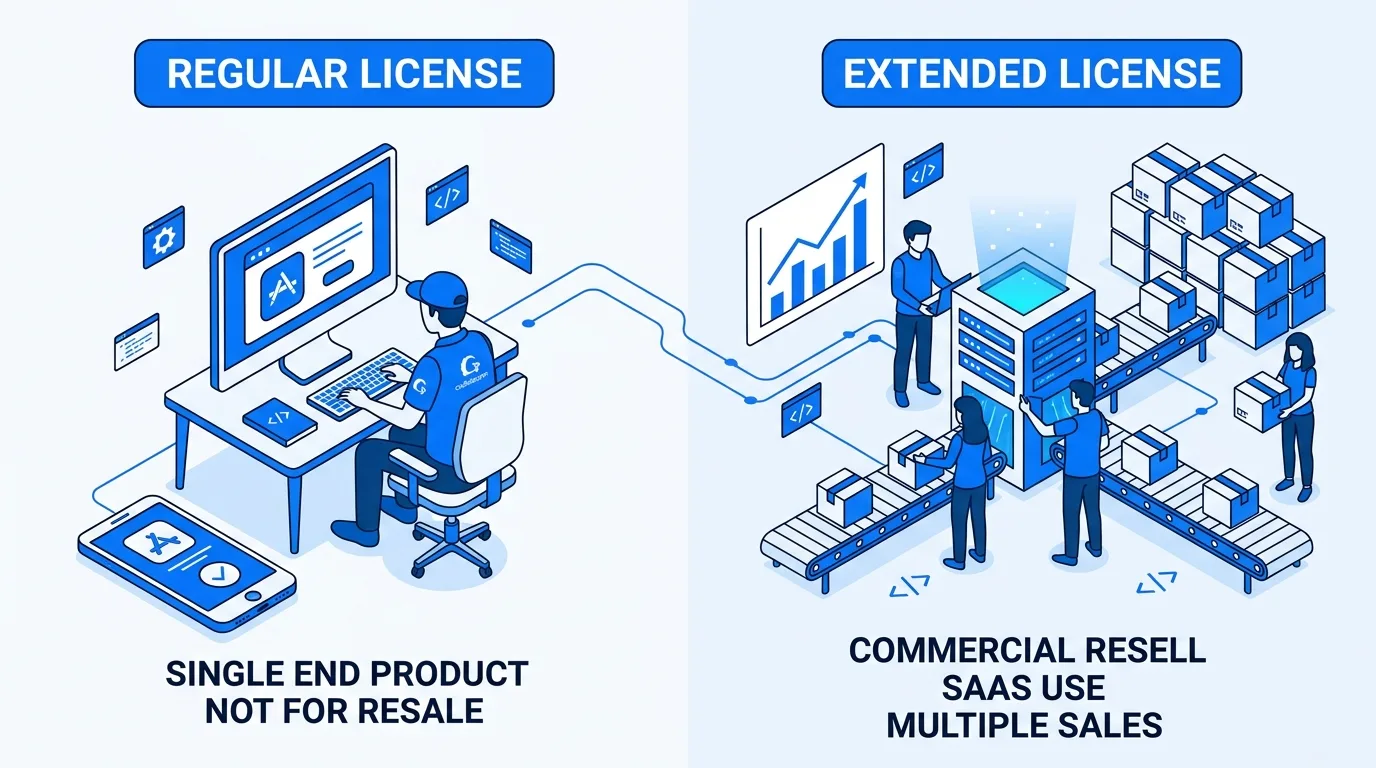
Envato's help article Which Envato Market Licence Do I Need? sets out a different test. The Regular License fits when the end product is free for end users to access. The Extended License is for when end users pay to access it, either directly or through a subscription. CodeCanyon's own license overview says the same thing from the other direction: under Regular the end product is distributed for free, under Extended it may be sold.
Notice what is missing from that test. Nobody asks whether a business is involved, whether you make money from the project, or whether the product promotes something you sell. A company's free customer app is commercial by any normal definition, and it can sit on a Regular License. The question is narrower: does the person using the finished product pay to get at it?
The second rule matters just as much. Both licenses cover one end product. Neither is a bulk license: it changes what your one product can charge for, not how many products you can build from the purchase. Ship the same template as two branded apps and that's two licenses. Check the license overview's made-to-order clause if you run a white-label business.
The SaaS trap: when a free app grows a paid tier
Envato's help article is explicit about the case that catches founders. It lists "a website or app behind a paywall or paid membership" as needing the Extended License, and extends that to a members-only section of a site that is otherwise free.
CodeCanyon's License FAQ adds a nuance for mixed models: what matters is where the item is used. If the item only appears in the free part, Regular is fine. If it is used in the part people pay for, you need Extended.
For a website template, that nuance can save you money. If a purchased landing page template only powers your free marketing pages and your paid product is separate code, the paid part does not use the item. For a Flutter app template it almost never helps, because the template is the app. The paywall screen, the Pro-only features and the settings behind the subscription all live in the codebase you bought. Once you add a paid tier to an app built from a template, the item is in the paid part.
Here is how the timeline usually runs:
- You launch free on a Regular License. You are compliant.
- You add a subscription or a paid tier. From the day it goes live, part of your end product sits behind a payment and is built on the item. The Regular License no longer covers it.
- Nothing flags this for you. Google Play and the App Store have no view of your Envato license, so no store review will catch it, and nothing in your build changes.
That third step is the trap. The license question gets answered once, at checkout, usually by someone who has not decided on a pricing model yet.
Two models sit outside the published examples: a one-time in-app purchase, and an ad-funded app with no paying users. Read literally, a one-time purchase is still end users paying, so we would treat it as Extended territory; an ad-funded app doesn't clearly match either example. If your model looks like either, ask Envato support in writing before launch.
Already past step 2? The License FAQ's guidance is to contact Envato support with your account details and the item names, and expect to need the Extended License for that item. Do it as soon as you realise, not after a bigger audit finds it for you.
Freelancers and client work: your fee is not the test
If you are a freelance developer building apps for clients, this part is for you, and it is mostly good news.
Envato's help article works through this exact case. A freelancer is paid by a client to build a website advertising the client's business, and because anyone can view that site for free, the Regular License is enough. Your invoice to the client does not change the license. The client's end users do.
The same logic runs the other way. If your client's app will charge its users, the client needs the Extended License, however little you charged for the build.
Handing the work over is allowed. The License FAQ describes a freelancer's purchase as "essentially buying the file on your client's behalf". You can transfer the end product to the client, point them to the license terms, and then delete the item from your own machine.
What does not move is the purchase record. Envato's help center states that licenses and other account data cannot be transferred between Envato accounts. A template you buy on your account stays on your account, even after the client owns the app built from it.
That shapes how you set up an engagement:
- One license per client job. CodeCanyon's license overview is clear that one license cannot be reused across several clients. Five clients on the same template means five purchases.
- Settle the payment model in the scope document. Ask whether the app will ever charge users before you buy anything, and write the answer down. It decides which license you need.
- Decide whose account buys it. If the client wants the purchase on their own record, have them buy it under their own account from the start. It cannot be moved later.
- Document the handoff. Record the item, the license type and the purchase in your handover notes, then delete your copy as the FAQ asks.
CodeCanyon regular vs extended license at a glance
| Regular License | Extended License | |
|---|---|---|
| End users pay to access the end product (purchase, subscription, paywall, paid members area) | Not covered | Covered |
| Free end product, even if commercial or built for a paying client | Covered | Covered, but not needed |
| Paid tier of a freemium app built with the item | Not covered | Covered |
| End products per purchase | One | One |
| Reuse across several clients | No, one license per client | No, one license per client |
| Price | The item's base price | Set per item; the examples below run from roughly 3x to 9x |
| Who usually needs it | A freelancer building a free app for a client, or a founder launching free with no paid plans | A founder charging subscriptions or putting features behind a paywall |
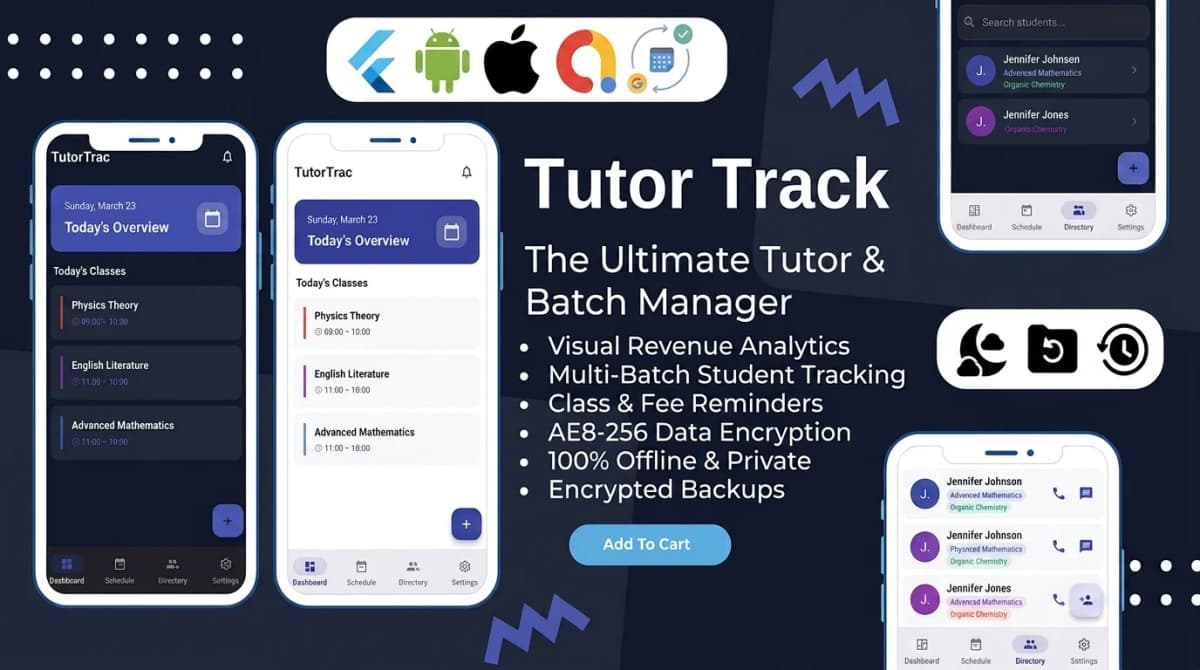
Sorting this out after launch costs you a support ticket with Envato, an Extended License at whatever that item sells it for, and a stretch of time in which your paid tier ran on a license that did not cover it. The cheaper route is to choose your payment model first and buy from an author who will tell you plainly which license it needs. That is the standard we hold our Flutter and Bootstrap templates to. Ten of our eleven Flutter apps store everything in an on-device Hive or Isar database with no server behind them, so the license is the main cost you have to plan up front, and if your model is unclear you can ask us before you buy.
How big is the price gap?
You will find confident multipliers quoted online. We could not verify any of them as a rule, and Envato's license pages do not publish one. Each item page lists its own price per license, and that is the only number that applies to your purchase.
These are the figures we could check today:
| Example | Where it is sold | Regular | Extended | Gap |
|---|---|---|---|---|
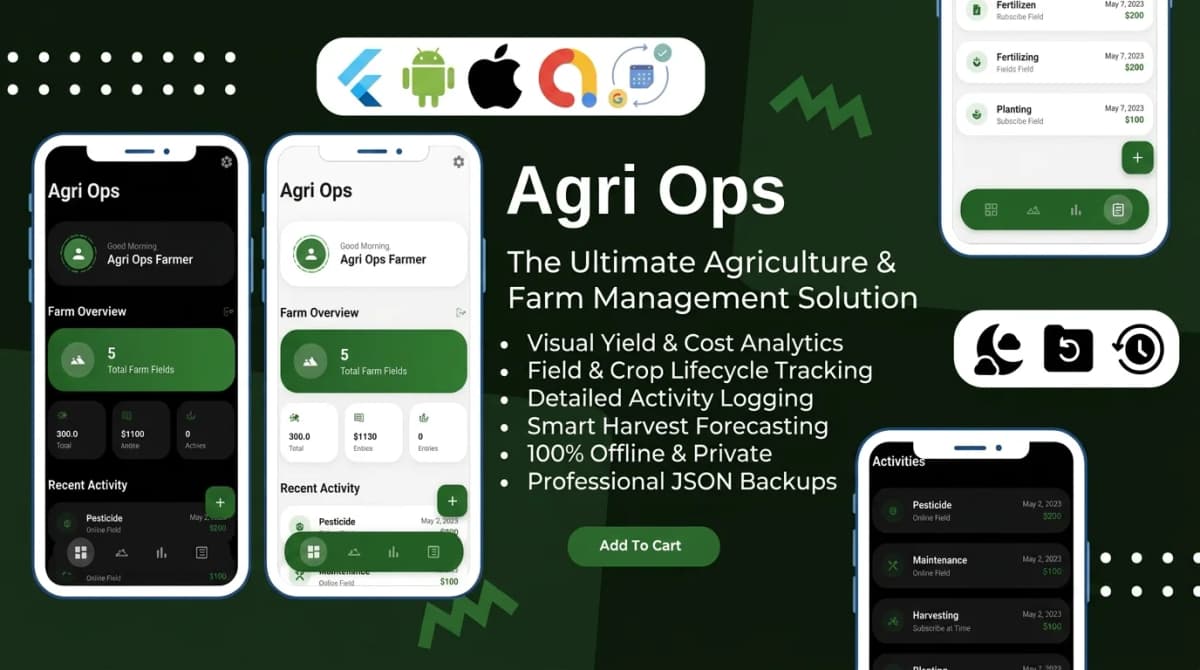
| Agri Ops (ours) | Direct, via Gumroad | $29 | $99 | about 3.4x |
| InAllCart, list price | The vendor's own site | $69 | $399 | about 5.8x |
| InAllCart, launch offer | The vendor's own site | $25 | $219 | about 8.8x |
Be clear about what this table is. None of these rows is a CodeCanyon listing, so none of them tells you what a specific CodeCanyon item charges. InAllCart's Extended tier also bundles installation and support, which makes it that vendor's own license product rather than Envato's. What the rows do show is that the gap is set by whoever sells the item, varies a lot between sellers, and moves with promotions: the same InAllCart product shows a different ratio at list price than at its launch price.
The practical rule follows from that. Check the Extended License price on the item page before you commit to a template. If there is a realistic chance your app will ever charge users, put that number in your launch budget now rather than finding it after the paid tier ships.
Before you buy: a short checklist
- Read the specific item's license terms and prices on its own page, not a summary (this one included).
- Decide the payment model first: free, freemium, subscription or one-time purchase. If any route ends with users paying, budget for the Extended License.
- Count end products. Two apps, two brands or two clients means two licenses.
- Buy under the account that will own the product. Purchases do not move between Envato accounts.
- For client work, record the item and license type in the handoff, and delete your copy after transfer.
- If your model does not fit the published examples, ask Envato support in writing before the paid tier goes live.
Codester has its own license terms, which this post does not cover, and we look at CodeCanyon compared with Codester in a separate post. Once the license is settled and the template is bought, the harder part is usually the rebrand and the store listing. We handle that reskin and setup work if you'd rather hand it off than do it yourself.

Written by Stacklyn Labs
Stacklyn Labs is a small studio publishing offline-first Flutter templates on CodeCanyon and Codester since 2025, and building custom Flutter and web apps for the teams who buy them.