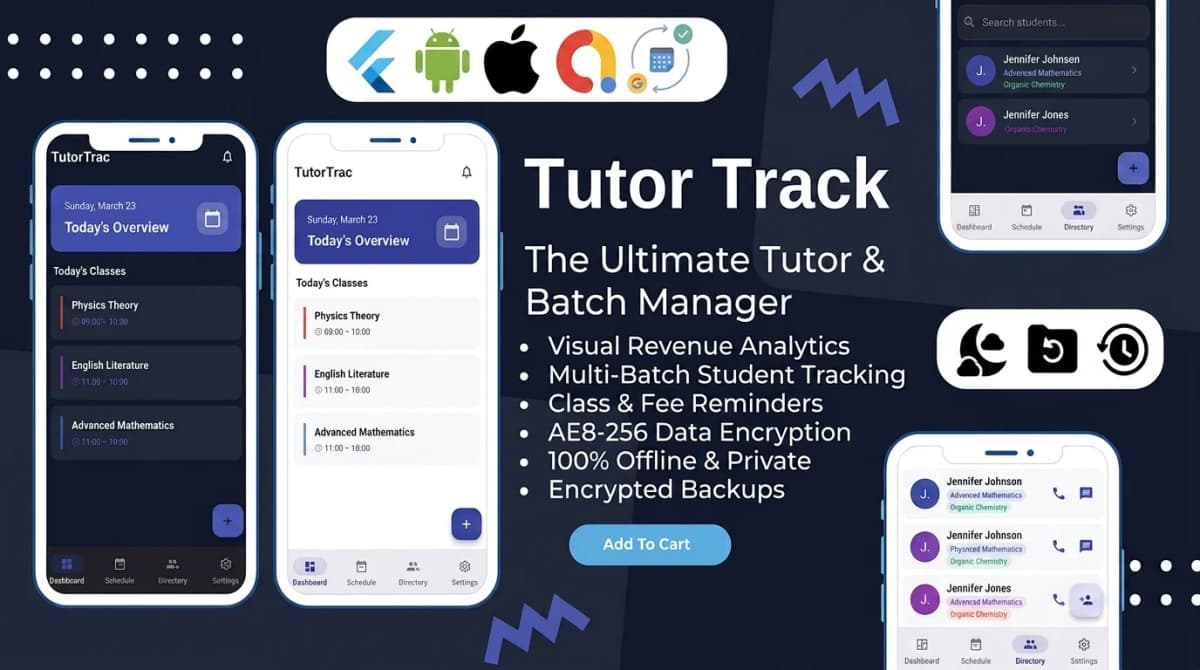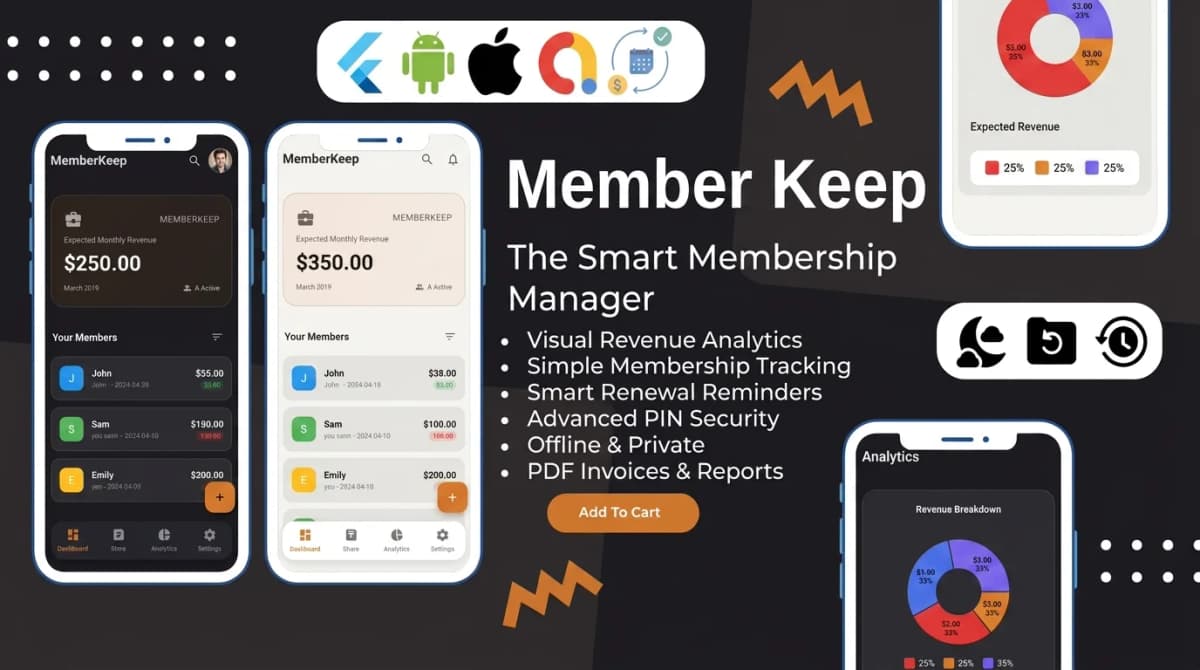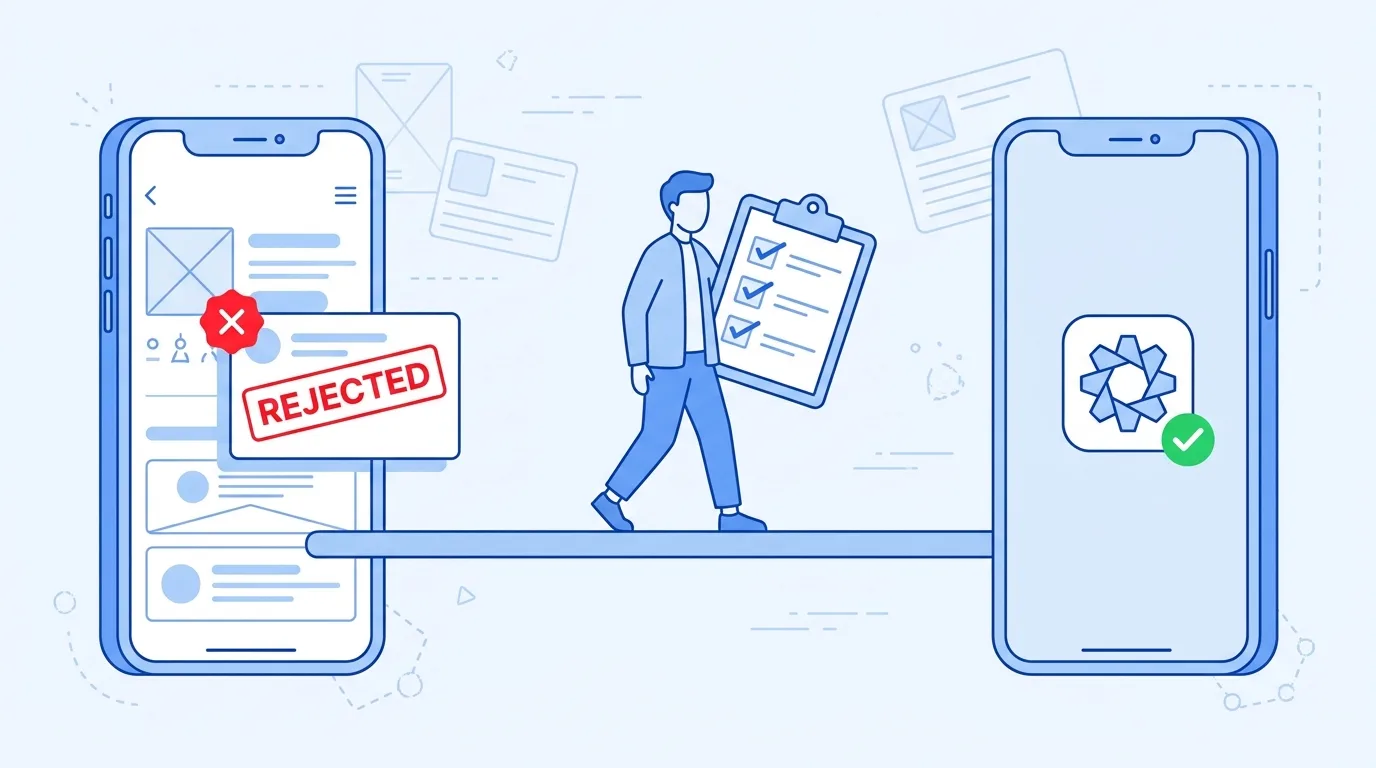
The email from App Review arrives a day or two after you press submit. Your app, the one you bought as Flutter source code and paid someone to rebrand, did not pass. The message cites guideline 4.2.6, or 4.3, or both, with a paragraph of Apple's wording that seems to describe somebody else's business.
In a way it does. Most pages that rank for an App Store 4.2.6 template rejection were written for app-builder platforms that publish apps on behalf of their customers, or lately for AI-generated apps. This post is for a different case: you bought template source code from a marketplace such as CodeCanyon or Codester, it was reskinned, and now you need to know whether the app is dead or fixable.
Often it is fixable. The fix depends on which rule you were cited under, and many guides blur them together. Guideline 4.2.6 is about who submits the app. Guideline 4.3(a) is about shipping many copies of one app. Guideline 4.3(b) is about an app that looks like what is already on the store. Three rules, three causes, three fixes. None of the fixes below guarantees approval, because Apple decides, but each one removes a specific reason for rejection.
Template rules sit alongside the design, privacy and metadata problems covered in our guide to passing App Store review. This post stays on the three rules that catch template apps.
App Store 4.2.6 template rejection: what the rule says
Guideline 4.2.6 sits under 4.2, Minimum Functionality, which asks that an app be useful, unique or app-like rather than a repackaged website. The rule itself, in Apple's App Store Review Guidelines, says apps created from a commercialized template or app generation service will be rejected "unless they are submitted directly by the provider of the app's content."
Two more sentences follow. Template and app generation services should not submit apps on behalf of their clients, and should give those clients tools to build customised, innovative apps instead. Template providers also get one other accepted route: a single binary that hosts every client's content in an aggregated or picker model. Apple's examples are a restaurant finder with a page for each client restaurant, and an event app with an entry for each client event.
The history explains the wording. The earlier version of the rule rejected template-built apps outright. As TechCrunch reported on 20 December 2017, Apple revised it after the ban caught small businesses, restaurants, nonprofits and clubs that lacked the money or skills for a custom app, and added the exception for apps submitted by the content provider. The target was services uploading apps for their clients.
Here is the awkward part. The guideline does not define what counts as a commercialized template, and nothing in it exempts source code you bought and customised. A reviewer looking at a reskinned app can cite 4.2.6, and we cannot tell you how a given reviewer will read it. Arguing about what the rule was originally for is a weak position. Meeting the condition it actually sets is a strong one.
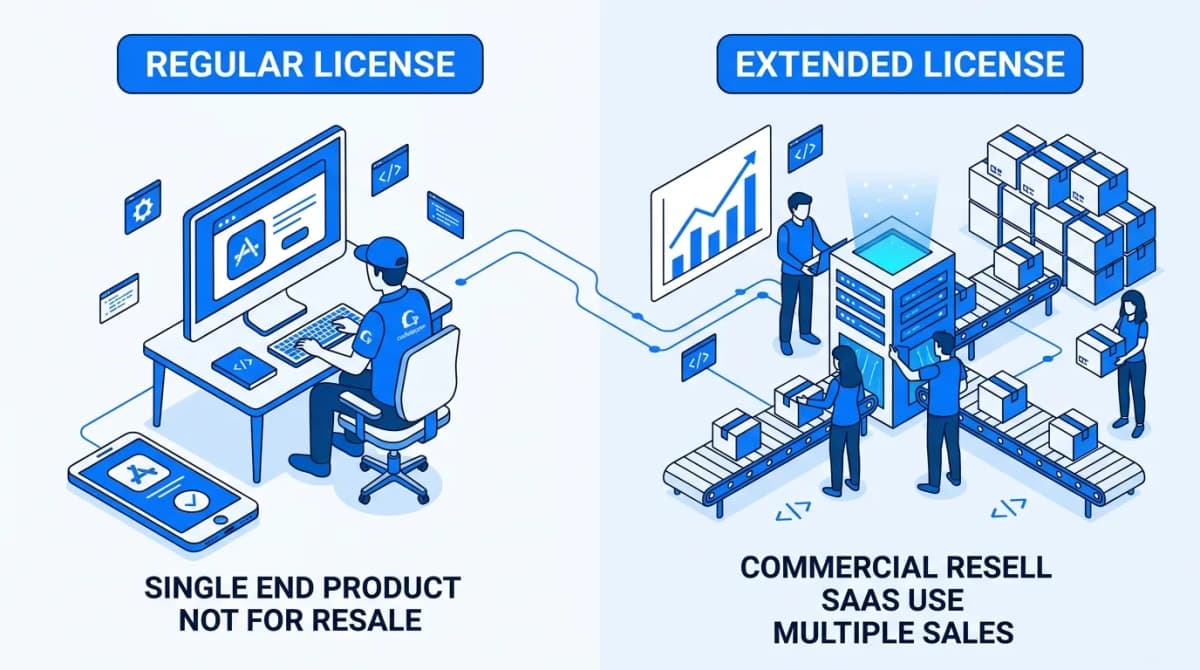
Guideline 5.2.1 points the same way. Apps should be submitted by the person or legal entity that owns or has licensed the intellectual property and other relevant rights. For a template buyer, that is you: your template licence gives you the right to use the code, and the content you add is yours. If you are unsure your licence fits the app you plan to ship, settle the Regular vs Extended licence question before you submit.
In practice, 4.2.6 comes down to two things a template buyer controls:
- The submitting account is yours. The app goes to App Review from your own Apple Developer account, not from the account of the freelancer, agency or template seller who did the reskin.
- The seller name is yours. The name shown under the app on the App Store is your legal name or your company's.
If someone else uploaded your app from their account, start there. Submitting from your own account is the fix that matches what the rule asks for.
Individual or organization developer account
Apple's enrolment page sets out what that seller name will be. Enrol as an individual and your legal name is shown as the seller. Enrol as an organization and the organization's legal name is shown. An organization also needs:
- a D-U-N-S Number
- to be a legal entity; Apple does not accept DBAs, trade names or branches
- a public website on its own domain
- an enrolling person with the authority to bind the organization
Either way, membership costs $99 per membership year, and local prices vary. If you want a company name under the app rather than your own, sort out the organization requirements before the build is ready, not after the rejection.
Guideline 4.3(a) and 4.3(b) are different problems
Guideline 4.3 is titled Spam. Its two parts catch template apps for different reasons: one for having too many copies, the other for being too much like everything else.
| Rule | What it is really about | Typical trigger for a template buyer | Fix |
|---|---|---|---|
| 4.2.6 | Who submits | A freelancer, agency or template seller uploads the app from their own account | Submit from the account of whoever provides the app's content: yours |
| 4.3(a) | Same app, many bundle IDs | Several near-identical branded copies of one template, one per city, client or gym | One app with the variations inside it; Apple suggests in-app purchase for versions |
| 4.3(b) | Indistinguishable from what exists | A rebrand that changes only the logo and colours, still on demo data, in a crowded category | Real content, real data and a real use case that make it meaningfully different |
4.3(a) catches the founder or agency with a plan: one template, sold as a branded app to every gym, salon or city. Apple's own example is a separate map app for every city instead of one map app that lets users search any city. Its suggested alternative for location or team versions is a single app with the variations provided through in-app purchase. If your business model is many copies of one binary, that is a product decision to revisit, not something a metadata change will fix.
4.3(b) catches the single app that looks like what is already there. Apple gives examples it calls well established: dating, flashlight, sound effects, wallpaper, simple timers and fortune telling. It will not accept new submissions in those unless they offer a meaningfully different or improved experience. Sound effects is on that list, so a reskinned sleep-sounds or white-noise template starts in a category where Apple has already raised the bar.
The same guideline calls some kinds of app low-effort, naming drinking games and fart and burp apps among them, and says repeated submissions of that kind may lead to removal from the Apple Developer Program. That warning is about low-effort apps, not reskins as such, but it is one more reason not to resubmit an unchanged build.
If you have not submitted yet, most of what guards against these rejections is decided before anyone touches the code. Our checklist to work through before you reskin puts the accounts, bundle ID and demo content decisions in order.
Why a new logo and colours still gets 4.3(b)
Look at the app from the reviewer's side. Suppose they open it and find three sample customers with made-up names, placeholder text in a notes field, and screenshots that match the template's marketplace listing. The app name is the template's name with one word changed. Nothing in it shows a real business built it for real users.
The usual giveaways in a template rebrand:
- Demo data and placeholder text still in the app: sample records, lorem ipsum, the author's support email or links.
- Template screenshots, or screenshots of only the splash and login screens. Guideline 2.3.3 asks for screenshots that show the app in use.
- A name, icon style and description that read as a variation on the template's listing.
- Features nobody uses, left visible because removing them was more work than leaving them.
What moves an app away from 4.3(b) is content and purpose: your data, your business's real use case, and screens that show it doing something specific for a specific audience. Colours cannot do that on their own. Neither can a new icon.
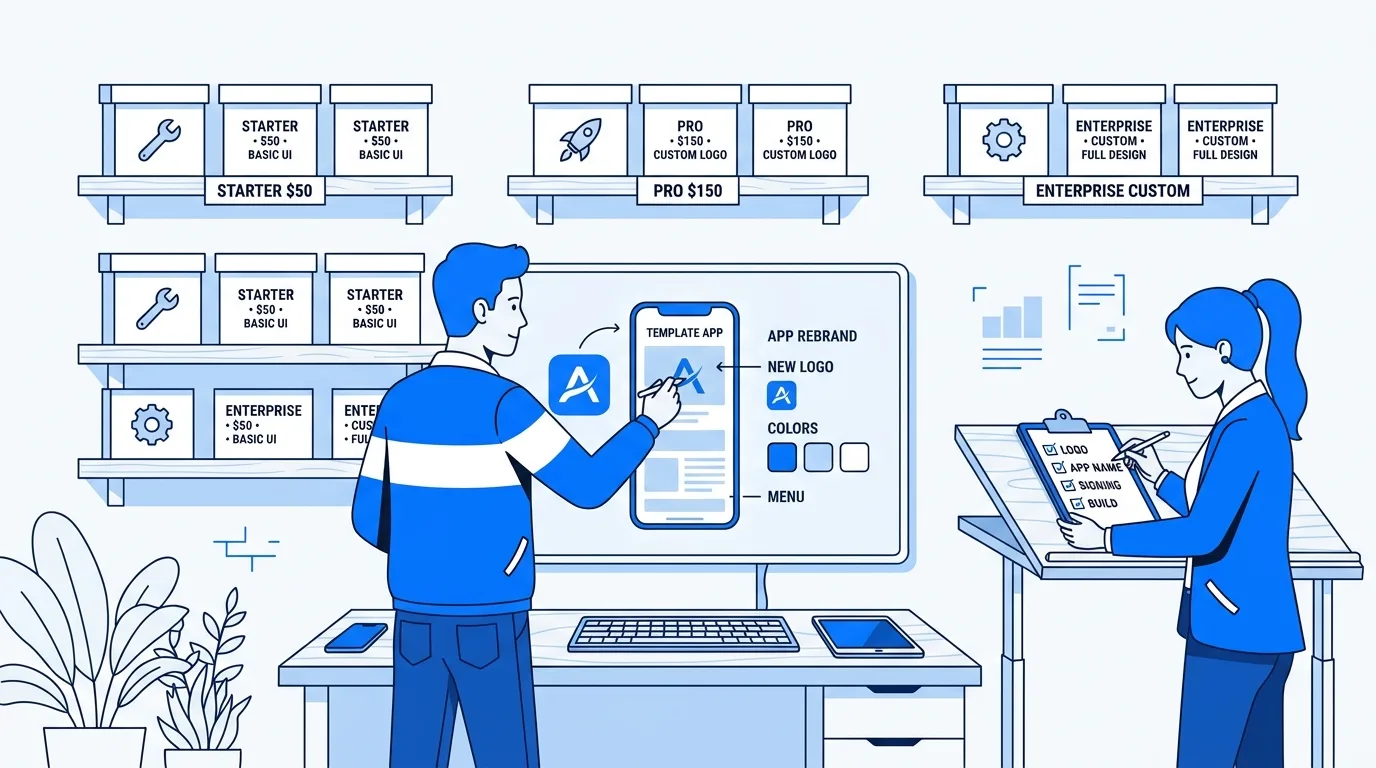
Doing this properly reaches well past the theme file. The content, the assets, the bundle ID and package name, the signing setup, the Firebase registration if the template uses it, and the store metadata all have to change together. If you have not done it before, that is several days of work, and the usual way to find a mistake is a failed build or a second rejection. If you would rather hand that list over, we do a reskin that removes the usual template rejection triggers. We cannot promise approval. Nobody honestly can.
After a rejection: reply, fix, resubmit or appeal
Rejections arrive with details in App Store Connect, including the specific guidelines the submission did not follow. Work through it in this order.
- Read the exact guideline cited. A 4.2.6 citation is about the account and who submitted. A 4.3(a) citation is about copies. A 4.3(b) citation is about how distinct the app is. Fixing the wrong one costs you a review cycle.
- Reply in App Store Connect. Open the App Review section on the app's page. Apple says you can correspond with App Review there to resolve issues before resubmitting, so ask if the message is unclear about what triggered it.
- Make the real change, then resubmit. Submit from your own account, fold the copies into one app, or replace the demo content and screenshots with your own. A cosmetic tweak to the same build is likely to get the same answer.
- Appeal only if App Review misunderstood the app. Apple's App Review page allows an appeal to the App Review Board if you believe Apple misunderstood your app or treated you unfairly. Give specific reasons the app complies with the guidelines, file one appeal per rejected submission, and answer any requests for more information first. If the app genuinely matches what the rejection describes, change the app instead.
Apple says it typically reviews at least 50% of submissions in under 24 hours and 90% in under 48, so the waiting is rarely the slow part. Working out what to change is.
What to put in your reply
There is no magic wording, and a reply copied from a forum reads like one. State facts. A useful reply covers four things:
1. Who you are: your name or company, matching the seller name on the account.
2. Ownership: you provide the app's content and submit it from your own
   developer account. The app is built on licensed template code, customised
   for [your purpose].
3. What makes it different: who it is for, what it does for them, and the
   real content it ships with.
4. What changed since the rejection: the specific items, such as sample data
   removed, screenshots replaced, or submission moved to your own account.
Keep it short. If one of those lines is hard to write honestly, that line is the thing to fix before you reply.
Pre-submission checklist for template apps
Run through this before the first submission, or before you resubmit after a rejection. Most items map to a guideline covered above, so a no on any line tells you what to fix.
- Your own Apple Developer account, as an individual or an organization, not your developer's.
- Your seller name: your legal name or your company's, as you want customers to see it.
- A bundle ID of your own, unique to this app and free of the template author's name, set before the first upload.
- One app, not a copy per client or location. If you need versions, plan them inside a single app (4.3(a)).
- Demo content gone: sample records, placeholder text, the author's links and support details.
- Screenshots of the app in use with your own content, not the template's images or only the splash and login screens (2.3.3).
- A name, icon and description that are yours, not a variation on the template's listing.
- An equivalent login option if you use social login. If Google, Facebook or another third-party login sets up the user's main account, guideline 4.8 requires another login option that limits data collection to name and email, lets users keep their email private, and does not collect interactions for advertising without consent. The current text describes those features rather than naming Sign in with Apple. Apple lists exceptions, such as apps that use only the company's own account system.
If you are holding a rejection and are not sure which rule applies or what to change, talk to us about your rejection and include the exact wording from App Store Connect. If the honest answer turns out to be a proper rebrand, what a proper reskin costs lays out the work items and the fees that sit outside any quote.

Written by Stacklyn Labs
Stacklyn Labs is a small studio publishing offline-first Flutter templates on CodeCanyon and Codester since 2025, and building custom Flutter and web apps for the teams who buy them.