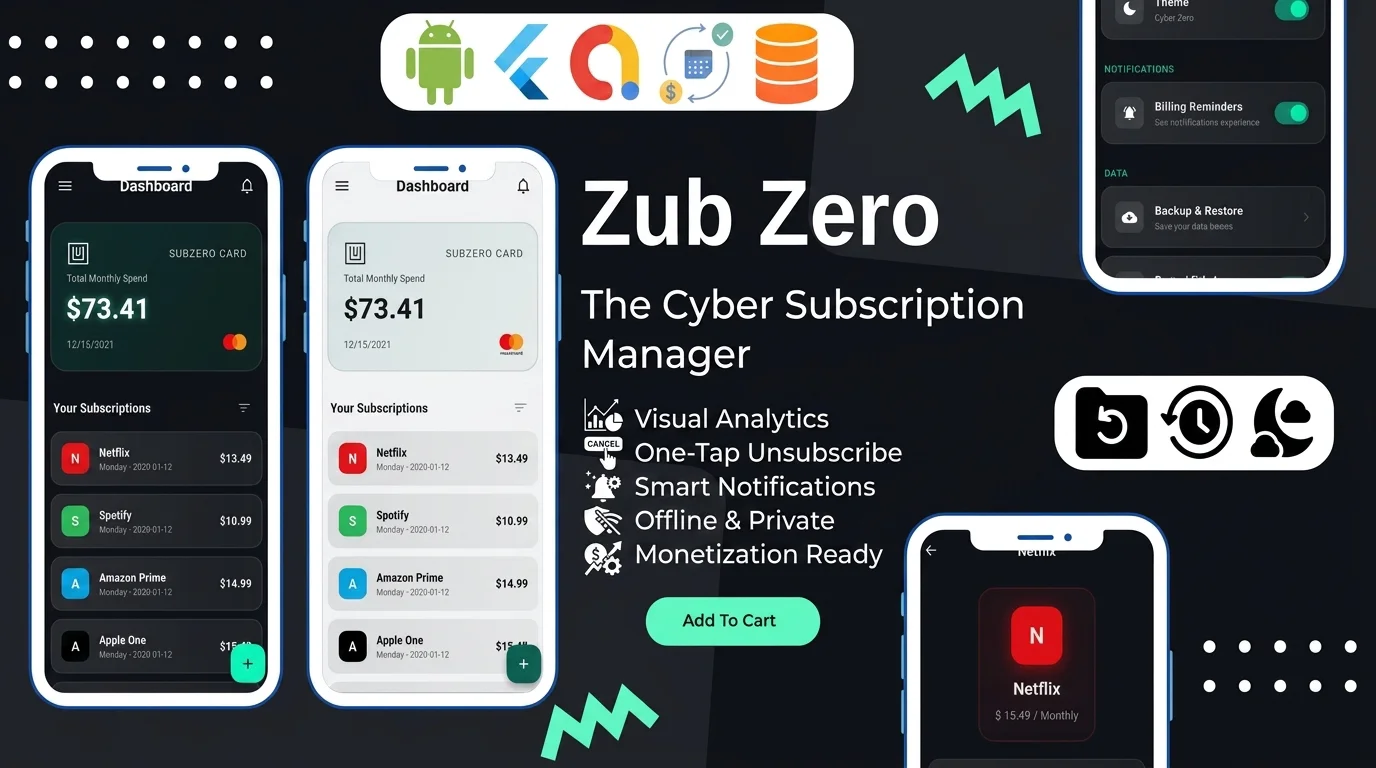
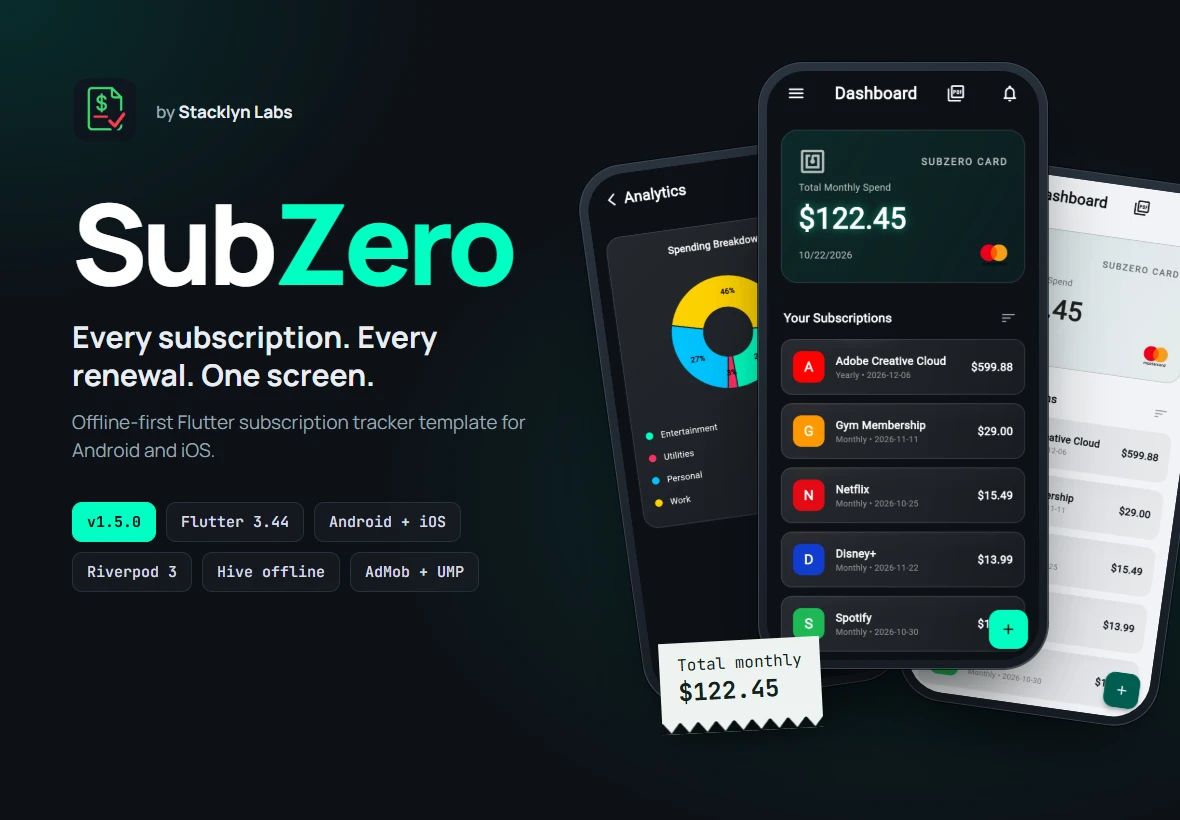
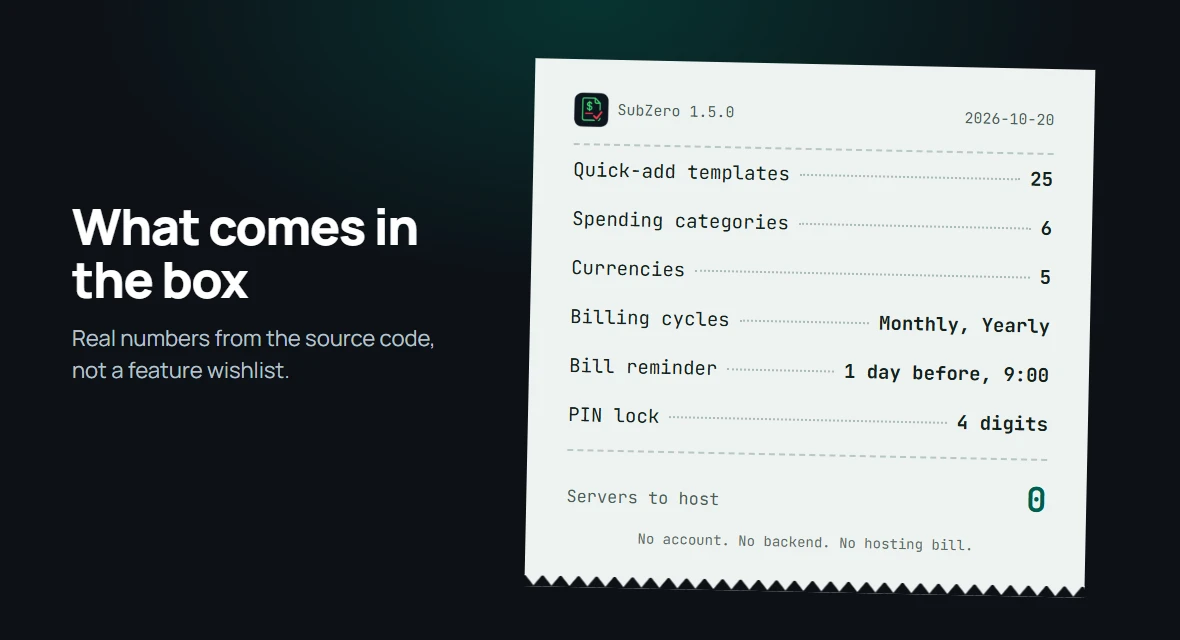
SubZero is an offline-first Flutter app template for tracking active subscriptions, recurring bills and monthly spending. It has a subscription dashboard with one monthly total, spending analytics by category, bill reminders before every renewal and 25 quick-add templates for services like Netflix, Spotify and Adobe Creative Cloud. Subscriptions, settings and the PIN are stored on the device with Hive. There is no login, no backend server and no bank connection, so there is no hosting bill to pay each month.
For a founder launching a subscription manager or bill tracker, or a budgeting startup that wants an offline personal finance app without backend costs, SubZero is a ready-to-publish Android and iOS codebase. For an agency or freelancer, it is a white-label expense tracker whose app name, company, support email and brand colours sit in one AppConfig file.
What's New in v1.5
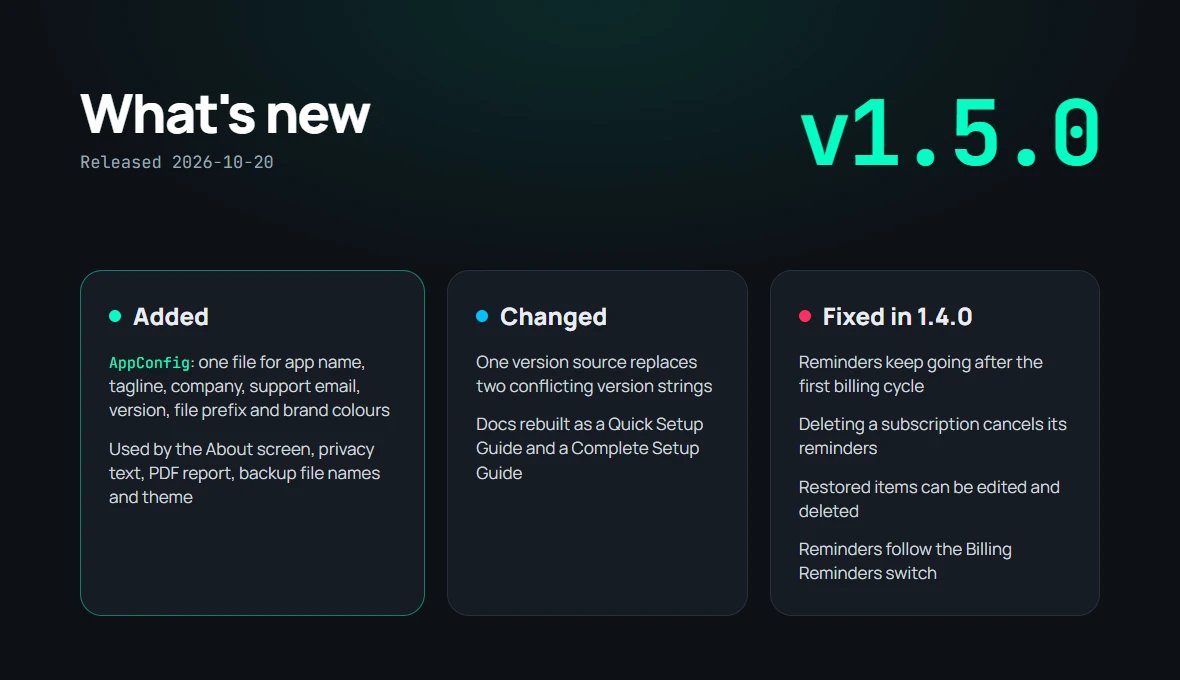
Version 1.5.0 makes rebranding start in a single place.
- AppConfig:
lib/core/config/app_config.dartholds the app name, tagline, company, support email, version, file prefix and brand colours. The About screen, privacy text, PDF report, backup file names and theme all read from it. - One version source: a single
AppConfig.versionreplaces two conflicting version strings. - New documentation: rebuilt as a Quick Setup Guide and a Complete Setup Guide.
Core App Features
Subscription Dashboard with a Monthly Spend Total
The dashboard lists every subscription and shows one total monthly spend on a card at the top. Yearly plans are converted to a monthly amount, so users see their real monthly cost at a glance.
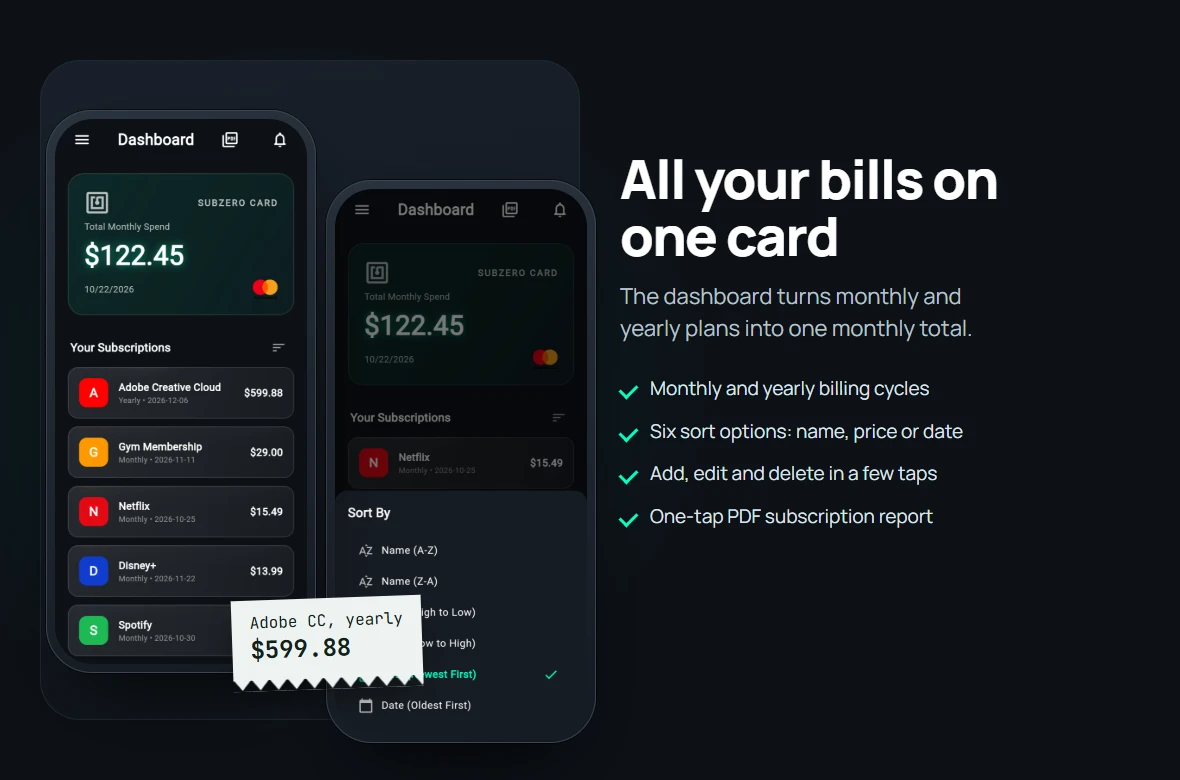
- Monthly and yearly billing cycles for every subscription.
- Six sort options: name A-Z or Z-A, price high to low or low to high, and date newest or oldest first.
- Add, edit and delete subscriptions, with a colour, category, price, first billing date and optional cancel link.
- One-tap PDF report: a subscription report with the total monthly spend, the number of active services and a table of every subscription, opened in the system print and save dialog.
- Billing dates roll forward automatically after each cycle.
Spending Analytics and Upcoming Bills
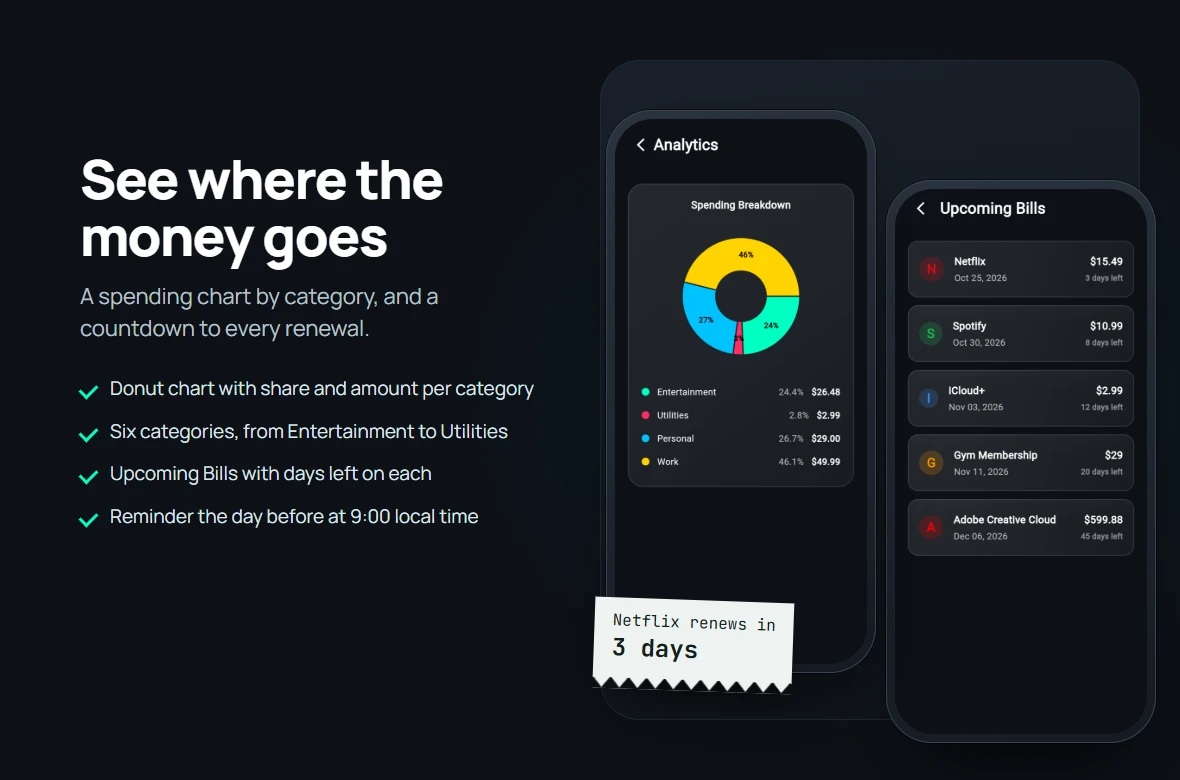
A donut chart shows where the money goes, and the Upcoming Bills screen counts down to each renewal so nothing renews by surprise.
- Category spending chart built with
fl_chart, showing the share and monthly amount for each category. - 6 categories: Entertainment, Work, Utilities, Personal, Shopping and Other.
- Upcoming Bills with the next billing date and days left, colour-coded by urgency.
- Bill reminders one day before each renewal at 9:00 AM local time. The next 3 renewals are scheduled on Android (1 on iOS), and reminders are rescheduled on start, on resume and after a restore.
- Reminders are cancelled when a subscription is deleted, when all data is cleared or when Billing Reminders is switched off.
25 Quick-Add Subscription Templates
Users add popular services in one tap. Each template fills in the name, a default price, the category, a brand colour and a link to the provider's cancel page.
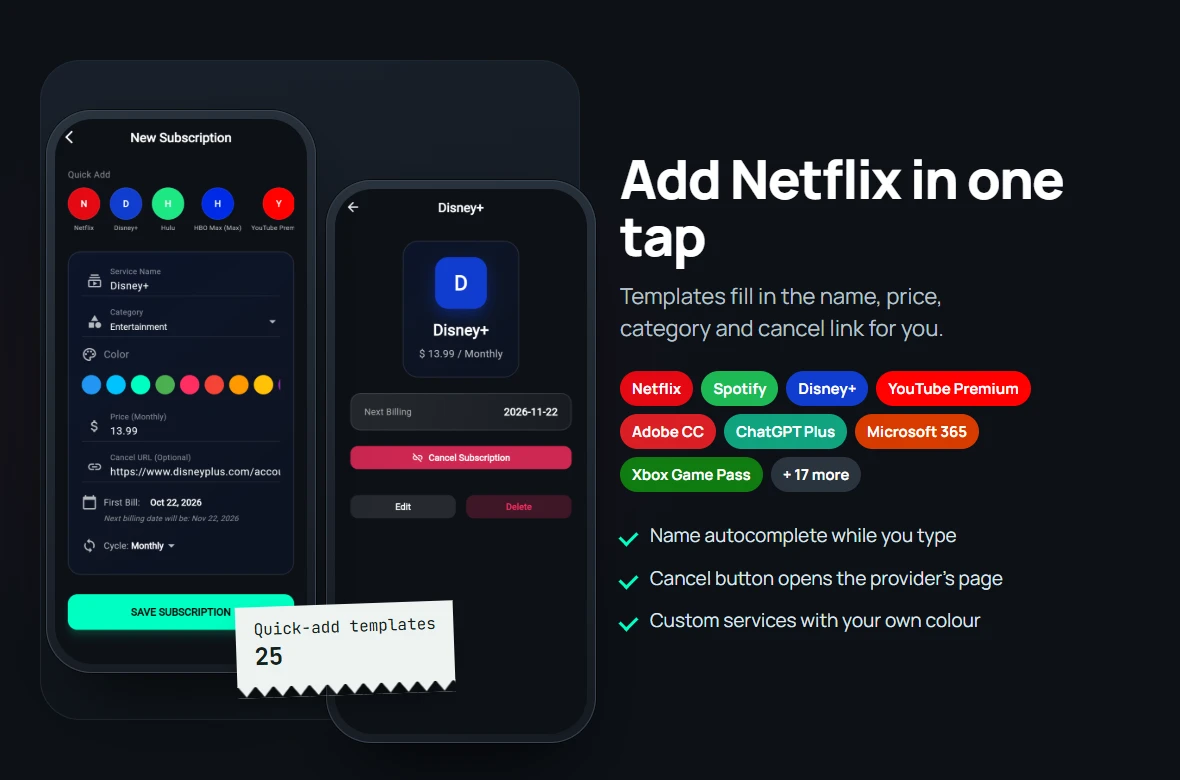
- 25 templates: Netflix, Disney+, Hulu, HBO Max, YouTube Premium, Amazon Prime, Twitch, Apple TV+, Spotify, Apple Music, Audible, SoundCloud Go, Microsoft 365, Dropbox, Google One, Adobe Creative Cloud, Slack, ChatGPT Plus, Zoom, GitHub Copilot, PlayStation Plus, Xbox Game Pass, Nintendo Switch Online, Discord Nitro and Tinder Gold.
- Name autocomplete suggests templates while the user types.
- Cancel Subscription button on the detail screen opens the provider's cancel page.
- Custom services with any name, price and colour, for gym memberships, SaaS tools or anything else.
PIN App Lock, Backup and Restore, and Privacy
SubZero needs no account. Data stays on the phone, and users can protect it with a PIN and save it to a file.
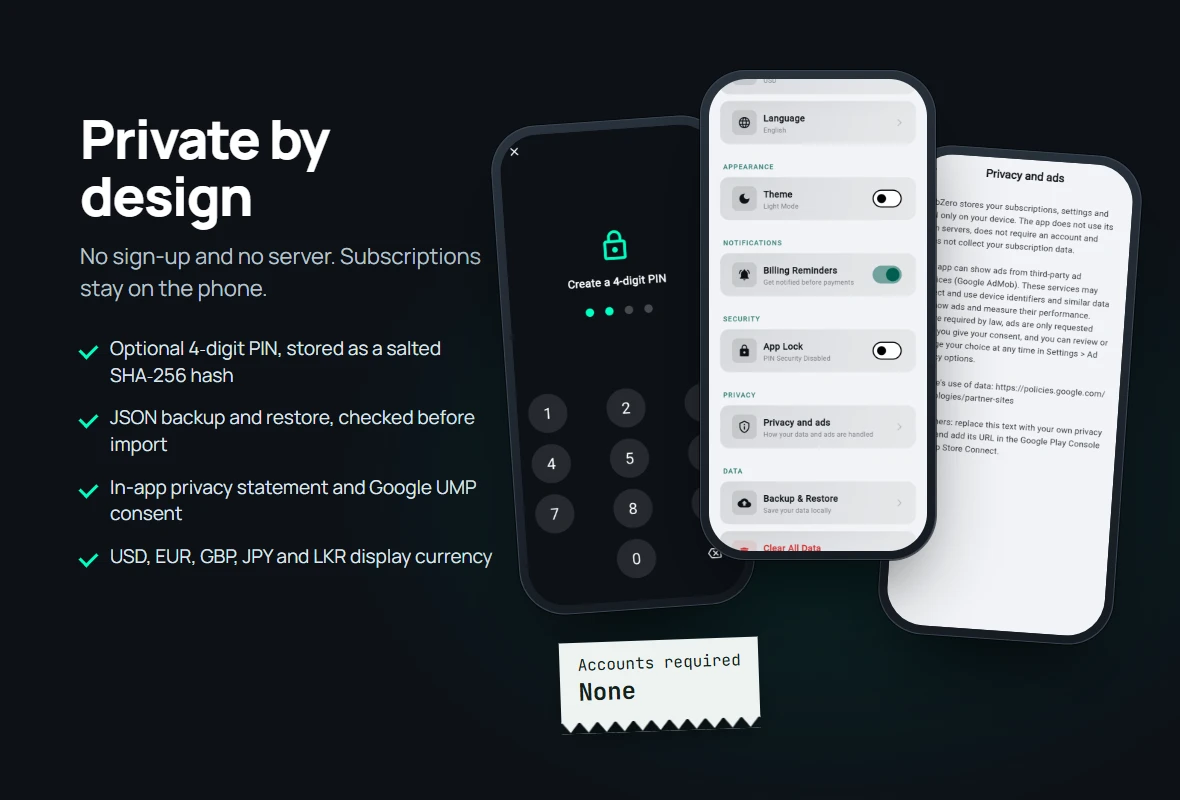
- Optional 4-digit PIN lock on app launch. The PIN is stored as a salted SHA-256 hash, and changing it asks for the old PIN first.
- Backup and restore all subscriptions and settings as a local JSON file. The file is validated before any existing data is replaced.
- Privacy and ads screen with a sample in-app privacy statement you replace with your own.
- 5 display currencies: USD, EUR, GBP, JPY and LKR (display only, no exchange-rate conversion).
- Clear All Data option in Settings.
Cyber Dark and Clean Light Themes
A glassmorphism interface with frosted panels in both themes. Dark mode is the default, and users switch themes in Settings.
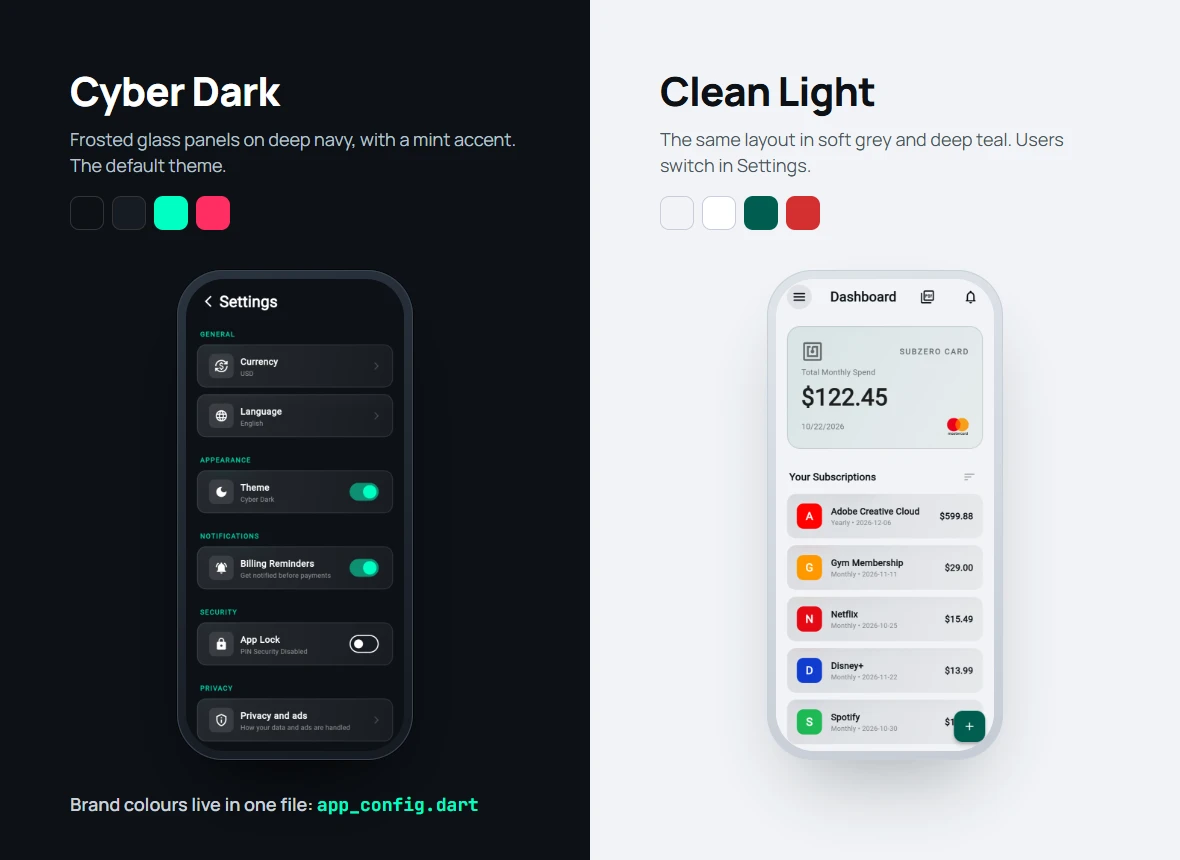
- Cyber Dark: deep navy with a mint accent.
- Clean Light: soft grey with a deep teal accent.
- Three-slide onboarding with a Skip button, plus a side drawer for Dashboard, Analytics and Settings.
Why Choose SubZero? (Core Business Value)
- 100% Offline and Private: No login, no backend server and no bank connection. Subscriptions, settings and the PIN stay on the user's device, so users never hand their spending data to anyone.
- Zero Backend Infrastructure Costs: No server and no hosting bill once the app is live.
- Monetization Built In: Google AdMob interstitial ads with Google UMP consent are already wired in.
- Easy Rebranding: App name, tagline, company, support email and brand colours live in
app_config.dart. App strings are in one constants file, the quick-add templates can be added, removed or repriced in one Dart file, and the icon and splash screen are regenerated withflutter_launcher_iconsandflutter_native_splash. - Release-Ready Setup: A unique app ID (
com.stacklynlabs.subzero), targetSdk 36, release signing throughkey.properties, and unit tests for billing dates, reminders and restore.
Monetization Ready with Google AdMob
- Interstitial ads shown when opening a subscription or adding a new one, capped at 2 per session, with the next ad preloaded.
- Google UMP consent runs before ads are initialised, with an "Ad privacy options" entry in Settings where required.
- Google test ad IDs are used in debug builds. Add your own AdMob App ID and ad unit IDs before release; the guides explain each step.
You are responsible for all costs, fees and taxes related to third-party ad services such as Google AdMob, for your own privacy policy, and for legal compliance in your target regions.
Technical Specifications For Developers
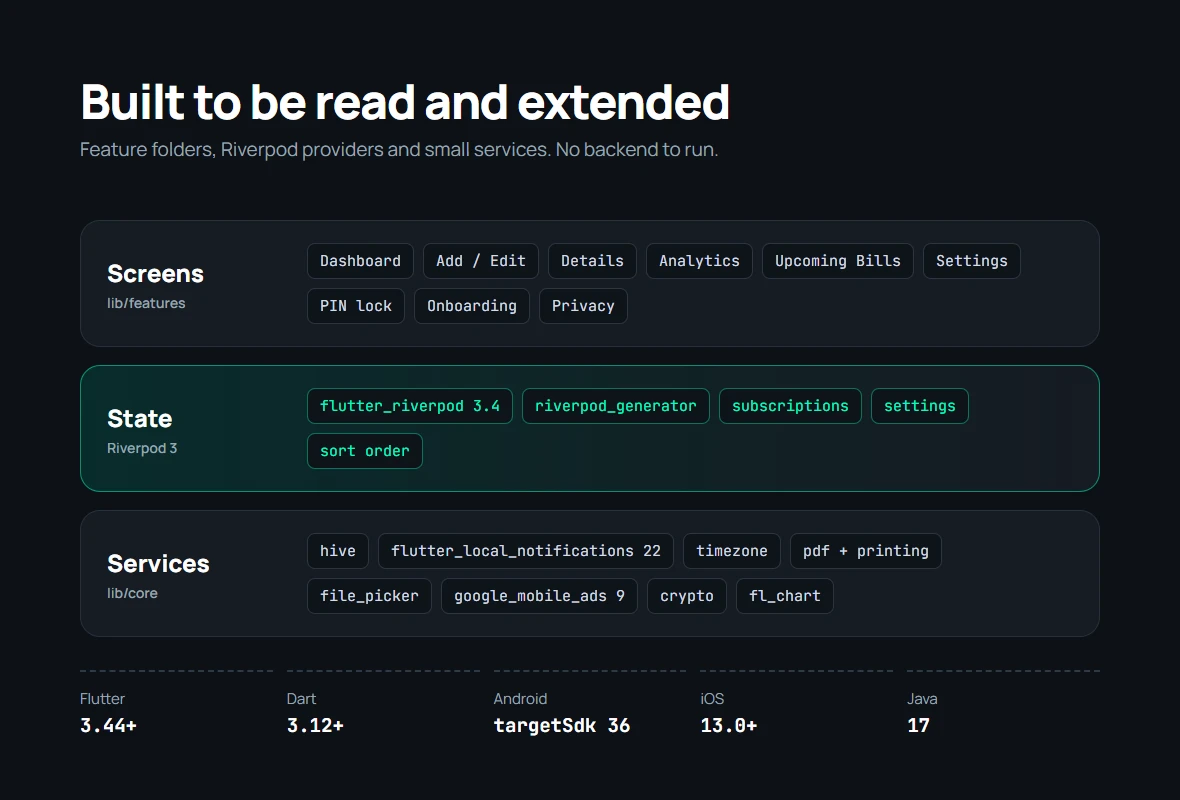
- Framework: Flutter 3.44+ and Dart 3.12. One codebase for Android (targetSdk 36) and iOS (13.0+).
- State Management: Riverpod 3 with
riverpod_generator, with providers for subscriptions, settings and sort order. - Local Database: Hive, which recovers from corrupted boxes on start.
- Local Notifications:
flutter_local_notifications22 withtimezoneandflutter_timezone, and the Android 13+ notification permission request. - PDF Reports: the
pdfandprintingpackages. - Backup & Security: file backup with
file_picker, and PIN hashing withcrypto. - Code Structure: feature folders for screens, plus core folders for services, constants, config and shared UI.
- Web Build for Demos: the same code runs in a browser for the live preview. Notifications, backup and restore, PDF export and ads are mobile-only.
What Is Included in Your Purchase?
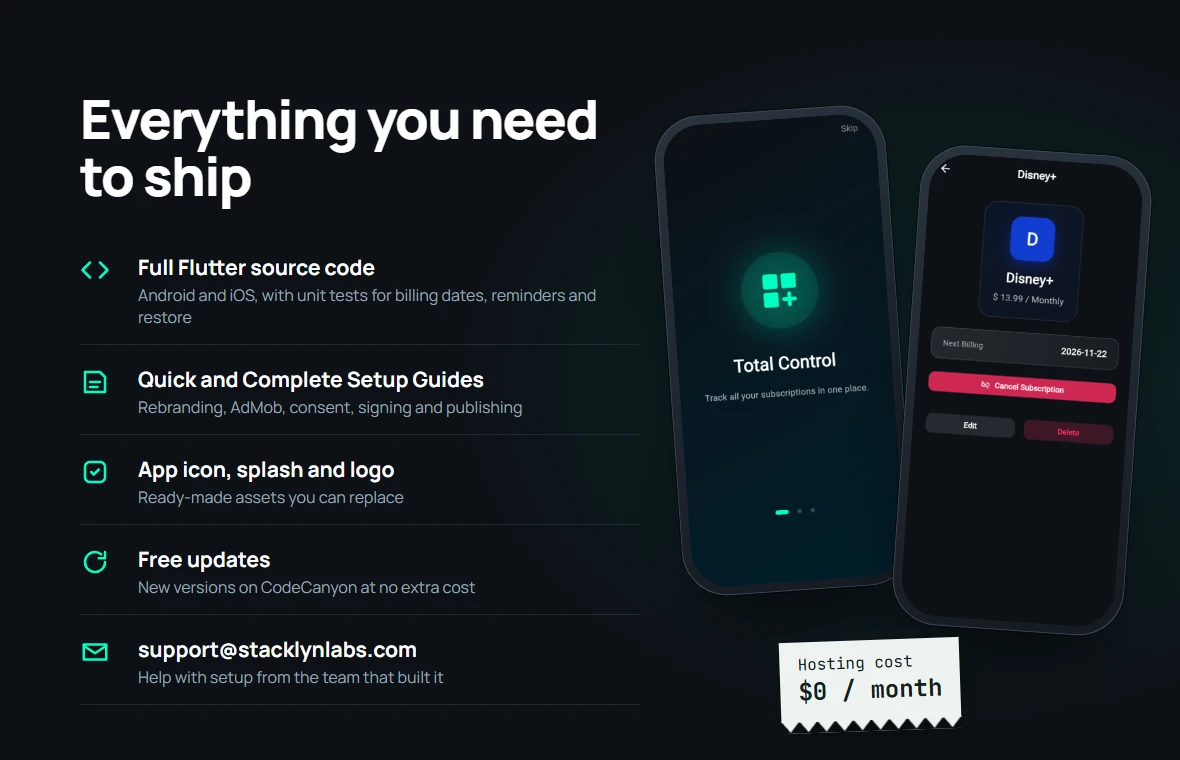
- Complete Flutter Source Code (Android & iOS), with unit tests
- Developer documentation: Quick Setup and Complete Setup HTML guides covering setup, rebranding, AdMob and consent, release signing, troubleshooting and FAQ
- App icon, splash screen and logo assets
- Free lifetime updates
Requirements
- Flutter SDK: 3.44 or later (Dart 3.12).
- Android builds: Java 17.
- Platforms: Android (targetSdk 36) and iOS 13.0 or later.
- Backend: none required.
Not Included
- User accounts, cloud sync or bank connections.
- Exchange-rate conversion (the 5 currencies are display only).
- Notifications, backup and restore, PDF export and ads in the web build, which is for demos only.
AI-assisted tools were used to help produce parts of this item, including source code, documentation text and some graphic assets. All output was reviewed, tested and edited by the author.
Start your own subscription tracker app with the SubZero Flutter template.
Developed by Stacklyn Labs developers.
 CodeCanyon
 Codester