Putting sensitive user credentials in a standard cloud database is a massive liability. Every network request expands your attack surface, giving bad actors a target for interception. When you rely on external infrastructure to store highly sensitive data, a single server breach compromises your entire user base.
For password managers, crypto wallets, and secure enterprise tools, this external reliance presents an unacceptable risk. The industry standard is shifting toward an Offline-First Flutter Architecture. By keeping data encrypted on the device and leveraging hardware-level security, you remove the cloud from the attack vector entirely.
This guide breaks down the technical implementation of platform-native security within Flutter. We will examine how to interact directly with the iOS Keychain and Android Keystore to build hardened, local-first applications.
The database sitting underneath this security layer matters just as much as the encryption itself. We cover that decision in choosing a Flutter local database in 2026.
The Infrastructure Black Hole
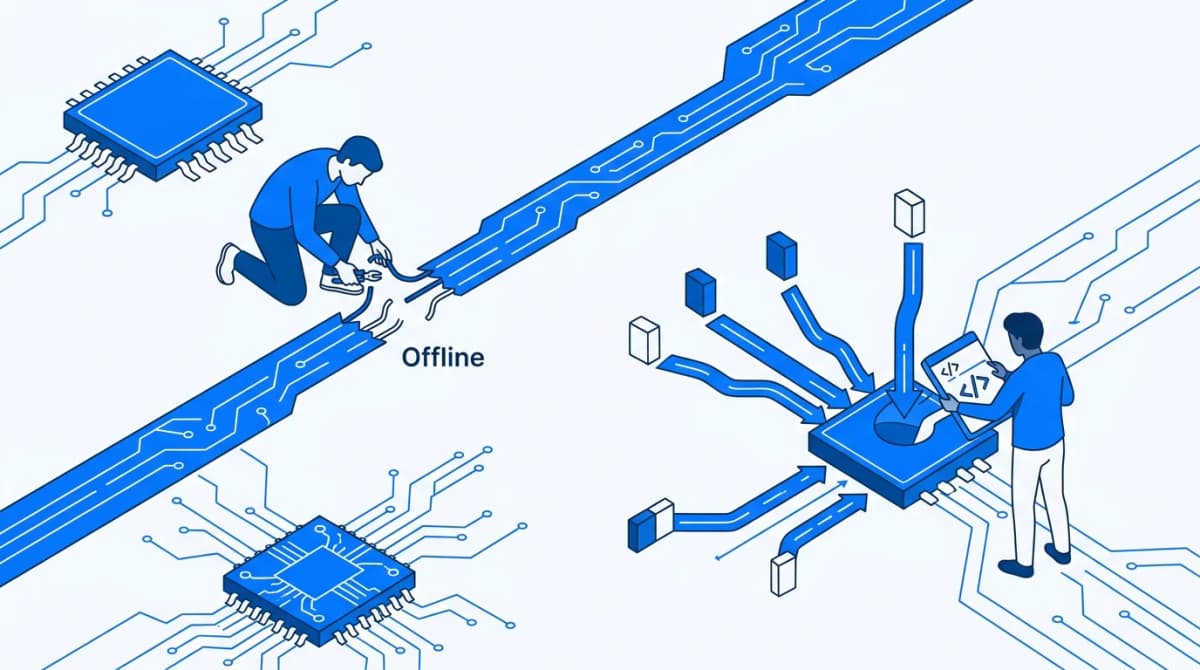
Building a robust Offline-First Flutter Architecture from scratch burns through engineering cycles. You spend weeks designing local-first syncing engines and managing complex database migrations. Teams consistently waste months debugging state management and writing custom CRDTs (Conflict-free Replicated Data Types) just to handle edge cases in offline data reconciliation.
These architectural challenges are massive time-sinks for development teams. Your engineers end up building basic infrastructure instead of shipping core product features.
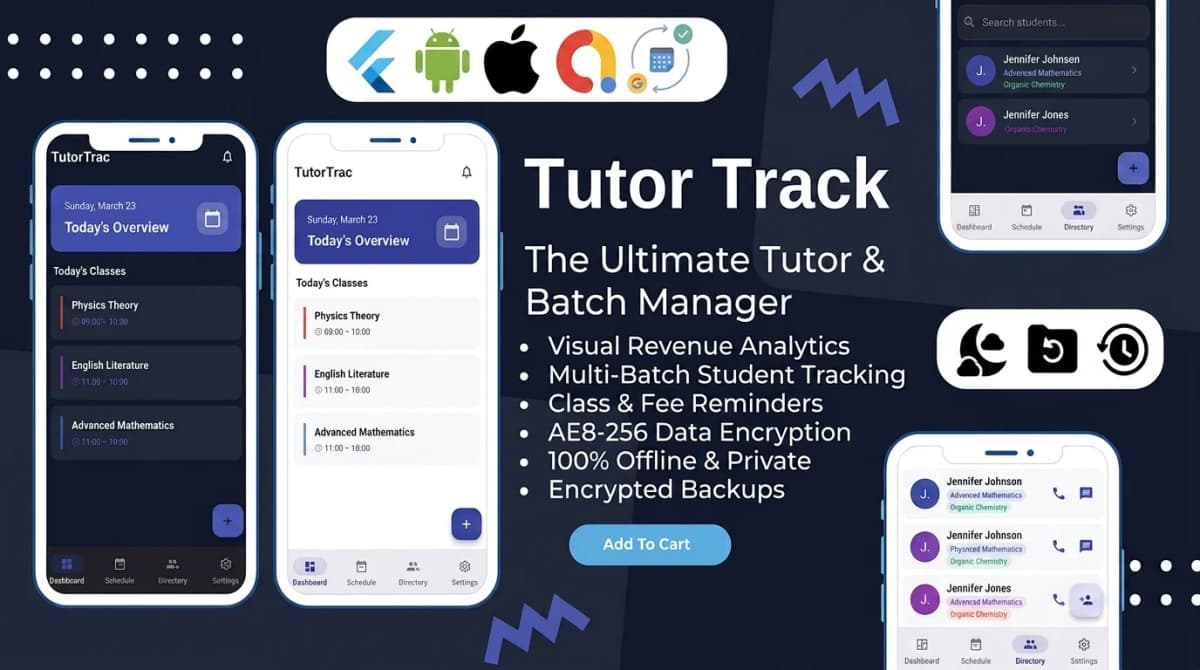
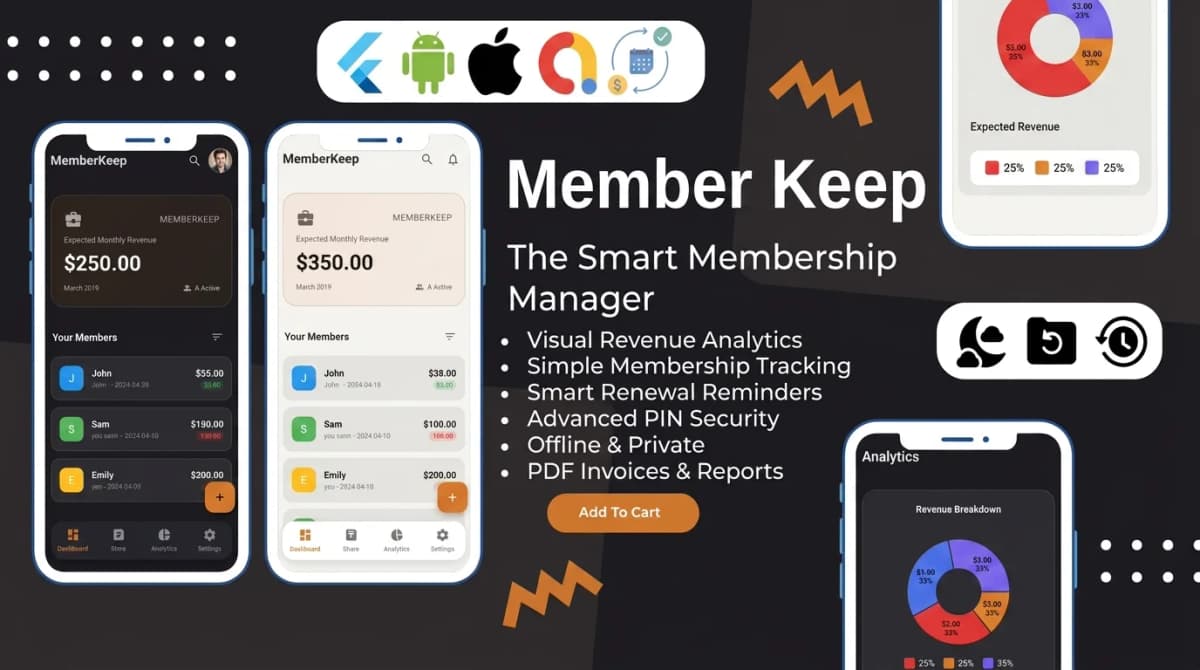
We see this frequently at Stacklyn Labs. Agencies try to roll their own secure local storage protocols and inevitably hit platform-specific roadblocks. Utilizing production-ready, feature-first Flutter templates or SaaS-in-a-Box bundles allows you to bypass these infrastructure headaches entirely. SubZero, our offline subscription and expense tracker, already ships with PIN-gated access on top of a 100% offline Hive data layer, exactly the pattern this post walks through, so you inherit the architecture instead of building it from a blank file. This pragmatic approach lets your team ship months faster while maintaining enterprise-grade security.
Bridging Flutter to Platform-Native Enclaves
The core philosophy of local-first applications prioritizes on-device data sovereignty. You grant users total control over their cryptographic keys. To achieve this in Flutter, you need a secure bridge between your Dart code and the underlying operating system.
The Flutter community relies heavily on the flutter_secure_storage package for this exact purpose. It acts as a mandatory abstraction layer. It provides a unified API that routes your read and write requests directly to the native cryptographic vaults of the host device.
When your application executes a basic write command, the routing is entirely platform-specific:
- iOS Targets: The package interfaces with the iOS Keychain using C-based security APIs.
- Android Targets: The package communicates with the Android Keystore system.
Hardening the iOS Keychain
The iOS Keychain is far more than a hidden text file. It is an encrypted SQLite database managed by the securityd daemon, isolated entirely from your application sandbox. Apple designs this system to protect certificates, cryptographic keys, and passwords using hardware-backed encryption.
Key technical characteristics include:
- At-Rest Encryption: The operating system encrypts every item before it touches the physical disk.
- Hardware Binding: The system ties stored data directly to the physical device's Secure Enclave. Extracting the raw database file via forensic tools yields useless, encrypted static.
- Access Control Matrices: Applications must possess strict entitlements configured in Xcode.
You control data accessibility through specific system attributes. Using flutter_secure_storage, you dictate exactly when the operating system exposes the data. For example, configuring an item with IOSOptions(accessibility: KeychainAccessibility.firstUnlockThisDevice) ensures the payload remains heavily encrypted after a reboot. The system only grants access after the user successfully authenticates with the device for the first time.
Tapping into the Android Keystore
The Android Keystore system operates differently but achieves the same enterprise security goals. It provides a specialized container that makes key extraction incredibly difficult for both attackers and legitimate users.
Modern Android devices utilize a Trusted Execution Environment (TEE) or a dedicated Hardware Security Module (HSM). The Keystore runs isolated from the main Android OS.
Critical security features include:
- Hardware-Backed Generation: You can instruct the Keystore to generate cryptographic keys directly inside the hardware boundary. The raw key material never enters the device's main memory.
- Authentication Binding: You can bind specific cryptographic operations to user biometrics. If an application needs to decrypt a payload, the OS hardware demands a fresh fingerprint or PIN scan before executing the operation.
- Alias Isolation: Applications request operations via string aliases. Your application never touches the private key; it simply asks the Keystore to sign or decrypt data using a referenced alias.
For comprehensive device support, flutter_secure_storage manages Android fragmentation automatically. On older versions, it falls back to EncryptedSharedPreferences. Developers guarantee maximum security compatibility by defining AndroidOptions(encryptedSharedPreferences: true) in their initialization logic.
Blueprint: Architecting a Secure Password Manager
Building a secure password manager requires a multi-layered cryptographic approach. You cannot just dump strings into the secure storage layer and call it a day. You must separate the authentication mechanism from the storage vault.
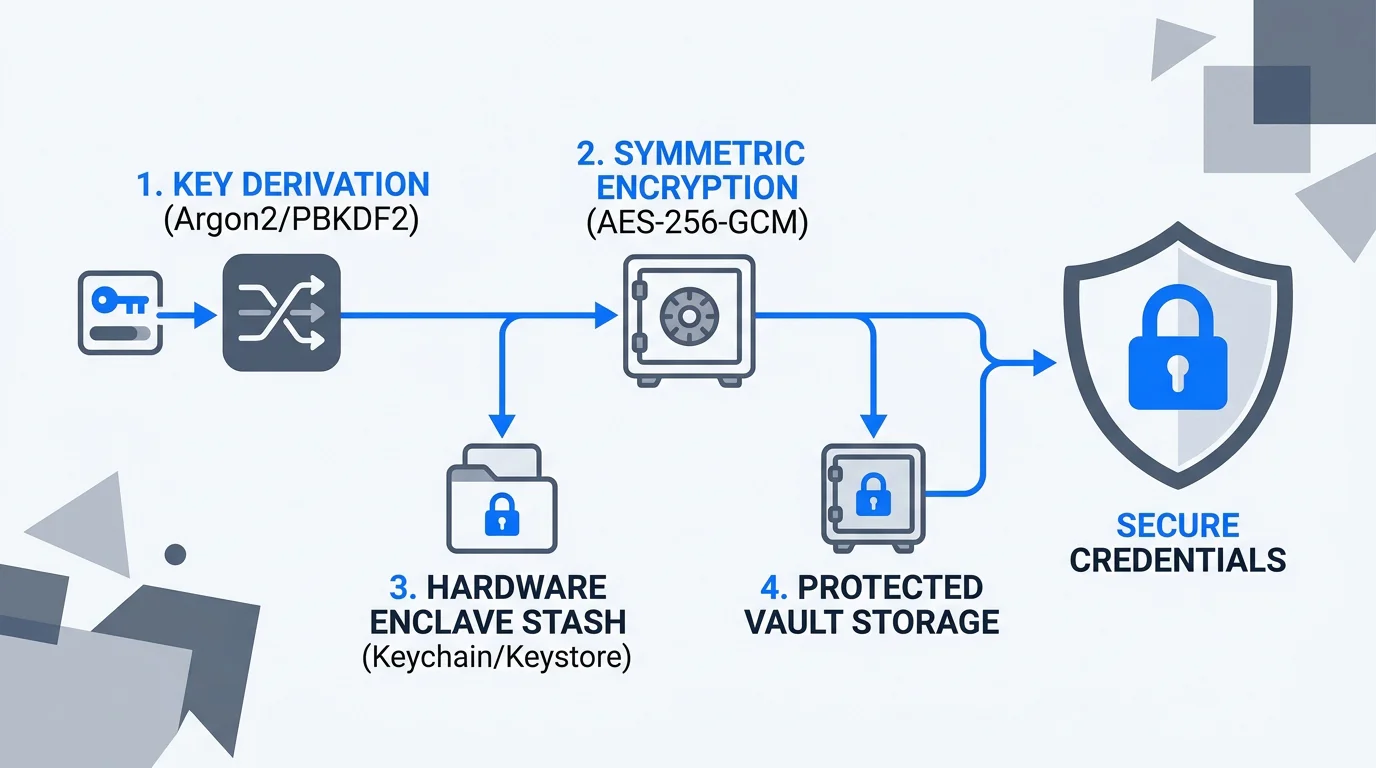
Here is the architectural workflow for a hardened, offline-first password manager:
- Key Derivation Function (KDF): You never store the user's master password. You pass their input through an aggressive, memory-hard hashing algorithm like PBKDF2 or Argon2. This generates a high-entropy cryptographic key.
- Symmetric Vault Encryption: You establish a local database (like SQLite or Isar) to store the user's saved credentials. You encrypt this entire vault file using a symmetric cipher like AES-256-GCM. The key generated in step one acts as the encryption key.
- Secure Enclave Stash: You take that derived encryption key and stash it inside the iOS Keychain and Android Keystore. This relies entirely on the platform-native security mechanisms discussed above.
- Biometric Gates: When the user returns to the app, you do not force them to type the master password again. You prompt the native OS for Face ID or fingerprint authentication. Upon success, the secure storage releases the derived key, and your app decrypts the local vault.
If a bad actor steals the physical device and extracts the local vault file, they get nothing. The file is encrypted with AES-256. They cannot decrypt it because the master key sits trapped inside the device's hardware security module, inaccessible without the user's face or finger.
The Broader Ecosystem Impact
Mastering flutter secure storage capabilities changes how you approach enterprise software design. Relying on local hardware shifts the security burden away from your backend infrastructure.
This architecture impacts the ecosystem in several measurable ways:
- Regulatory Compliance: Designing local-first applications simplifies GDPR, CCPA, and HIPAA compliance. If user data never touches your servers, your legal liability drops significantly. You eliminate the risk of a mass cloud breach.
- Zero-Trust Engineering: You treat your own network as compromised. By encrypting everything on the device before transmission (if syncing is required later), you enforce true zero-knowledge architecture.
- Expanded Use Cases: This pattern extends beyond password managers. Enterprise architects use this exact blueprint for local document vaults, offline-first medical charting applications, and self-custodial cryptocurrency wallets.
The abstraction provided by modern Flutter packages accelerates this secure development cycle. Engineers implement robust, hardware-backed encryption with clean Dart APIs instead of wrestling with JNI (Java Native Interface) and Objective-C wrappers.
Final Thoughts
Security requires structural integrity at the foundation of your application. Relying exclusively on network transport layer security (TLS) and cloud databases leaves your application vulnerable to intercept and infrastructure-level attacks. Shifting the storage burden to the device's hardware enclave neutralizes these threats.
Stop treating local storage as a cache. Treat it as an isolated, cryptographic vault. By mastering these platform-specific storage APIs and leveraging modular architecture, you build software that actively resists compromise.
References & Further Reading
- flutter_secure_storage package - Pub.dev
- Keychain Services - Apple Developer Documentation
- Android Keystore System - Android Developers Documentation
- How to Store Sensitive Data Securely in Flutter - CodeMagic Blog

Written by Stacklyn Labs
Stacklyn Labs is a small studio publishing offline-first Flutter templates on CodeCanyon and Codester since 2025, and building custom Flutter and web apps for the teams who buy them.