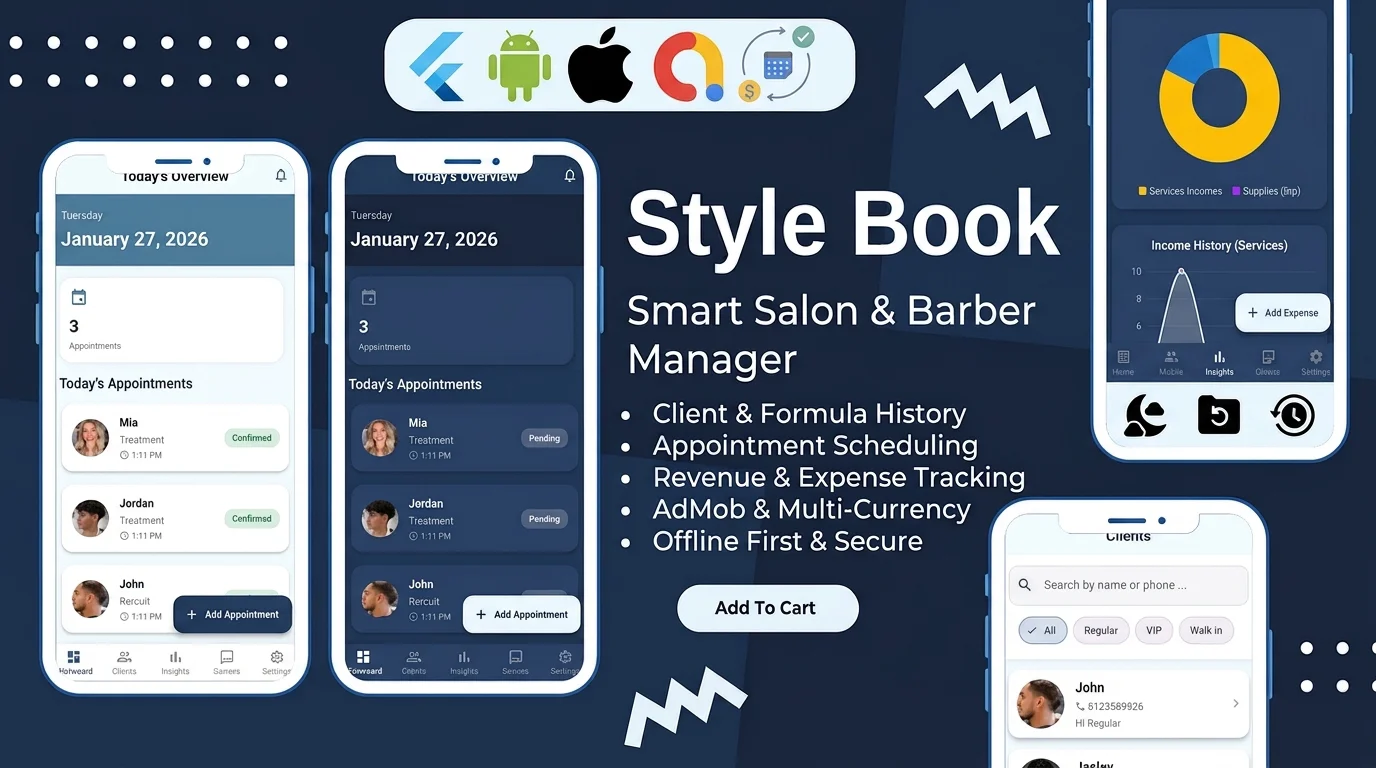
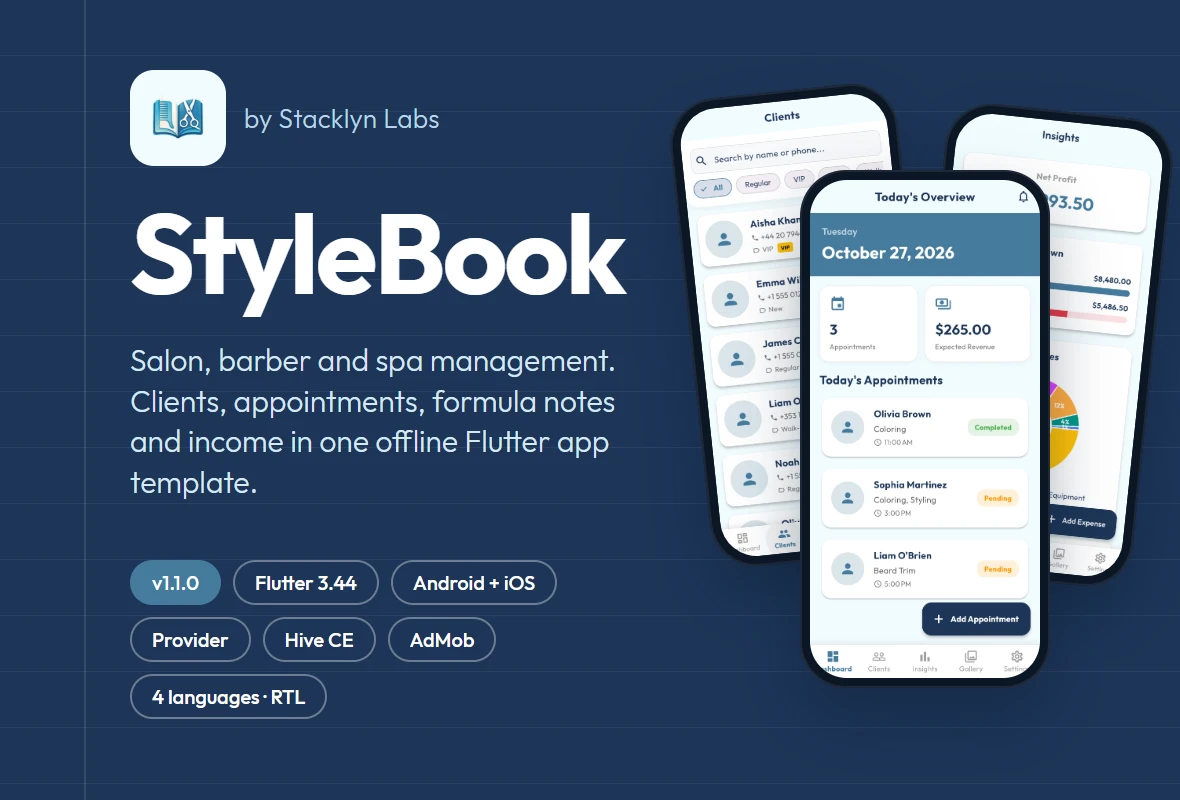
StyleBook is an offline-first Flutter app template for barbershops, hair salons, nail studios, spas and freelance stylists. It keeps a client CRM with photos and visit history, books appointments with formula notes and a reminder 1 hour before each one, and tracks income, expenses and net profit with charts. All data stays on the device in a local Hive CE database. There is no backend, no monthly fee and no internet requirement, so a dead Wi-Fi connection at the front desk does not stop the day's bookings.
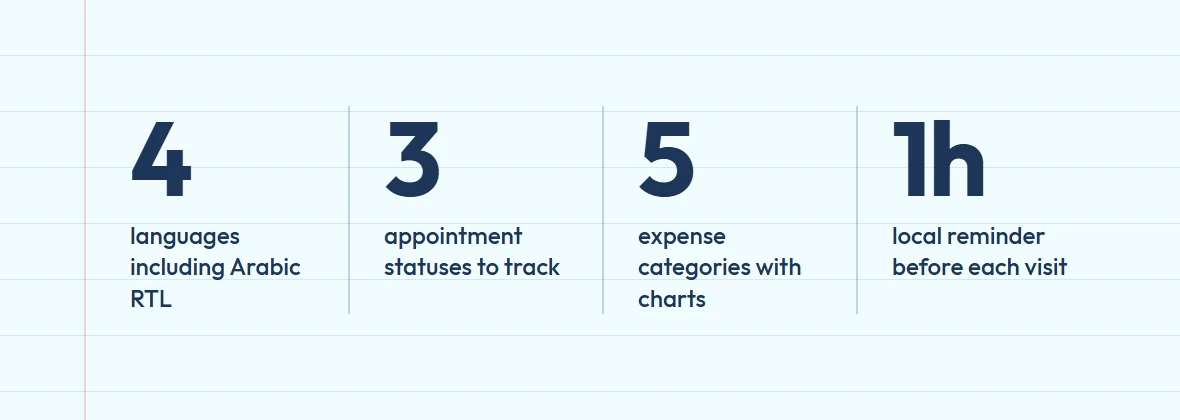
For a developer or agency building a salon app for a client, StyleBook is a Provider codebase for Android and iOS with a layered structure (models and data service, providers, screens) that is easy to read, rebrand and extend. It ships with four languages, including Arabic with full right-to-left layout, and light and dark themes.
What's New in v1.1.0
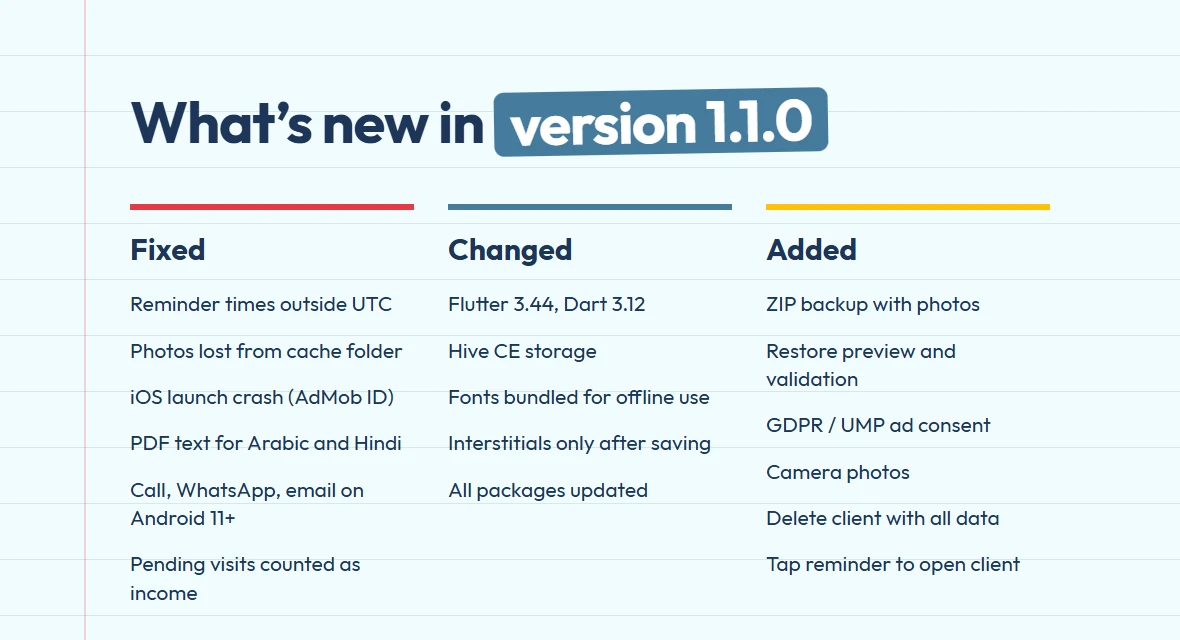
Version 1.1.0 brings the template up to Flutter 3.44 and Dart 3.12, moves storage to Hive CE, and fixes a long list of reminder, photo, PDF and iOS issues. Existing data opens unchanged.
- Updated stack: Flutter 3.44 and Dart 3.12, Android Gradle 9.1, AGP 9.0.1, Kotlin 2.3.20 and Java 17, and the iOS UIScene lifecycle. All packages are updated, Hive is replaced by Hive CE, and fonts are bundled for fully offline use.
- ZIP backups with photos: Backups include every photo, and restore now previews and validates the file first.
- GDPR ad consent: Google's UMP consent form, with an Ad Privacy Options entry.
- Camera photos: Take a photo with the camera as well as picking one from the gallery.
- Cleaner workflows: Delete a client with all related data, tap a reminder to open the client, and a See All expenses screen.
- Release ready: Release signing through
key.properties, an iOS privacy manifest and unit tests. - Reminder fixes: Reminder times outside UTC, the notification permission on Android 13+ and iOS, reminders after a reboot, and Due today and Overdue on the reminders screen.
- Photo and platform fixes: Photos lost from a temporary folder, an iOS launch crash from a missing AdMob App ID, Call, WhatsApp and Email on Android 11+, and interstitials on tab switches.
- PDF and number fixes: PDF text for Arabic and Hindi, hard-coded currency and page numbers in PDFs, "12,50" and Arabic digits in amount fields, and pending and cancelled visits counted as income.
- Other fixes: Client search and its clear button, plus several RTL layout and translation issues.
Core App Features
Client CRM for Salons and Barbershops
Every customer is in one searchable list, with contact details and full visit history on one screen.
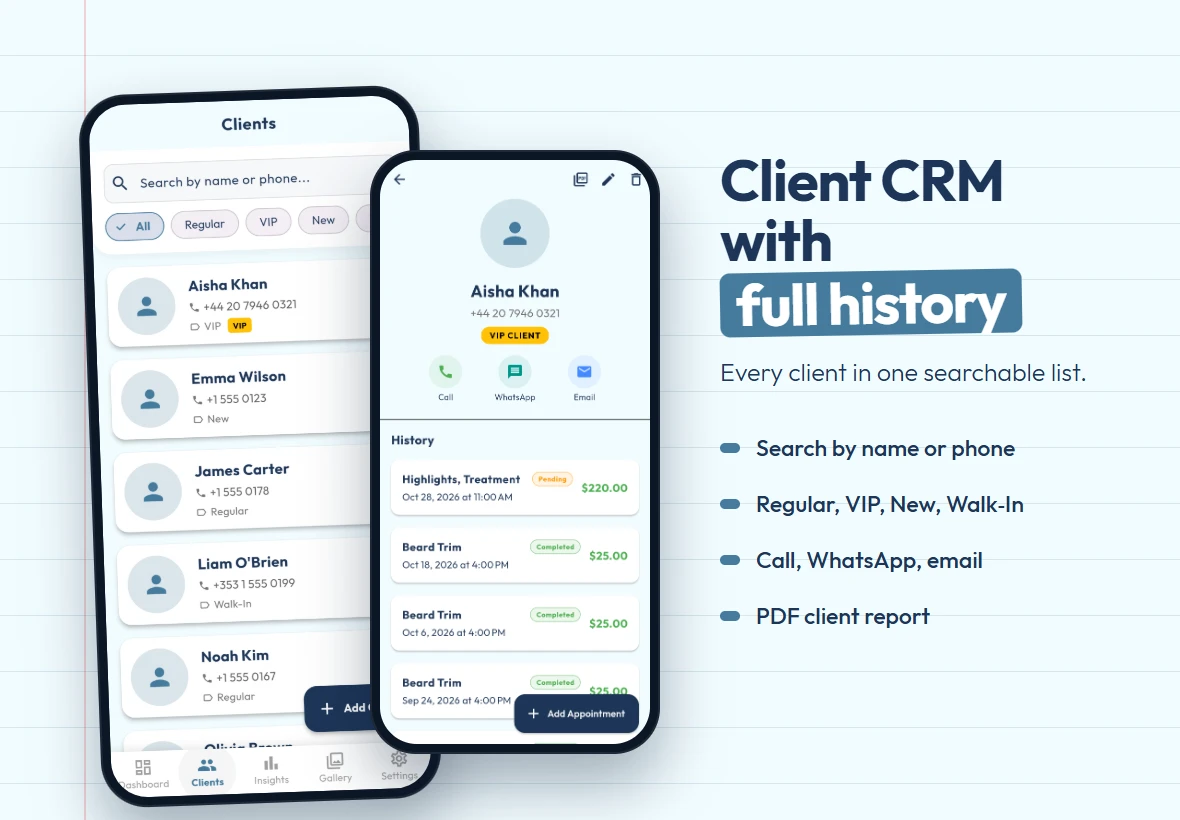
- Search & Filter: Search clients by name or phone number, and filter by client type: Regular, VIP, New or Walk-In.
- Client Details: Name, phone, email, Instagram handle, notes (for example preferences and allergies) and a profile photo.
- One-Tap Contact: Call, WhatsApp or email a client with one tap.
- PDF Client Report: Share a PDF report with the appointment history, using your currency symbol.
- Clean Delete: Delete a client and all their appointments, photos and reminders in one step.
Appointment Booking with Reminders
- Appointment Details: Services, date, time, total cost, status and a photo for every appointment.
- Service Chips: Quick-pick chips for Haircut, Beard Trim, Coloring, Highlights, Treatment and Styling.
- Three Statuses: Pending, Completed and Cancelled.
- Reminders: A local notification 1 hour before each pending appointment. Tapping it opens the client.
- Follow-Ups: A reminders screen with "Due today" and "Overdue" follow-ups from next-due dates.
- Today's Dashboard: The day's appointment count and expected revenue.
Hair Formula and Technical Notes
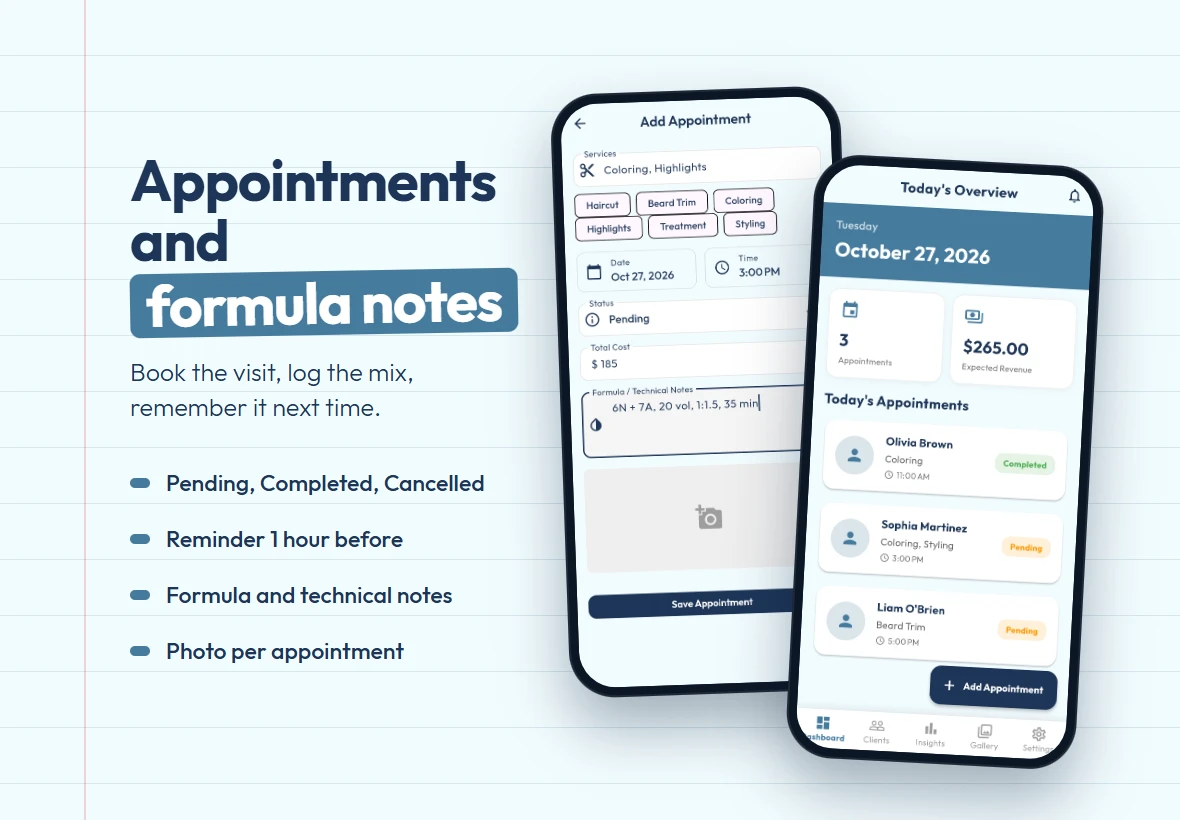
- Formula / Technical Notes: A free-text field on every appointment for the colour mix, developer strength, timing or any technical detail, so the next visit can repeat it.
- Visit Photos: Attach a photo to the same visit and see it in the client history.
- Safe Photo Storage: Photos from the camera or the gallery are stored in the app folder, so they are not lost.
Income and Expense Tracker with Net Profit
The Insights tab shows how the business is doing. Only Completed appointments count as income.
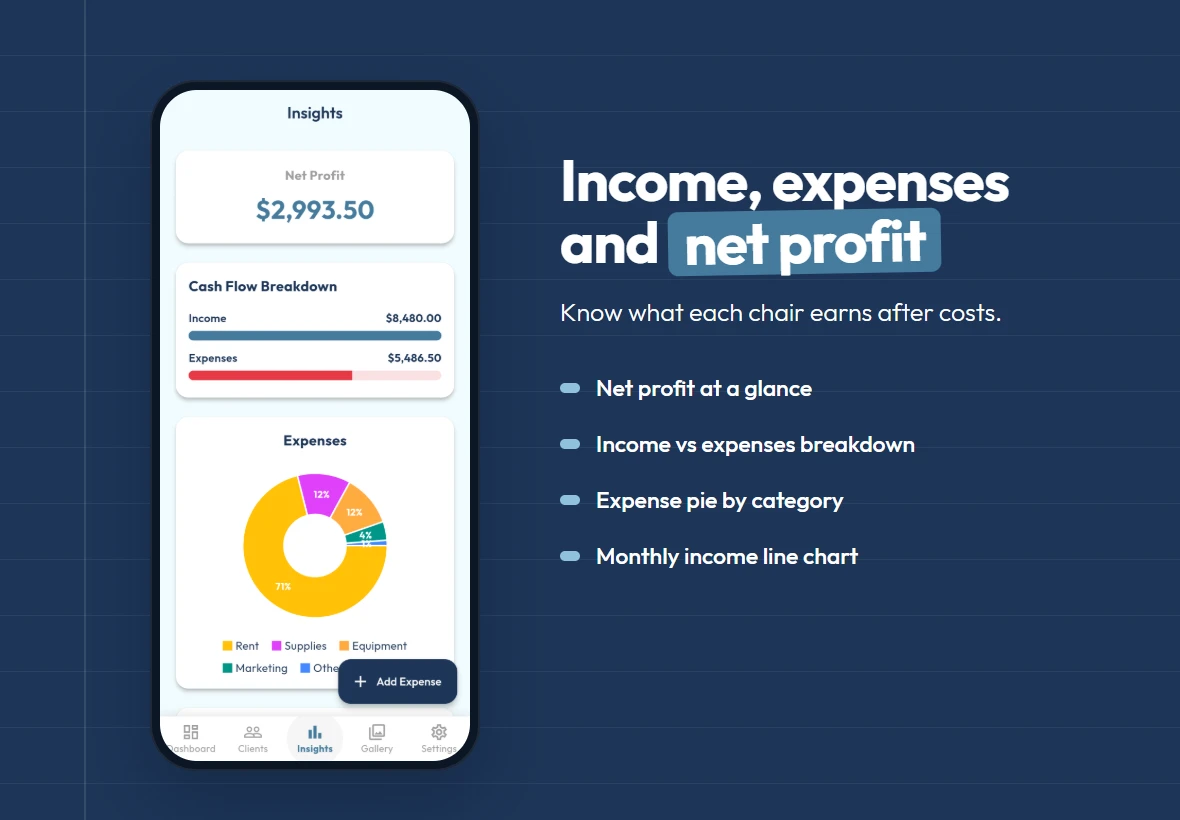
- Net Profit: A net profit card, plus an income vs expenses breakdown.
- Expense Pie Chart: Expenses by category: Rent, Equipment, Supplies, Marketing and Other.
- Monthly Income Chart: A line chart built with
fl_chart. - Expenses List: Add expenses, view recent ones and open the full list.
Offline Backup, Restore and Photo Gallery
- ZIP Backup: One file with all data, the currency setting and every client and appointment photo.
- Safe Restore: The file is checked first and record counts are shown before anything changes. Old 1.0 JSON backups can still be restored (without photos).
- Gallery: A Gallery tab groups photos by client.
- Clear All Data: Also removes reminders and photos.
Four Languages, Arabic RTL and Dark Mode
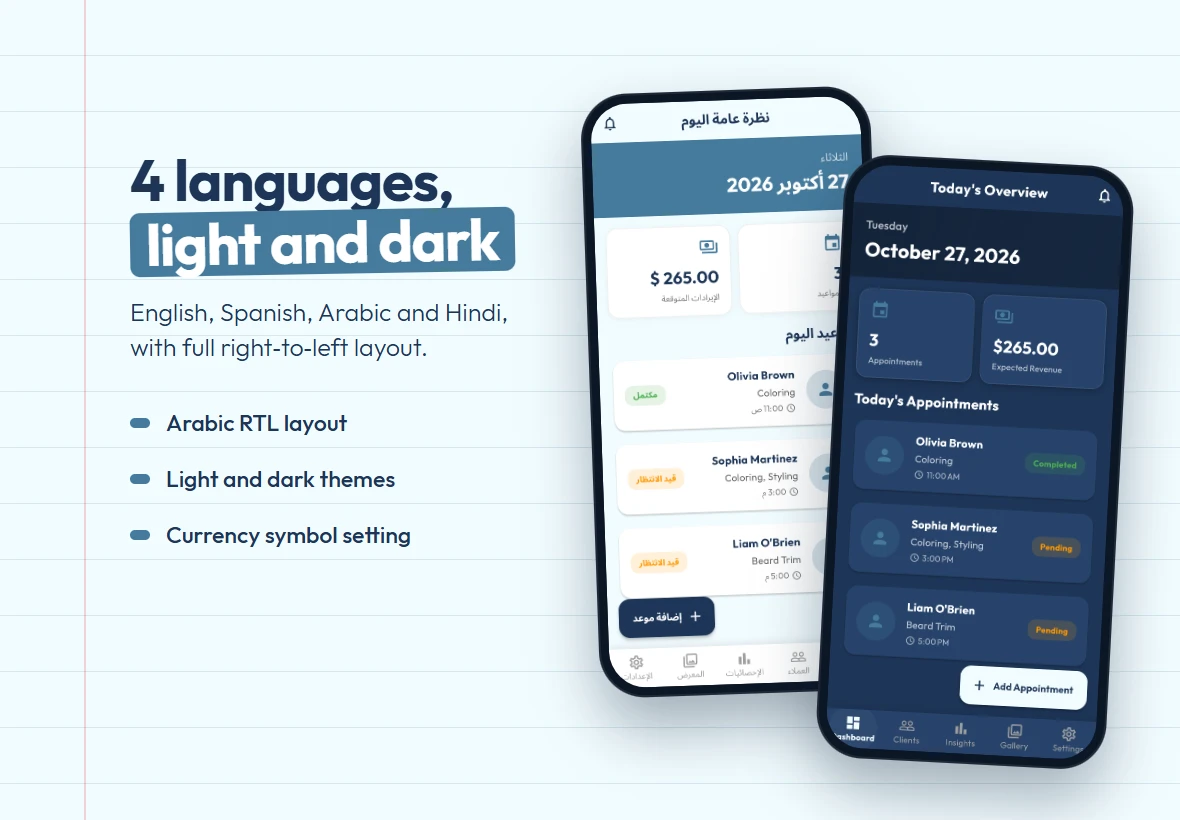
- Languages: English, Spanish, Arabic (right-to-left) and Hindi, chosen in Settings. The layout flips for right-to-left.
- Localized Formatting: Dates, month names and money follow the selected language.
- PDF Fonts: PDF reports embed Noto fonts, so Arabic and Hindi text prints correctly.
- Themes & Currency: Light and dark themes and a currency symbol setting, both in Settings.
Monetization
- AdMob Interstitials: Ads appear only after saving a record, with a limit of 3 per session and 2 minutes between ads.
- Consent Built In: Google's UMP consent form is included.
- Test IDs and an Off Switch: The project ships with Google test ad IDs, so replace them with your own before release. Ads can be switched off with one constant.
Why Buy StyleBook? (Developer & Business Value)
- Fully Offline: All data stays on the device, with no network dependency for the salon features.
- Zero Backend Infrastructure Costs: No backend and no monthly fee, so there is no hosting bill to pass on to a client.
- Clear Provider Architecture: Client, settings and stats providers on top of data models and a database service, with screens, widgets, services and ARB localization files in their own folders.
- Easy Rebranding: Change the colours in one theme file, replace the logo and icon, edit the translations in the ARB files, and set your own package name and AdMob IDs. The Complete Setup Guide walks through branding, translation, AdMob and publishing on Android and iOS.
Technical Specifications For Developers
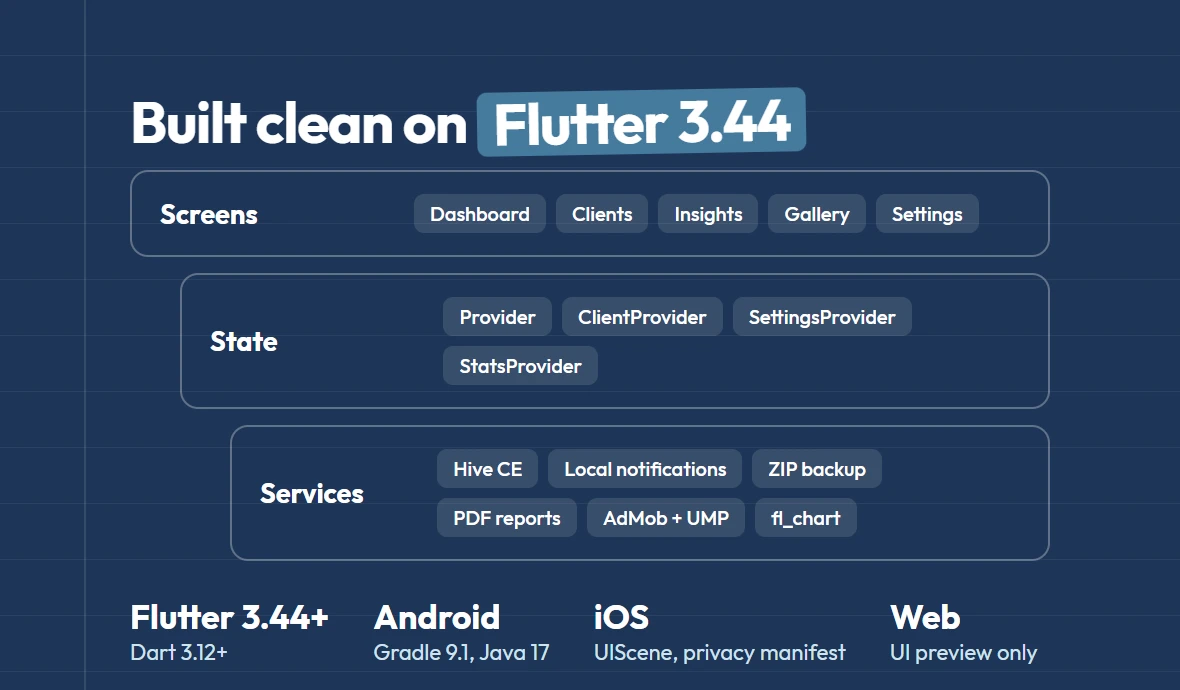
- Framework: Flutter 3.44 or newer, Dart 3.12 or newer.
- Programming Language: Dart.
- State Management: Provider (client, settings and stats providers).
- Local Database: Hive CE, a fast offline NoSQL store. No backend and no network dependency.
- Code Structure: Data models and database service, providers, screens and widgets, services, and ARB localization files.
- Main Packages:
fl_chart,flutter_local_notifications,pdf,share_plus,archive,image_picker,file_pickerandgoogle_mobile_ads. - Platforms: Android and iOS. The web build is included only to preview the UI in a browser. Reminders, ads and photo storage are mobile features and are not part of the web demo.
- Android Build: Android Gradle 9.1, AGP 9.0.1, Kotlin 2.3.20 and Java 17, with release signing through
key.properties. - iOS: UIScene lifecycle and an iOS privacy manifest.
- Tests: Unit tests are included.
What Is Included in Your Purchase?
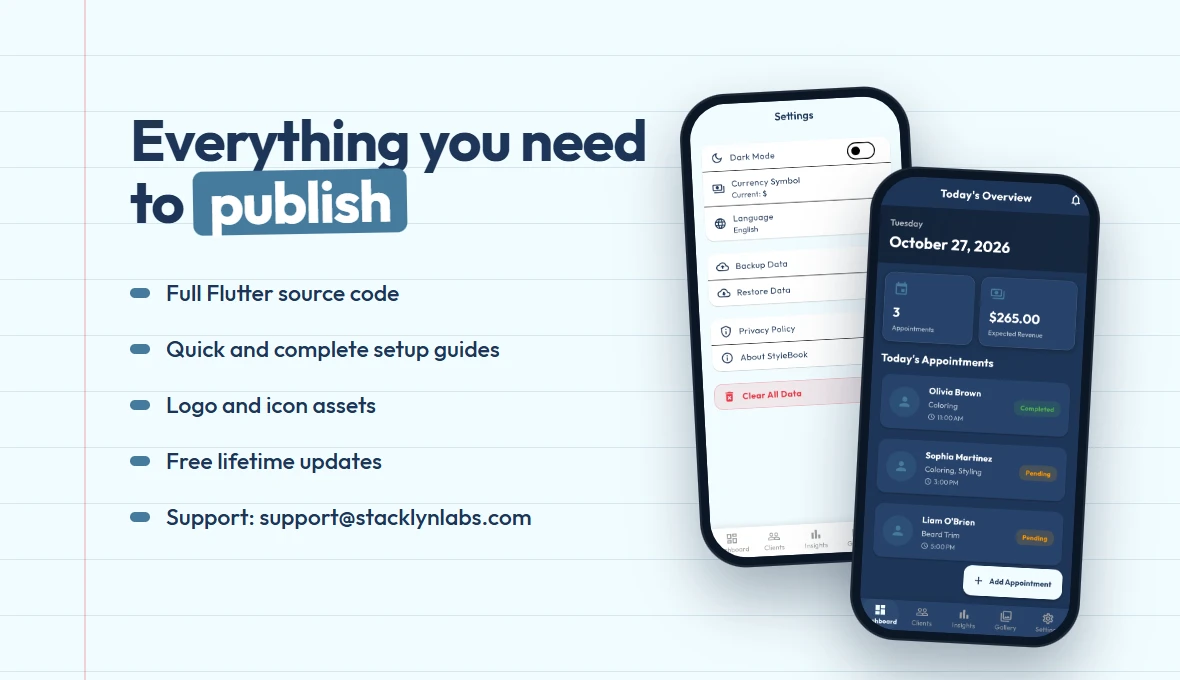
- Complete Flutter Source Code for Android & iOS
- Quick Setup Guide and Complete Setup Guide
- Logo and icon assets
- Free Lifetime Updates
- Support at support@stacklynlabs.com
Requirements
- Flutter SDK: 3.44 or later (Dart 3.12 or later).
- Backend: none required.
Not Included
- Your own AdMob ad IDs (the project ships with Google test ad IDs).
- A production web app. The web build is a UI preview only, without reminders, ads or photo storage.
Launch your own offline salon booking app with StyleBook.
Developed by Stacklyn Labs developers.
 CodeCanyon
 Codester