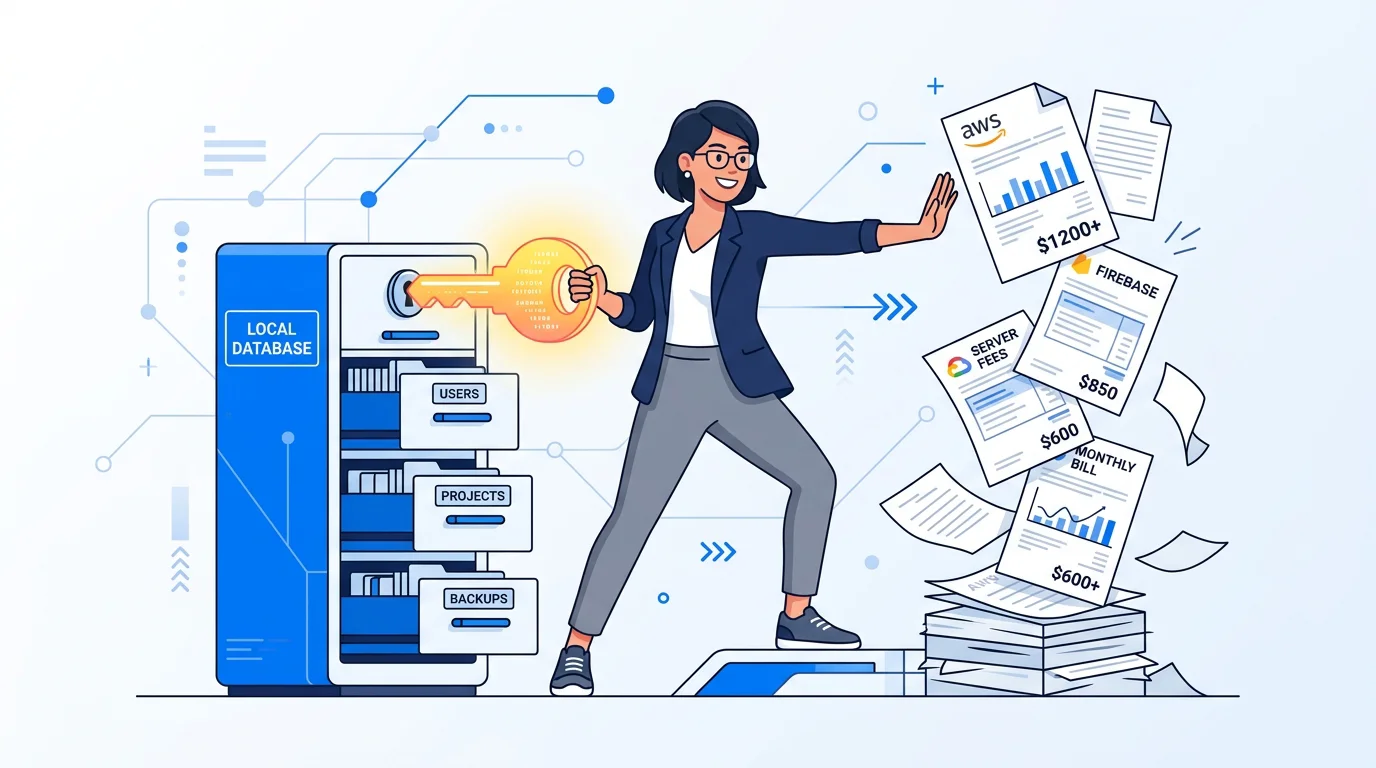
Let’s be completely honest for a second. There is a specific kind of dread that comes with opening an email from AWS or Firebase at the end of the month. When you first launch your app, that cloud bill is a cute, manageable $0. But as your user base grows, so do the database reads, writes, and storage fees. Before you know it, those recurring server costs are eating your monthly revenue alive.
If you are an indie developer trying to build a profitable Micro SaaS, you don't need a massive cloud infrastructure. You need profit margins.
You can actually build highly profitable applications without paying a single cent for server hosting. The secret? Shifting away from the cloud-first mindset and embracing a local database mobile app. By storing data directly on your user’s device, you guarantee zero backend cost, blazing-fast performance, and an app that works anywhere.
Here’s how you can leverage offline-first data storage to maximize your profit margins and build a sustainable solo business.
Which local database you pick shapes almost everything downstream, from query speed to how painful a future migration will be. We break down the real 2026 tradeoffs in choosing a Flutter local database in 2026.
The Hidden Trap of Cloud Subscriptions
The golden rule of solopreneur app development is keeping your overhead as low as humanly possible.
When you build a typical cloud-connected app, every time a user opens a screen, taps a button, or saves a note, your app pings a remote server. You pay for the API call, the database query, and the bandwidth. If you are building a social network, sure, you need that. But what if you are building a niche utility app?
Think about a salon owner managing daily appointments, a farmer tracking crop yields, or a freelance cleaner managing their weekly schedule. Do these users actually need real-time, multi-device cloud synchronization the second they open your app? Usually, no. They just need a tool that works instantly, reliably, and securely.
By forcing a backend onto an app that doesn't strictly need one, you are signing up for unnecessary monthly bills, complex server maintenance, and the constant stress of potential downtime. When your server goes down, your app breaks. When you use a local database, your app is practically invincible.
What Makes a Local Database Mobile App Different?
An offline-first application fundamentally changes how data is handled. Instead of treating a remote cloud server as the "source of truth," the app uses a database stored right on the phone.
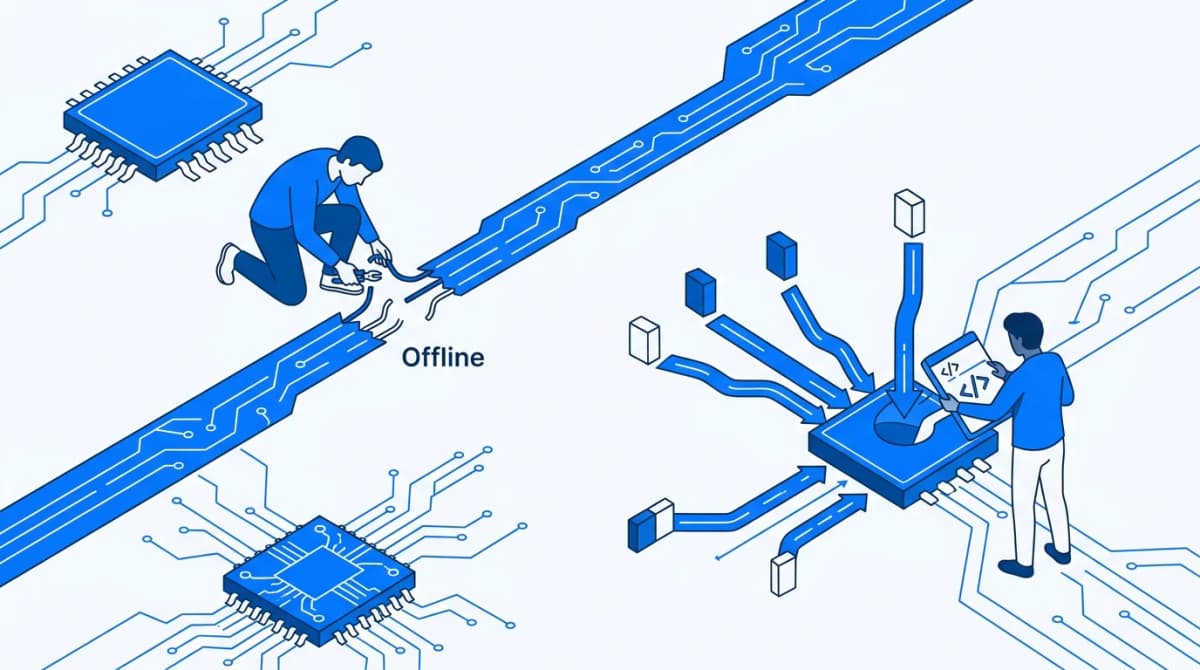
This isn't just about caching a few images so the app doesn't crash when the Wi-Fi drops. In a true offline-first architecture, all reads and writes happen on the device itself. If you eventually want to add a premium tier that backs up data to the cloud, you can build a background sync that only runs when the network is available. But the core experience? It lives entirely on the phone.
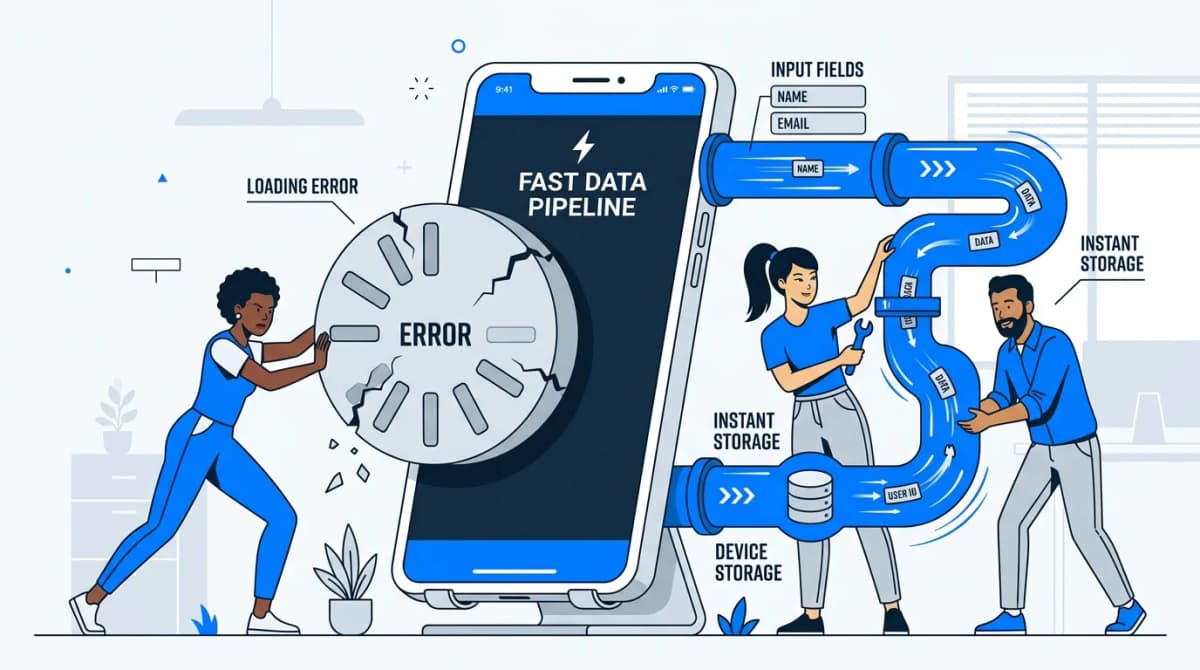
According to the International Telecommunication Union, roughly 2.2 billion people globally still lack reliable internet access. But you don't even need to go remote to lose a signal. Think about the everyday dead zones: subway tunnels, airplane mode, the back room of a warehouse, or a spotty rural highway. An offline-first app keeps working seamlessly in all these scenarios. Online-first apps just give you an endless, frustrating loading spinner.
The UX Advantage: Zero Latency
Beyond the financial perk of having a zero backend cost, local databases offer an incredible user experience upgrade: zero latency.
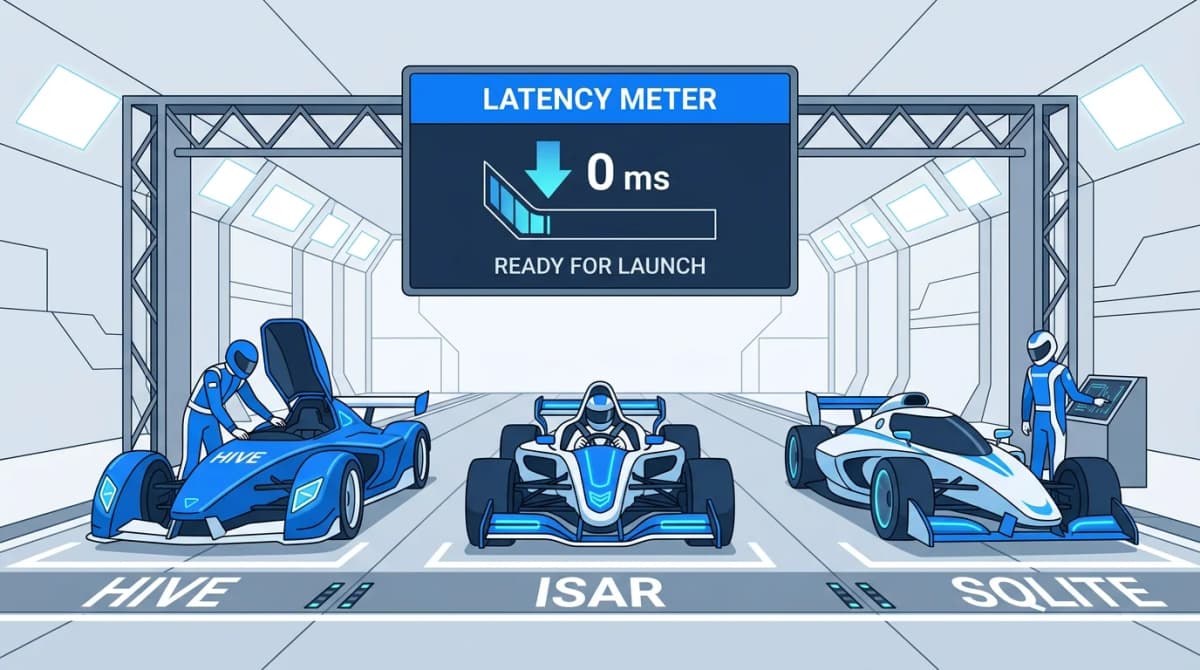
When a user taps "Save" on an offline-first app, the data is written to the local disk in milliseconds. There is no waiting for a network request to travel to a server halfway across the world and back. The UI updates instantly. This creates a snappy, premium feel that users love, and it’s a massive selling point for B2B apps where speed and efficiency are critical.
Your Mini Flutter Hive Tutorial
If you are sold on the concept, you might be wondering how to actually build this. For solopreneur app development, Flutter is arguably the best framework right now, allowing you to deploy to both iOS and Android from a single codebase. And when it comes to local databases in Flutter, Hive is a fan favorite.
Hive is a lightweight, fast, NoSQL key-value database written in pure Dart. Unlike SQLite, which requires you to write bulky queries and manage relational tables, Hive is incredibly simple. It stores data in "boxes" (which you can think of as folders or containers).
Here is a quick Flutter Hive tutorial to show you just how easy it is to set up a zero-cost backend:
Step 1: Initialize Hive Before you can use Hive, you need to initialize it in your main.dart file. It’s as simple as adding a few lines of code before your app runs.
Dart
await Hive.initFlutter();
Step 2: Open a Box Think of a box like a table in a traditional database. If you are building a to-do list app, you’d open a box just for your tasks.
Dart
var taskBox = await Hive.openBox('tasks');
Step 3: Read and Write Data Because Hive is a key-value store, interacting with it feels just like working with a basic dictionary or map. You don't need to write SQL statements or wait for network responses.
To add a new task:
Dart
taskBox.put('task_1', 'Finish writing the blog post');
To read that task back to your UI:
Dart
String myTask = taskBox.get('task_1');
That’s it! With just a few lines of code, you have a fully functional database. The data persists even when the user closes the app, it costs you absolutely nothing in server fees, and it operates at blazing speeds. You can even store complex custom objects by generating TypeAdapters, making it incredibly scalable for more advanced applications.
Profitable Micro SaaS Ideas for the Offline-First World
So, what should you build with this zero-cost architecture? The key is to look for niche B2B or utility applications where reliability is more important than social sharing.
Here are a few proven niches:
- Salon and Spa Management: Hairdressers and barbers often work in busy environments where they need to track appointments and revenue fast. A local CRM on their tablet is perfect.
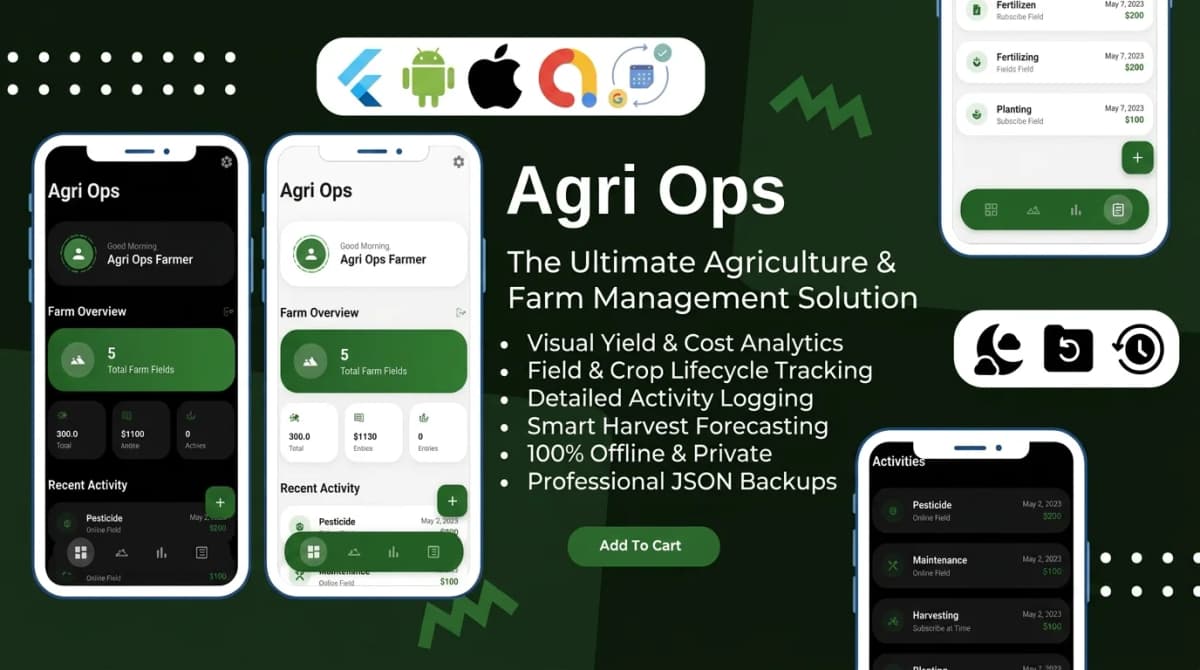
- Agriculture and Farm Operations: Farmers work out in the fields, often miles away from the nearest cell tower. An app that tracks crop cycles and equipment maintenance offline is a lifesaver.
- Property Cleaning Services: Cleaners moving from building to building need a reliable way to check off tasks and generate invoices without worrying about dead zones in basements.
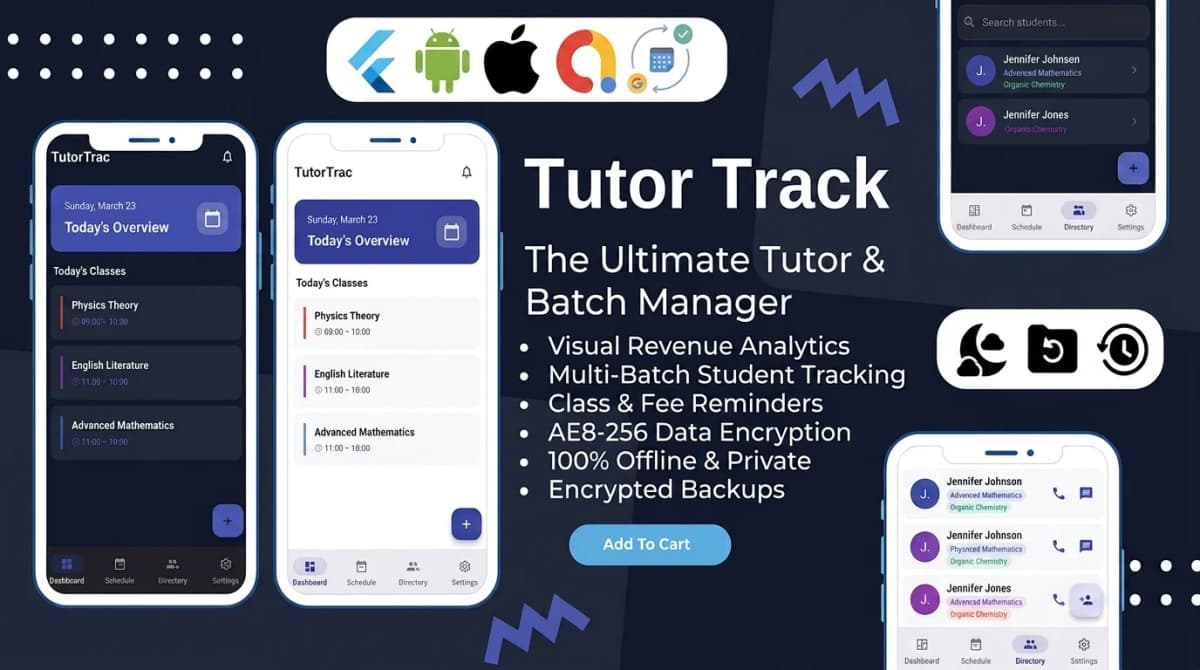
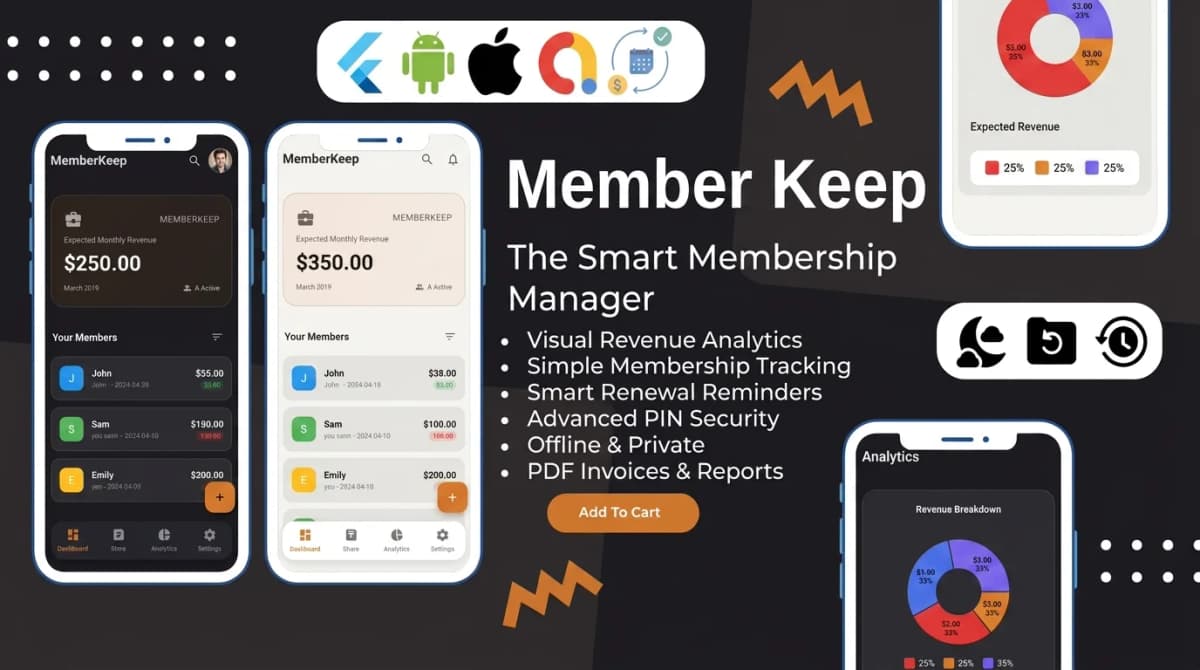
Building these apps from scratch can take months. But as an indie developer, your time is your most valuable asset. That's where our catalogue of offline-first Flutter templates comes in.
At Stacklyn Labs, we specialize in engineering premium, high-performance Flutter app templates and business-ready SaaS source code. We actually built fully functional, ready-to-publish apps for the exact niches mentioned above like our StyleBook salon manager, Agri Ops farm manager, and CleanSync job tracker. They are built entirely on robust, offline-first architectures utilizing blazing-fast local databases like Hive and Isar.
Wrapping Up
Solopreneur app development doesn't have to mean drowning in cloud infrastructure bills. By embracing a local database mobile app, you can completely eliminate your server expenses, bypass internet connectivity issues, and offer your users an incredibly fast, premium experience.
When your app costs nothing to run, every single sale goes straight into your pocket. That is the true power of a zero backend cost architecture.
If you want to skip the tedious setup and launch your profitable Micro SaaS in days instead of months, check out our marketplace of premium Flutter templates at Stacklyn Labs. Whether you want to buy ready-made source code or hire our studio for a bespoke build, we give you the clean, scalable architecture you need to succeed.
Suggested Meta Description: Learn how to build profitable Micro SaaS apps with zero backend cost. This guide to solopreneur app development covers offline-first architecture and includes a quick Flutter Hive tutorial to get you started.
References & Further Reading
- "Local-First Software" (Ink & Switch): The foundational 2019 research paper and manifesto that formalized the engineering approach of storing data primarily on the user's device to guarantee offline access, data ownership, and zero-latency performance.
- Hive Official Documentation: The definitive guide (
docs.hivedb.dev) for the Flutter database covered in this post, featuring advanced tutorials on setting up custom TypeAdapters, encryption, and local data management. - Flutter Local Data Persistence: An in-depth look at how Flutter handles offline data, comparing lightweight key-value stores with more robust relational (SQL) and NoSQL alternatives.
- Isar Database: A highly scalable, blazing-fast NoSQL database alternative for Flutter (built by the original creator of Hive) that handles complex local queries and relationships seamlessly.
- Indie Hackers (indiehackers.com): A premier community resource for solopreneurs building profitable Micro SaaS products, featuring countless case studies on bootstrapping apps, keeping backend server costs at zero, and maximizing profit margins.

Written by Stacklyn Labs
Stacklyn Labs is a small studio publishing offline-first Flutter templates on CodeCanyon and Codester since 2025, and building custom Flutter and web apps for the teams who buy them.