You bought a Flutter template. It runs and does what the demo promised, and it still shows the author's name under the launcher icon and the author's package ID. You asked for quotes and got three: $25, $180, and one that wants a call first.
That spread is the app reskinning cost question in one inbox. People mean different things by the word. Here, a reskin means putting your own brand on an existing template or app: logo, colours, app name, package ID, signing keys and store assets. It is not a UX redesign or a rebuild.
That distinction matters when you search. Many of the agency pages that come up for the cost to reskin an app are pricing redesigns, so their numbers answer a different question from yours.
A reskin in the sense above is a known list of tasks. The price follows from how many of them your template needs and how deep each one goes, and you can work most of that out before you talk to anyone. That is how we price our own Flutter app reskinning service: published from-prices for a defined scope, then a fixed quote once we have seen the template. Below is the list, what moves the price, what a $25 gig can and cannot reasonably cover, and the costs that sit outside every quote, ours included.
What a reskin actually consists of
When two quotes differ by 7x, the difference is almost always somewhere in this table.
| Work item | What it involves in a Flutter project | Where it goes wrong |
|---|---|---|
| Logo and launcher icon | Replace the in-app logo, the splash screen, and the launcher icon at every size Android and iOS ask for | Only the in-app logo changes; the home-screen icon is still the author's |
| Colours | Apply your palette through the app's theme so every screen picks it up | Hard-coded colours survive in dialogs, charts and empty states |
| App name | Android launcher label in AndroidManifest.xml, iOS display name in Info.plist, plus in-app strings |
The title bar says your name; the home screen does not |
| Application ID and bundle ID | applicationId and namespace in the Android Gradle file, the Kotlin package path, the iOS bundle identifier |
A placeholder ID gets uploaded and becomes permanent |
| Signing | Android upload keystore wired into the release build; iOS signing through your Apple Developer account | Nobody is sure who holds the keystore |
| Backend and service keys | API base URL, the template's admin panel, Firebase registration for the new package name, ad unit IDs | Push notifications or analytics stop working and nobody sees an error |
| Demo content | Sample data, the author's links, support email, privacy policy URL | Reviewers and users find it before you do |
| Release build | An Android App Bundle for Play and a signed iOS build for App Store Connect | A debug build or unsigned APK gets delivered as "done" |
| Store listing assets | Screenshots, feature graphic, store icon, descriptions | Assumed to be included, then is not |
The Firebase row deserves a note. If the template ships a google-services.json and you change the package name without registering the new one in Firebase, the Android build fails with the widely reported "No matching client found for package name" error. That failure is loud, which makes it the easy case.
App reskinning cost: what moves the price
There is no honest universal number, because the same word covers a ten-minute icon swap and a week of identity, signing and server work. Here is what moves a quote, and where each driver lands against the tiers we publish.
| Price driver | Lighter end | Heavier end | Where it usually lands |
|---|---|---|---|
| Starting point | You have done most of it; one thing is broken, such as a build that fails after a package rename | Untouched marketplace download | Starter for the first, Pro for the second |
| Platforms | Android only | Android and iOS, which needs macOS, Xcode and your Apple Developer account | Pro covers signing for both |
| Backend | None, the app stores data on the device | Point the app at your server and configure the admin panel the template ships with | Pro. Swapping the backend for a different technology is quoted separately |
| Branding depth | Logo, colours and name, applied through the theme | Per-screen layout changes and new visual design | Pro for the first; the second is a redesign and moves to Enterprise |
| Features | None added | New screens or features | Enterprise |
| Revisions | One round | Several rounds | Starter includes 1, Pro includes 2 |
| Deadline | Fits the stated turnaround | Tighter than it | Raise it before the quote, not after |
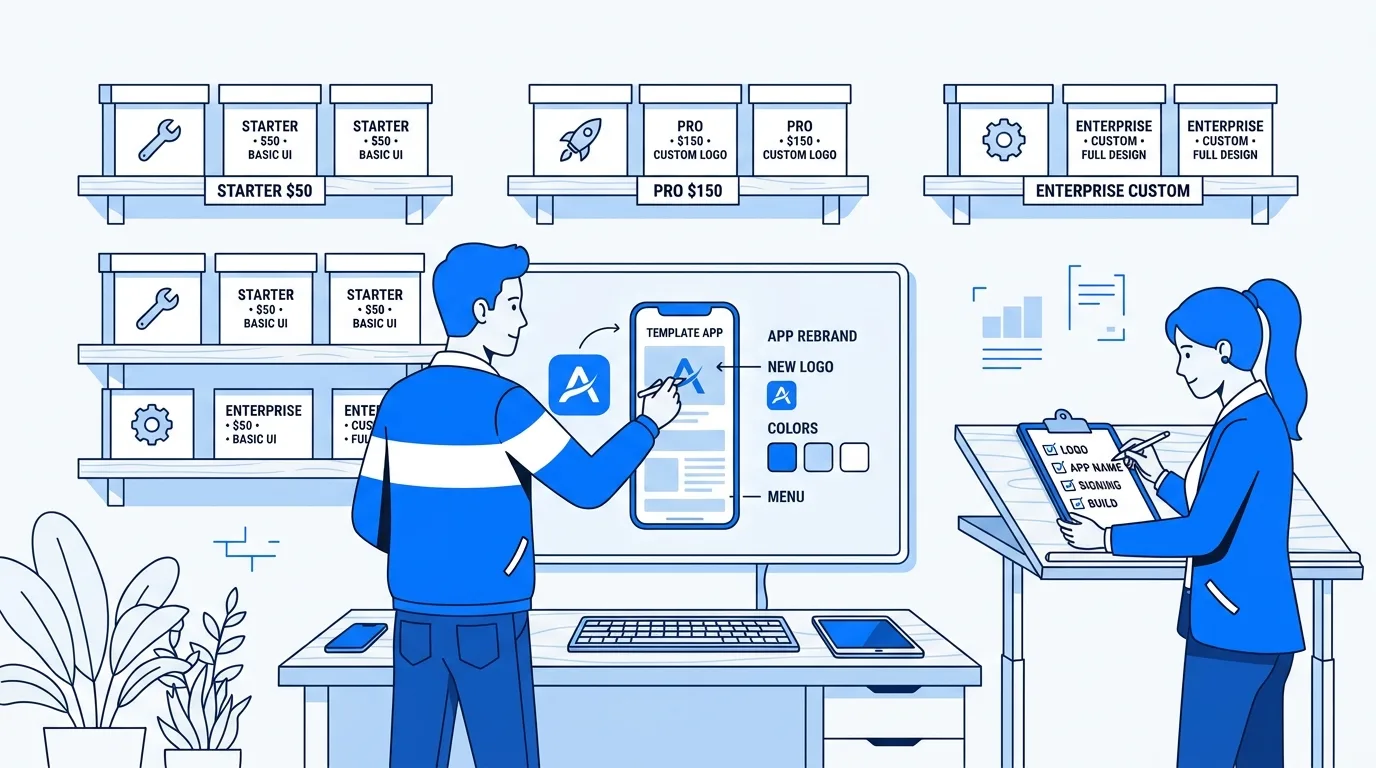
And the tiers themselves, as they are published on the service page:
| Tier | Price | Scope | Revisions and support | Turnaround |
|---|---|---|---|---|
| Starter | From $50 | Small adjustments, bug fixes and UI tweaks on a template you have mostly set up; source delivered | 1 design revision | 1 to 3 business days |
| Pro | From $150 | Brand, logo and package name, Android and iOS signing, backend or API configuration, store-ready release build | 2 revisions plus 30 days of support | 5 to 10 business days |
| Enterprise | Custom | Deeper than a reskin: new features, custom architecture, milestone delivery | Priority support | Scoped per project |
The plus sign on those prices means what it says. They are starting points for a known scope, and the fixed quote comes after we have seen your template and brief. Pro ends at a store-ready build. Uploading it, filling in the store listing and handling review is a separate step that you take from there.
What a $25 reskin gig can and cannot buy
Fiverr is where most people get that first $25 quote, and it deserves a fair look. When we checked this search on 29 September 2026, Fiverr's reskin category page showed starting prices of $5, $10 and $100, and a gig in today's results quotes fees from $5 to $20. We could not open individual gig pages today (they returned an access error), so what follows is reasoning about the price point, not a claim about any particular seller.
One reskin listing in today's search snippets splits its packages sensibly: an Android-only basic tier for name, logo, colours, ad IDs and package name; signed builds and admin-panel setup in a middle tier; both platforms and third-party APIs at the top. That structure is common, and it tells you how to read a headline price. The $25 is usually the basic tier.
At that price, a competent seller can do the mechanical part on Android: rename, recolour, swap icons, change the package name. If that is all you need and you are comfortable signing and building yourself, it can be fair value. What the price cannot reasonably include is iOS work on your Apple account, configuring a server, a careful sweep for demo content, or support after delivery. That follows from the price and says nothing about the seller's skill.
The bigger risk at any price is unclear scope. Whoever you hire, at whatever price, get answers to these before you pay:
- Who generates and keeps the signing keystore? You should receive the keystore file, its passwords and the key alias. With Play App Signing, Google holds the key that signs what users download, and a lost upload key can be reset through the Play Console. If you manage the app signing key yourself and lose it, Google's help page is clear that it cannot be recovered.
- Is the application ID final? Android's documentation says that if you change the application ID after publishing, Google Play treats the upload as a completely different app. Apple is just as fixed: once a build is uploaded to App Store Connect, the bundle ID cannot change and you would need a new app record.
- Do you get the source code back? An APK alone means the next change starts from zero.
- Is the demo content gone? Apple's guideline 4.2.6 rejects apps made from a commercialized template unless the provider of the app's content submits them, which means your own developer account, not the seller's. Guideline 4.3(b) rejects apps "indistinguishable from what's already widely available". A new logo does not get you past that one; your content and use case have to.
- What is excluded in writing? Exclusions are normal at every price. One template vendor's published reskin terms, for example, exclude servers, domains, hosting and marketplace account setup.
Each of those is an afternoon's fix before launch. After launch, a placeholder application ID means a new listing that starts again at zero reviews and zero installs, and a lost self-managed signing key leaves you in the same place with no way back. If you want those decided correctly the first time, send us the template name and your brief and get a fixed-price quote before any work starts.
Costs that sit outside any reskin quote
No reskin quote, cheap or expensive, includes these. Budget for them separately.
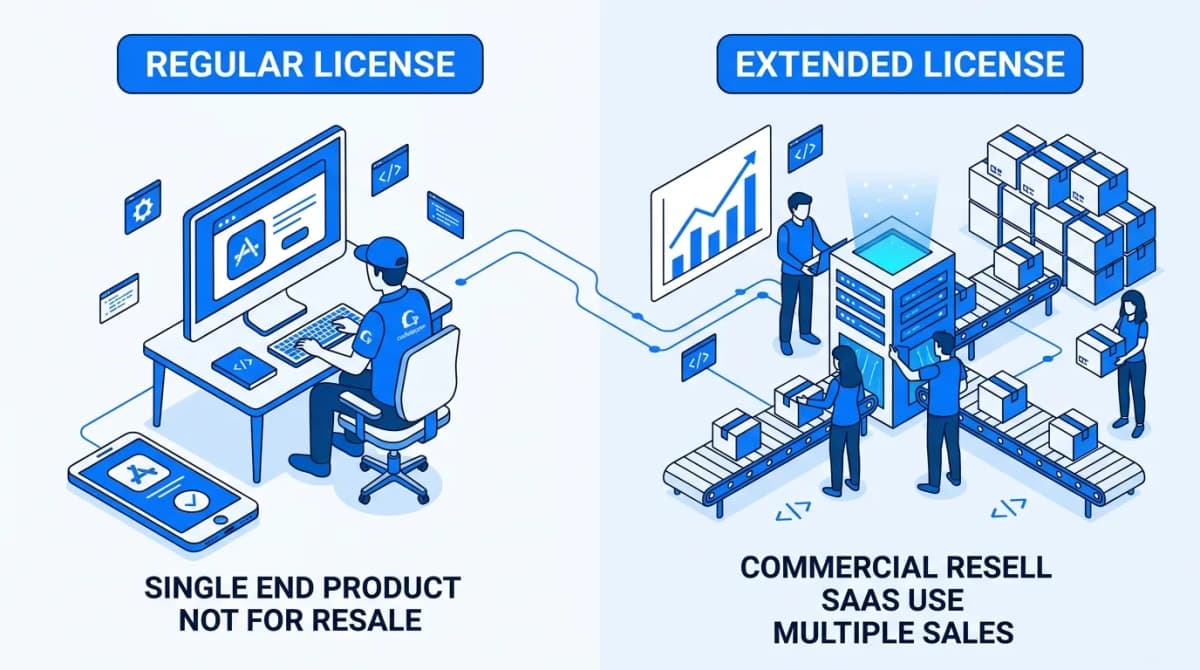
The template licence. On CodeCanyon, the license overview allows the Regular License in a free end product and requires the Extended License for an end product that is sold. Both cover one end product, so one purchase reskinned into three branded apps needs three licences. If your app will ever charge its users, work out which CodeCanyon licence you need before the reskin, because the price gap is set per item and can be large.
Store accounts. Google Play charges a US$25 one-time registration fee. The Apple Developer Program is 99 USD per membership year, and Apple notes that prices may vary by region. Both accounts should be in your name.
The closed test. If your Play developer account is a personal one created after 13 November 2023, Google requires a closed test with at least 12 testers opted in continuously for 14 days before you can apply for production access. Testers who opt out and back in restart their own clock. It costs no money and at least two weeks of calendar time, and no reskin can shorten it. Recruit your testers the day you order the work.
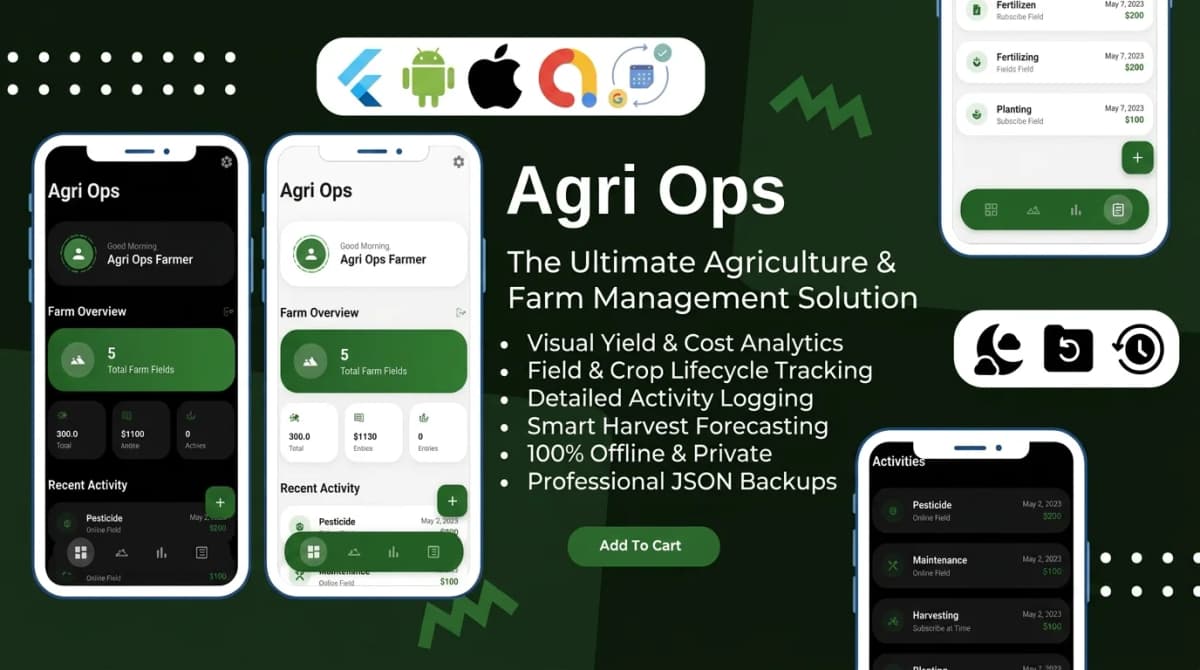
Hosting. If the template has an admin panel or API, someone pays for a server every month the app is live, and a reskin quote only covers configuring it once. Offline-first templates remove that line. Ten of our eleven Flutter templates keep their data on the device in Hive or Isar with no server behind them; the eleventh reads a remote JSON feed, so it needs somewhere to host that file.
Store listing assets. Screenshots at the sizes each store asks for, a feature graphic for Play, a description, a privacy policy URL. This is either your time or a designer's.
DIY or hire: how to decide
Doing it yourself is a reasonable call, and for some readers it is the right one. You are a good fit for DIY if:
- You can open the project in Android Studio and run it on a device today.
- You have a Mac with Xcode, or you are launching on Android only for now.
- You are comfortable editing the Gradle file,
Info.plistandAndroidManifest.xml, and running a command like this one from the Flutter Android deployment guide:
keytool -genkey -v -keystore ~/upload-keystore.jks -keyalg RSA \
        -storetype JKS -keysize 2048 -validity 10000 -alias upload
- The template has no backend, or you already run the server it needs.
- You have a spare weekend and no hard launch date.
If that describes you, the table at the top of this post is your checklist. Keep the keystore and key.properties out of public source control, as Flutter's guide warns, and back both up somewhere you will still have in three years.
Hiring makes more sense when you have no Mac and need iOS, when the template ships a Laravel or Node admin panel that has to live on your server, when a previous attempt left the build broken, or when the launch date is fixed. In each of those cases, most of the cost is days spent learning signing and build configuration under a deadline.
If you have not bought the template yet
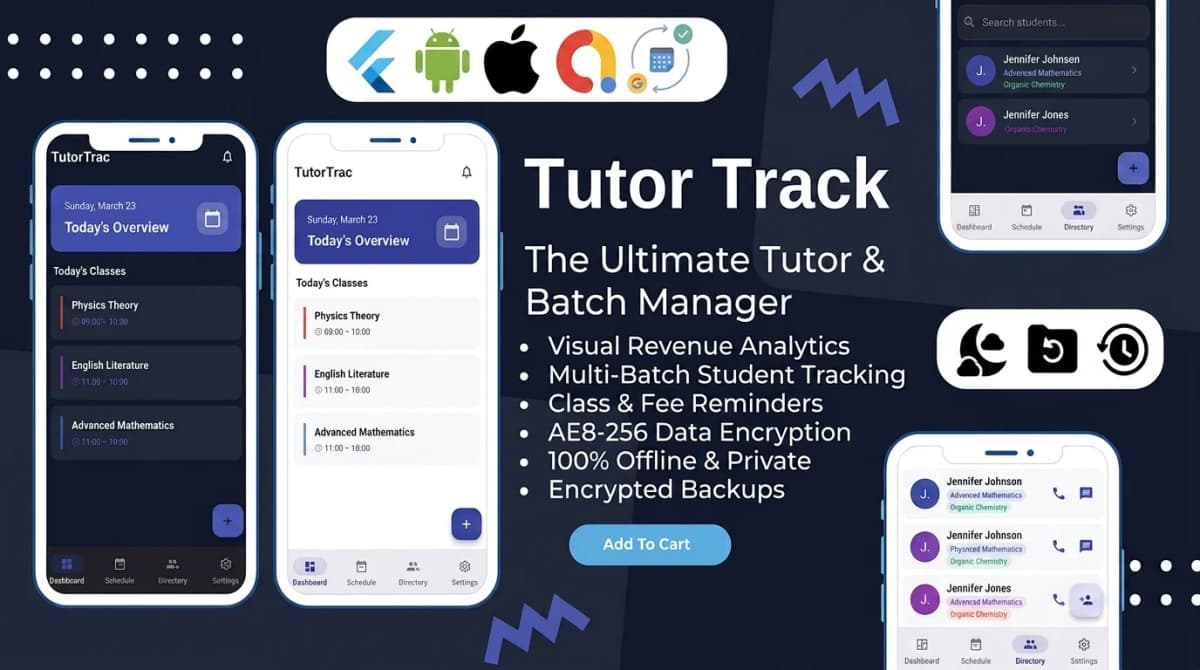
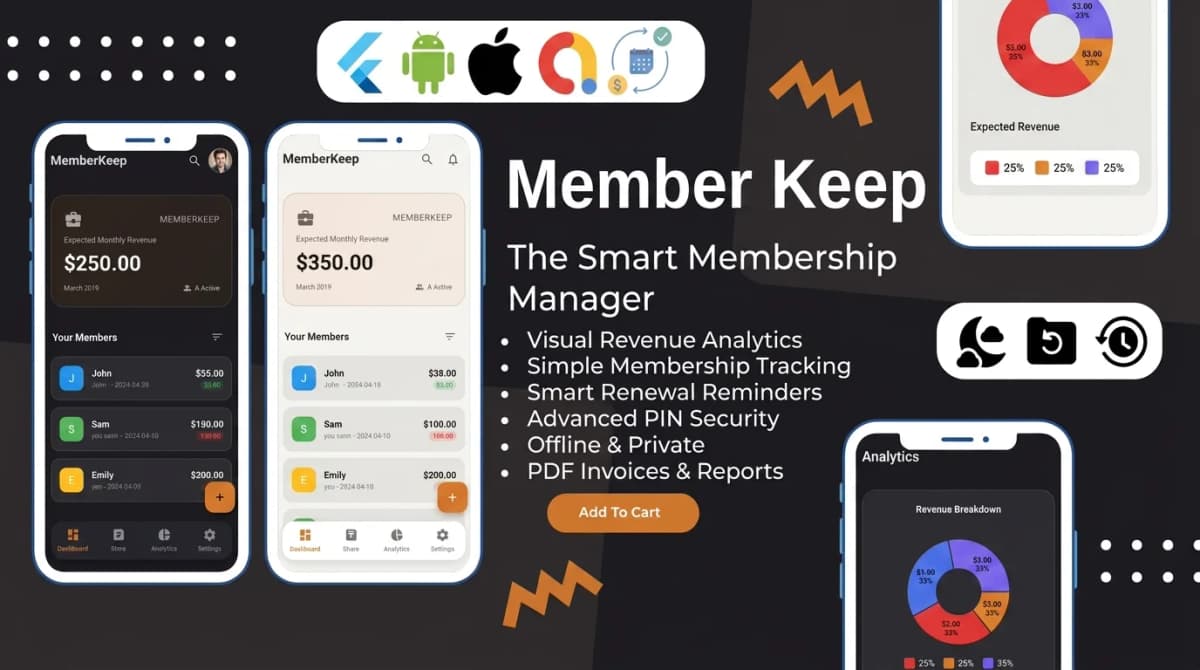
The cheapest point to cut reskin cost is before checkout. A template with no server has no backend to configure, no hosting bill and one fewer line in every quote you collect. Our offline-first Flutter templates that need no backend keep that part of the job at zero and leave the reskin to branding, identity and signing.

Written by Stacklyn Labs
Stacklyn Labs is a small studio publishing offline-first Flutter templates on CodeCanyon and Codester since 2025, and building custom Flutter and web apps for the teams who buy them.