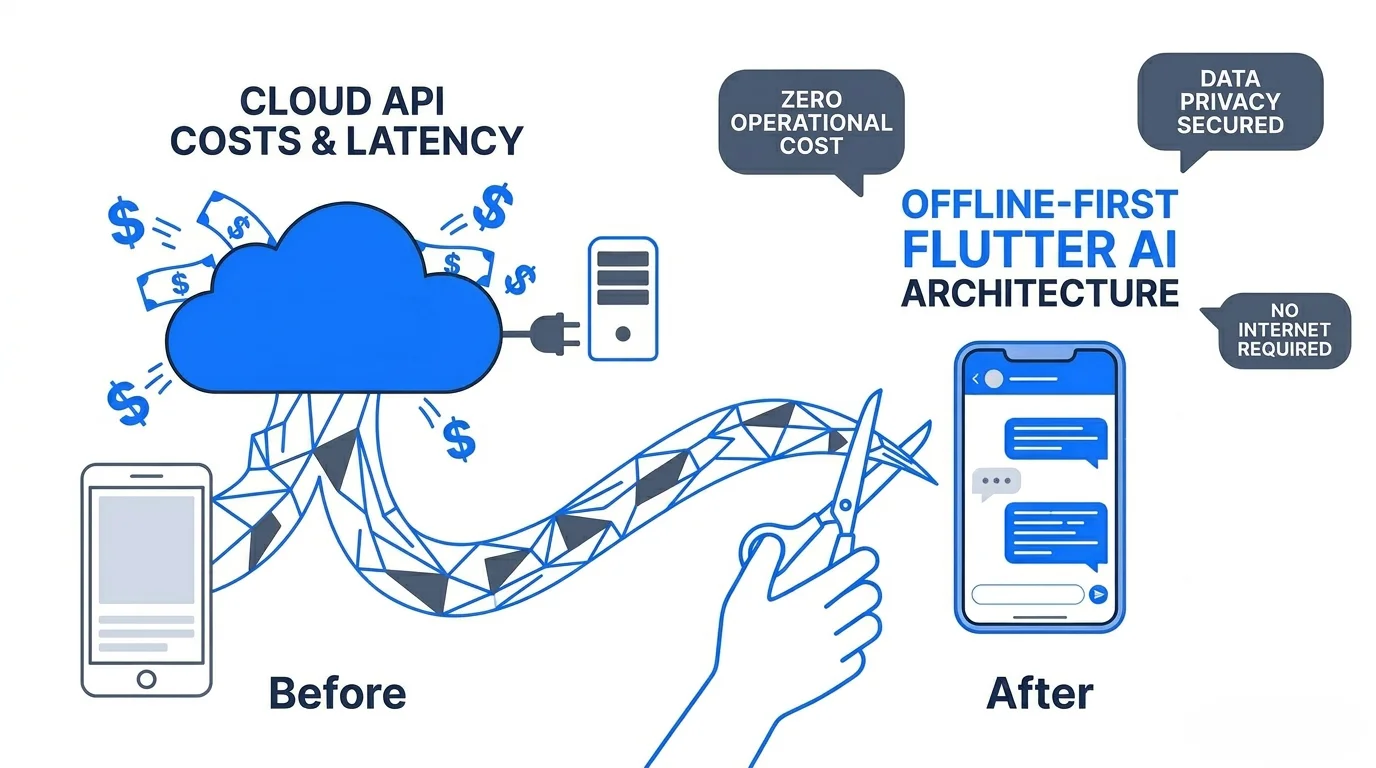
Your app's reliance on cloud-based Large Language Models (LLMs) is bleeding money and bottlenecking user experience through network latency. Shipping an offline-first architecture powered by on-device models is no longer a fringe optimization; it is a baseline requirement for privacy-focused, scalable mobile software. Developers are actively searching for ways to cut OpenAI or Anthropic API bills to zero while keeping user data strictly on the device.
Google’s open-source Gemma models, specifically their quantized variants, offer a highly pragmatic path forward. By moving inference to the edge, you eliminate recurring cloud costs, guarantee compliance with data privacy laws, and ensure your application functions perfectly without a network connection.
This guide details exactly how to implement an Offline-First Flutter AI Architecture, utilizing quantized Gemma models and the MediaPipe LLM Inference API, to ship fast, secure, and cost-effective mobile applications.
The local database backing the rest of your offline-first state matters here too, alongside the model itself. See our breakdown in choosing a Flutter local database in 2026.
The Hidden Tax of Cloud-Bound AI
Relying entirely on remote servers for AI inference introduces three architectural liabilities:
- Runaway Operational Costs: Cloud API pricing scales linearly with user engagement. A highly successful feature launch can instantly bankrupt a project through unexpected token consumption.
- Network-Induced Latency: Every prompt requires a round-trip HTTP request. Even under ideal conditions, network overhead delays the initial token generation, making features like real-time text completion feel sluggish and unresponsive.
- Data Sovereignty Blockers: Passing sensitive user data such as medical symptoms, financial queries, or personal journal entries to third-party servers creates massive compliance headaches regarding GDPR and HIPAA.
Running inference locally shifts the compute cost from your server to the user's hardware. The data never leaves the device. The latency is reduced to the speed of the local processor.
The Physics of On-Device Machine Learning: Why Quantization Matters
Standard neural network weights operate at 32-bit floating-point precision (FP32). At FP32, a single model parameter consumes 4 bytes of memory. For a 2-billion parameter model like Gemma 2B, loading the raw weights requires 8GB of RAM. Mobile operating systems will immediately kill any application attempting to monopolize that much memory.
Furthermore, LLM inference is notoriously memory-bandwidth bound. Modern mobile processors spend more time waiting to pull weights from RAM to the compute cores than they do performing the actual matrix multiplication.
Quantization solves both the storage and the bandwidth problem by reducing the precision of the model's weights.
- INT8 Quantization: Compresses weights to 8-bit integers, reducing memory footprint by 75%.
- INT4 Quantization: Compresses weights to 4-bit integers, reducing memory footprint by 87.5%.
A 4-bit quantized Gemma 2B model occupies roughly 1GB to 1.5GB of space. This footprint easily fits within the memory limits of modern iOS and Android devices. You trade a negligible amount of mathematical precision for massive gains in inference speed, lower battery consumption, and the ability to actually run the model without crashing the host operating system.
Toolchain Selection: TensorFlow Lite vs. MediaPipe
Integrating a complex language model into a Flutter application requires an efficient C++ bridge to handle hardware acceleration. Developers typically choose between two Google-backed inference engines.
1. TensorFlow Lite (TFLite)
TFLite remains the foundational engine for on-device machine learning. It executes standard .tflite files efficiently on mobile hardware. However, using raw TFLite for LLMs requires you to manually manage the entire pipeline. You must write custom native code to handle text tokenization (converting strings into integer IDs), tensor allocation, execution, and detokenization. This introduces significant boilerplate.
2. MediaPipe LLM Inference API
MediaPipe sits on top of TFLite and acts as an orchestration layer. It completely abstracts the tokenization and detokenization graphs. You provide it a string prompt, and it returns a string response. Google actively recommends the MediaPipe LLM Inference framework for integrating Gemma into mobile applications because it natively handles the complex internal state management required by generative models.
Blueprint: Architecting the Flutter Integration
Building this system requires specific attention to thread management and asset delivery. Here is the technical pathway for integrating Gemma using Flutter.
Step 1: Model Acquisition and Delivery
You cannot bundle a 1.5GB .tflite file directly inside your initial app store release. Apple and Google enforce strict bundle size limits (typically around 150MB).
- Download the Model: Obtain the 4-bit quantized Gemma 2B model from Kaggle or Hugging Face.
- Dynamic Downloading: Architect a background worker service in Flutter to download the model file from a cloud storage bucket (like AWS S3 or Firebase Storage) onto the device's local filesystem upon first launch.
- Integrity Checking: Always hash the downloaded file against a known checksum to prevent corrupt inference executions.
Step 2: Isolating the Inference Engine
Dart operates on a single-threaded event loop. Executing a heavy C++ forward pass on the main thread will immediately block the UI, drop frames, and trigger an Application Not Responding (ANR) error.
You must offload the inference engine to a background thread.
- Spawn a dedicated Dart Isolate.
- Initialize the MediaPipe bindings within this background isolate.
- Use
SendPortandReceivePortto stream user prompts from the UI thread to the isolate, and stream generated text tokens back to the UI.
Step 3: Implementing the MediaPipe Bindings
Since MediaPipe does not yet have an official, all-encompassing pure Dart package for LLMs, you need to leverage Flutter's Platform Channels (MethodChannels) or Dart FFI (Foreign Function Interface) to interface with the native iOS (Swift) and Android (Kotlin) MediaPipe libraries.
- Initialize the Engine: Point the native MediaPipe builder to the absolute file path of the downloaded
.tflitemodel. - Configure Generation Parameters: Set your
maxTokensandtemperature. A lower temperature (e.g., 0.1) produces deterministic, factual outputs, while a higher temperature (e.g., 0.8) yields more creative text. - Stream the Output: LLMs generate text token by token. Wire up an asynchronous stream from the native side back to your Dart layer so the UI updates fluidly as the model "types" out the response.
Overcoming Local Architecture Headaches
Architecting robust offline-first mobile apps acts as a massive time-sink for engineering teams. Handling isolate communication, chunked file downloading, local state syncing, and managing edge cases like thermal throttling requires immense focus. Implementing CRDTs (Conflict-free Replicated Data Types) to eventually sync local AI outputs back to a cloud database adds another layer of friction.
Agencies and product teams regularly burn months wiring up this boilerplate infrastructure before shipping a single business feature.
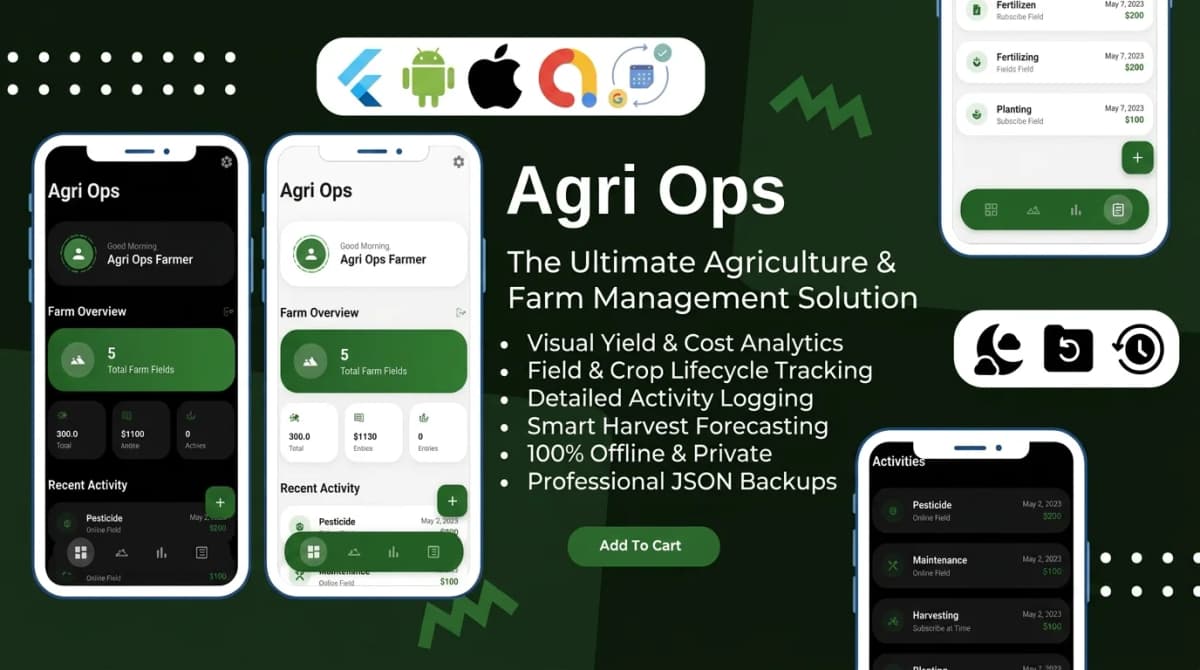
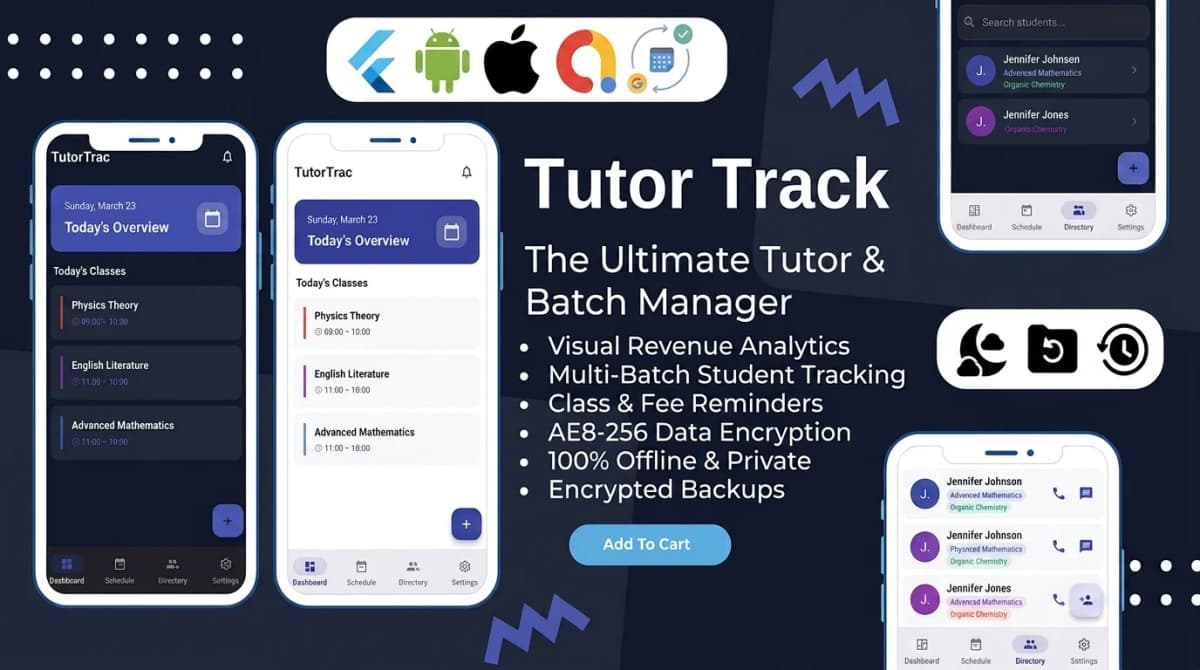
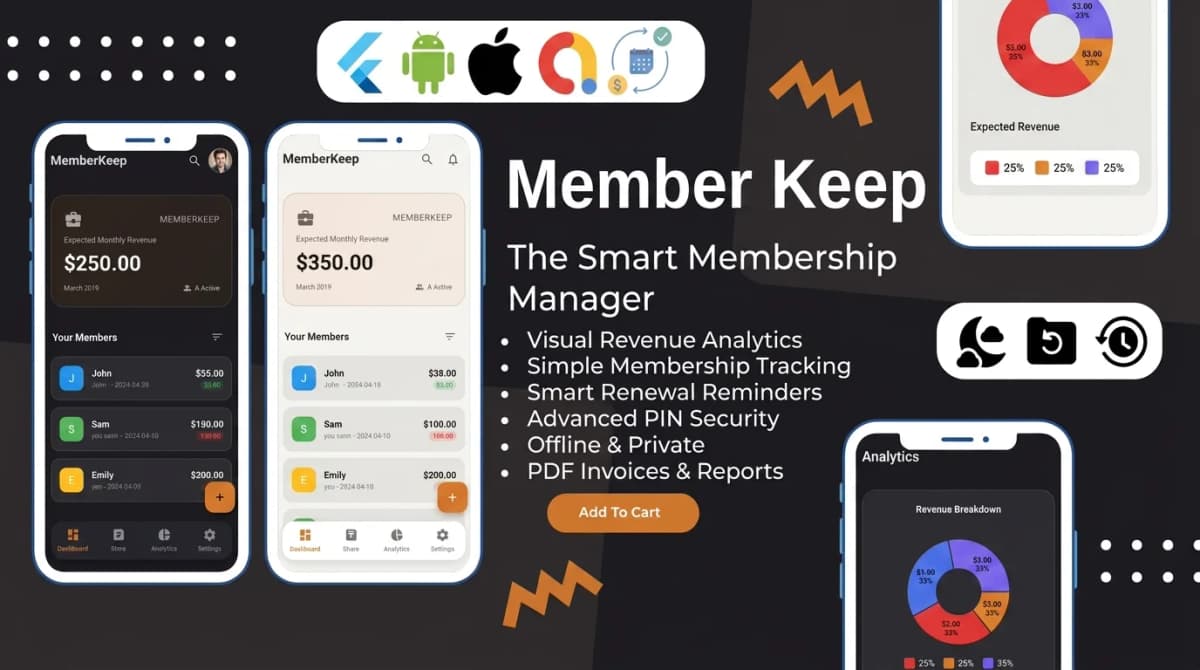
Utilizing production-ready, feature-first templates or SaaS bundles like the offline-first Flutter apps engineered by Stacklyn Labs allows you to bypass these foundational headaches. By adopting pre-built, heavily optimized codebases, you ship months faster. You get to focus exclusively on your product's unique logic and the user experience rather than fighting thread communication, native bindings, and memory leaks.
Device Constraints and Edge Cases
While running Gemma locally is highly effective, hardware fragmentation dictates your bounds.
- Thermal Throttling: Sustained LLM inference generates heat. If a user runs continuous prompts for 20 minutes, the OS will underclock the CPU/NPU, drastically reducing inference speed (Tokens Per Second). Build cooling-off periods or background queueing into your UX.
- Older Hardware: Devices with less than 4GB of total system RAM will likely fail to allocate memory for the inference graph, even with 4-bit quantization. Implement hardware checks on app launch and gracefully degrade to a cloud fallback API for older devices.
- Context Window Limits: Mobile models have strict context windows. Feeding a massive document into the prompt will crash the engine or result in degraded output. Implement strict token counting before submitting the prompt to the model.
The Path Forward
Pushing intelligence to the edge completely redefines the economics of mobile AI. By integrating quantized Gemma models through MediaPipe and Flutter, you build applications that respect user privacy by default, operate flawlessly in airplane mode, and scale infinitely without generating a single cent in cloud API usage. Start treating on-device inference not as a fallback mechanism, but as the primary architectural standard for modern software development.
References & Further Reading
- Google AI Studio - Gemma Models Overview
- Google AI Blog - Gemma LLMs on device with MediaPipe
- MediaPipe LLM Inference API - Android Developer Guide
- TensorFlow Lite Official Documentation

Written by Stacklyn Labs
Stacklyn Labs is a small studio publishing offline-first Flutter templates on CodeCanyon and Codester since 2025, and building custom Flutter and web apps for the teams who buy them.