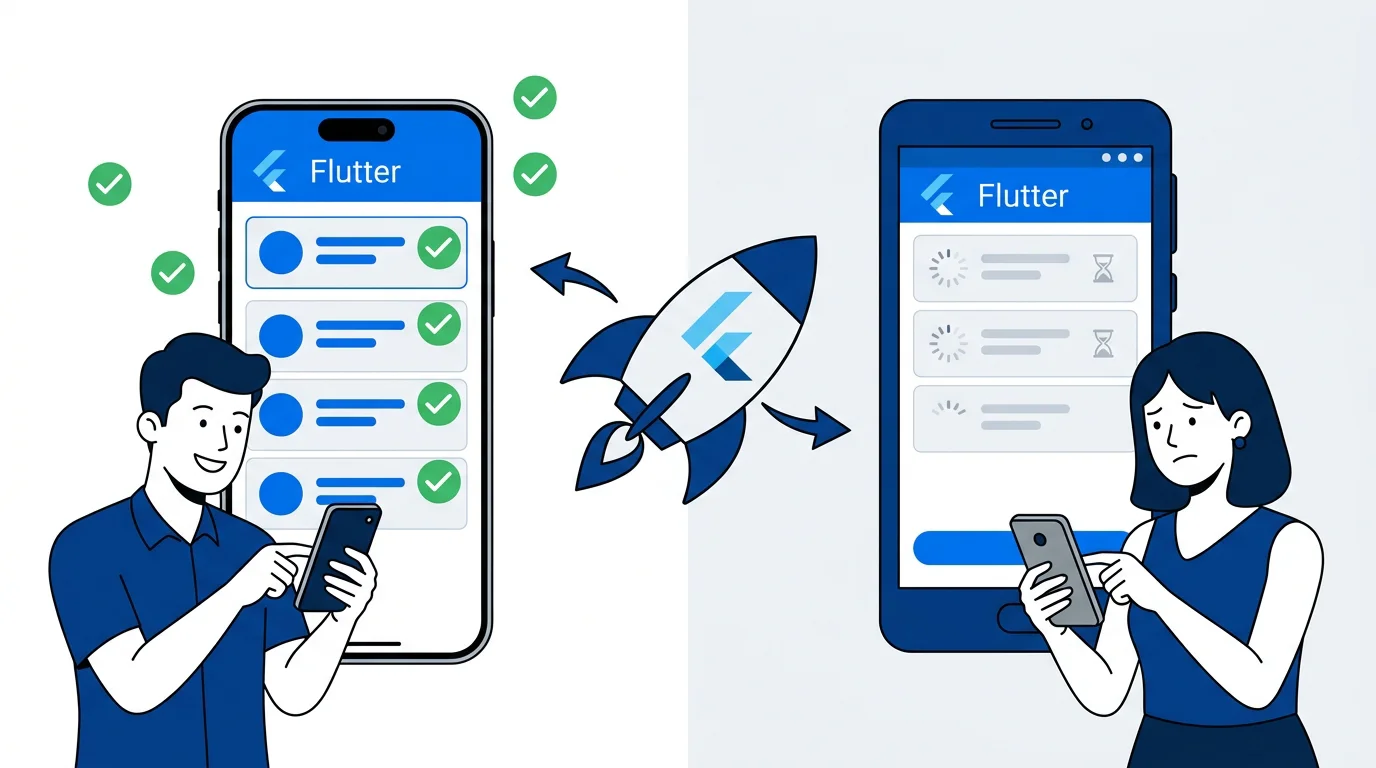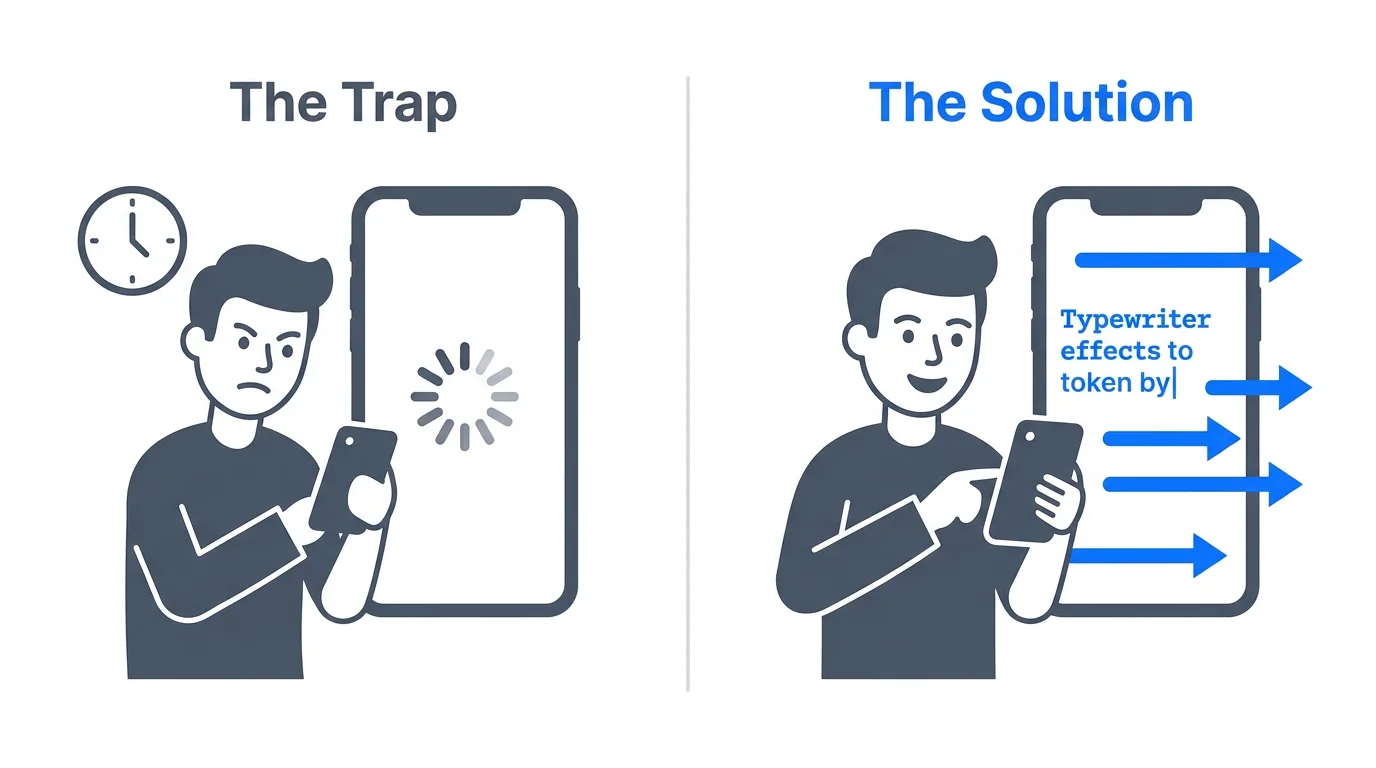
You send a prompt to an AI. For five long seconds, you stare at a spinning circle.
In mobile development, that silence kills user retention instantly. Modern users refuse to tolerate the traditional request-response waiting game. They expect instantaneous, typewriter-style feedback, mirroring the UX of Claude or ChatGPT.
Building this responsive token-by-token experience in Flutter demands more than just a polished UI. It requires fundamentally ripping out your standard REST networking and replacing it with continuous, stream-based data pipelines. Implementing Real-Time Streaming Patterns in Flutter forces engineering teams to tackle raw TCP fragmentation, backpressure, and local state synchronization.
At Stacklyn Labs, we build enterprise-grade Offline-First Flutter Architectures. We abandoned standard request-response cycles for AI interactions years ago. Here is the exact blueprint for building resilient, high-performance streaming architectures that won't drop frames or leak memory.
The Latency Trap: Moving Beyond the HTTP Request
Most developers start building an AI app by connecting directly to an LLM provider via a standard REST HTTP POST request. This is an architectural trap.
When you ask an LLM to generate a 1,000-word response, the server has to compute the entire block of text before returning a massive JSON payload. If the generation takes six seconds, your Flutter app sits idle for six seconds.
Real-time streaming changes this paradigm. Instead of waiting for the final payload, the server fires back small chunks of data (tokens) the millisecond they are generated. Your Flutter app catches these tokens and paints them to the screen sequentially. This creates the illusion of zero latency, keeping the user visually engaged while the backend continues to process the heavy computational load.
Protecting Keys with a Node.js Proxy
You cannot connect a mobile client directly to OpenAI or Anthropic. Shipping hardcoded API keys inside a compiled binary guarantees they will be extracted and abused.
You must place a backend proxy between your Flutter app and the LLM provider. This server authenticates the user, injects the necessary API keys securely, manages rate limits, and forwards the data stream down to the mobile client. We prefer lightweight Node.js instances for this task, heavily optimized for asynchronous I/O.
Server-Sent Events (SSE) vs. WebSockets for Mobile AI
When streaming data to a mobile client, developers immediately reach for WebSockets. For AI chatbots, this is a mistake.
WebSockets provide full-duplex, bidirectional communication. They are perfect for fast-paced multiplayer games or apps where the AI needs to interrupt the user mid-keystroke. However, WebSockets are exceptionally heavy. They require constant ping-pong frames to keep the connection alive, actively draining the device's battery.
For 95% of AI applications, Server-Sent Events (SSE) provide a superior protocol.
SSE is unidirectional: data flows strictly from the server to the client. It operates natively over standard HTTP/2, meaning it inherently supports request multiplexing without tying up separate TCP connections. More importantly, SSE includes built-in retry mechanics. If a user drives through a cellular dead zone, the protocol automatically attempts reconnection without requiring you to write complex fallback logic in Dart.
Defensive Streaming: Handling Hostile Network Environments
Mobile environments are notoriously unstable. Tunnels drop, users switch from Wi-Fi to 5G, and enterprise firewalls aggressively terminate long-running connections.
Real-time streaming is fragile by nature. High-traffic AI applications frequently run into HTTP 429 (Too Many Requests) errors. Furthermore, because TCP packets fragment over the network, your app will rarely receive perfectly formatted JSON objects. You will receive chopped strings, half-finished objects, and broken brackets.
To prevent catastrophic UI freezes, your Flutter logic requires a robust, defensive buffer layer. Below is a production-tested pattern for handling partial data chunks and unexpected stream closures.
Dart
// Dart: Defensive Stream Handling with Buffer Recovery
import 'dart:async';

Stream<String> resilientStream(Stream<String> source) async* {
  String partialBuffer = "";

  try {
    await for (final chunk in source) {
      // Concatenate incoming fragments into a working buffer
      partialBuffer += chunk;

      // Only yield when we detect a complete data boundary
      // Note: '\n' is standard for SSE message termination
      if (partialBuffer.endsWith('\n')) {
        yield partialBuffer;
        // Clear the buffer after successful emission
        partialBuffer = "";
      }
    }
  } catch (e) {
    // Gracefully handle rate limits and timeouts without crashing the UI
    if (e is TimeoutException || e.toString().contains('429')) {
      yield "\n[System: Connection unstable. Attempting to resume...]";
      // TODO: Implement exponential backoff and reconnect logic
    } else {
      rethrow;
    }
  }
}
This buffer ensures that the JSON parser only runs when a complete token sequence is available. Without this, your app will throw continuous parsing exceptions and crash the message stream.
Taming the UI Thread: Performance and Memory Constraints
When tokens arrive at 50 per second, memory management becomes your biggest bottleneck.
If you store incoming messages in a standard List<Message> and call setState() every time a token arrives, you will destroy your app's performance. Flutter will attempt to rebuild the entire widget tree 50 times a second. On mid-range Android devices, this drops the frame rate to single digits and causes severe thermal throttling.
Flutter State Management must be highly localized for streaming.
- Isolate Rebuilds: Only the specific
Textwidget receiving the stream should rebuild. Use specialized builder widgets at the very bottom of the widget tree. - Memory Leaks: Failing to close a
StreamControllerin a deeply nested, 18-screen navigation stack creates permanent memory leaks. Always tie stream subscriptions to the lifecycle of the widget, canceling them explicitly in thedispose()method.
The Stream-to-Cache Architecture: Offline-First Synchronization
A production-grade AI app needs to feel instantaneous, even on a slow 3G connection. To achieve this, we combine reactive state management with local persistence. At Stacklyn Labs, our standard stack utilizes Riverpod for state propagation and Drift (SQLite) for high-performance local storage.
This architecture relies on a "Stream-to-Cache" pattern:
- Stream Ingestion: A Riverpod
StreamProviderconnects to the Node.js backend proxy and begins catching tokens. - Optimistic UI: The UI subscribes directly to this provider, updating the screen instantly.
- Debounced Commit: Writing to a local SQLite database 50 times a second will block the device's I/O thread. Instead, we accumulate the incoming text and run a "debounced commit" every 500 milliseconds.
This batching strategy guarantees that the user sees instant UI updates while safely persisting the conversation history in the background without stuttering the 60fps animations.
The True Cost of Building Infrastructure
Building highly concurrent, offline-first data pipelines is incredibly difficult. Writing the CRDT (Conflict-free Replicated Data Type) logic, debugging race conditions between local SQLite writes and incoming server streams, and managing complex Riverpod state trees will easily consume 300+ hours of engineering time. If you would rather have that pipeline built for a client project than build it yourself, our custom Flutter development services are set up for exactly that.
These architectural challenges are massive time-sinks for agencies. This is exactly why development teams utilize our Flutter SaaS-in-a-Box bundles at Stacklyn Labs. By leveraging production-ready templates built specifically for heavy data synchronization, teams bypass the infrastructure headaches entirely and ship reliable software months faster.
Scaling the Backend: Docker and PM2
Even the best-engineered Flutter client will fail if the backend stream collapses. Real-time connections hold server ports open for extended periods, straining infrastructure.
For deployment, containerizing the Node.js proxy with Docker is mandatory. Inside that container, we manage the Node instances using PM2 in cluster mode. Node.js is single-threaded; if a massive regex operation or a malformed LLM response crashes the event loop, the entire server goes offline.
Using PM2's cluster mode distributes the incoming WebSocket or SSE connections across all available CPU cores.
JavaScript
// PM2 ecosystem.config.js for Stream Proxy
module.exports = {
  apps : [{
    name: "ai-stream-proxy",
    script: "app.js",
    instances: "max", // Scales across all CPU cores
    exec_mode: "cluster",
    watch: false,
    max_memory_restart: "1G", // Protects against memory leaks
    env_production: {
      NODE_ENV: "production"
    }
  }]
}
If one worker thread crashes under the weight of a heavy payload, PM2 instantly kills it and restarts a fresh instance. The surrounding cluster stays alive, the load balancer reroutes the traffic, and the end user's chat session remains uninterrupted.
The Pragmatic Takeaway
Real-time streaming is the strict baseline for modern, enterprise-grade AI applications. Static interfaces are obsolete. By moving away from REST, implementing buffer recovery, localizing your state rebuilds with Riverpod, and debouncing your SQLite commits, you build applications that feel like native extensions of the device. Prioritize connection resilience at the proxy layer, protect your device memory on the client side, and you will ship software that handles extreme load without dropping a single frame.
References & Further Reading
- State Management: Riverpod: Reactive Caching and Streams
- Persistence: Drift: High-Performance SQLite for Flutter
- Stacklyn: Explore NewsPulse: Our AI-Powered Flutter Template

Written by Stacklyn Labs
Stacklyn Labs is a small studio publishing offline-first Flutter templates on CodeCanyon and Codester since 2025, and building custom Flutter and web apps for the teams who buy them.