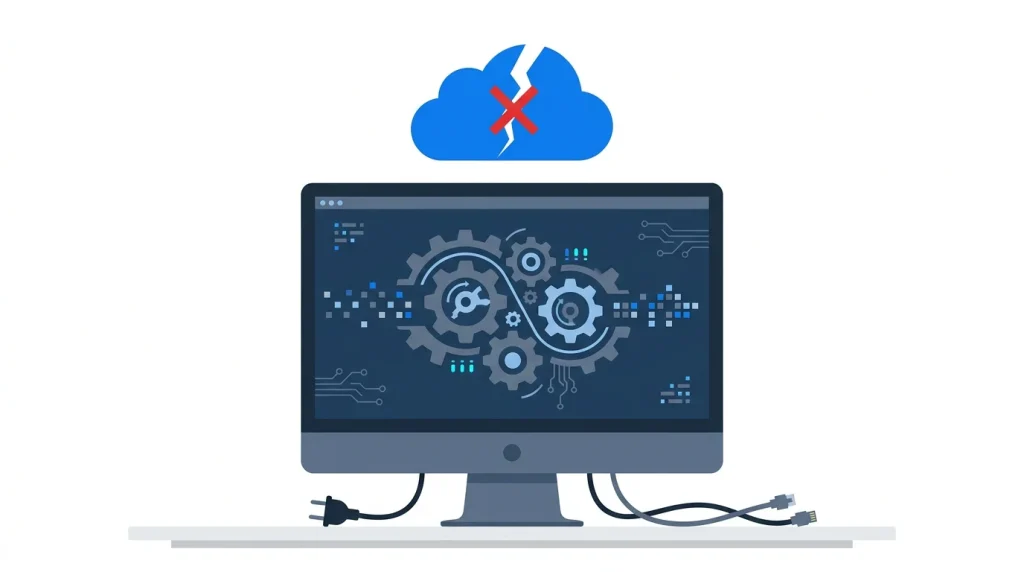
Sending proprietary financial ledgers or unreleased source code to a cloud LLM is a non-starter for serious enterprises. You are not just paying for API tokens; you are paying a massive privacy tax that jeopardizes your competitive advantage. The second your internal data crosses your firewall, you lose total control over who sees it and how it trains future models.
We build an alternative approach at Stacklyn Labs. By marrying Flutter’s high-performance UI engine with a lightweight Python backend running entirely locally, developers can ship intelligent, sovereign applications. This guide breaks down exactly how to engineer a true Offline-First Flutter Architecture equipped with its own local AI model, bypassing external servers completely.
The High Cost of Cloud Dependency in Enterprise AI
Building applications that rely on third-party cloud APIs introduces immediate compliance and security bottlenecks. Corporate data leaks involving public AI tools have forced Fortune 500 companies to outright ban cloud-based generation. When you rely on external endpoints, achieving SOC2, HIPAA, or GDPR compliance becomes an expensive auditing nightmare.
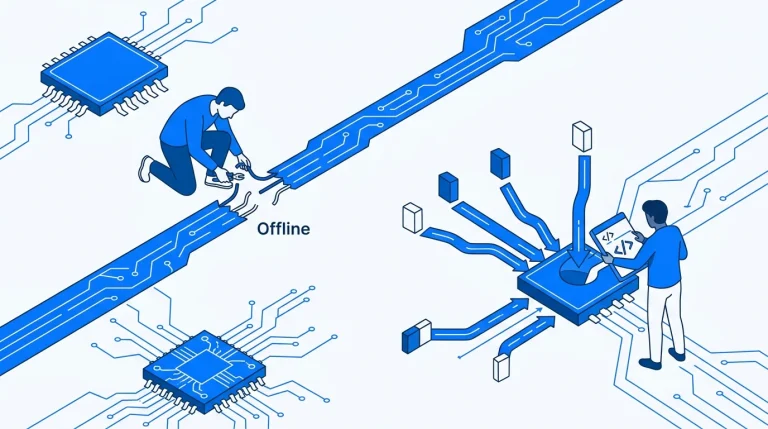
Furthermore, network latency and internet reliability break the user experience. Applications built for field workers, secure government facilities, or secure corporate intranets require strict offline capabilities. If your application loses internet access, it shouldn’t lose its brain.
Engineering this infrastructure from scratch is notoriously difficult. Wiring up robust state management, handling complex CRDTs (Conflict-free Replicated Data Types), and writing bug-free local-first syncing algorithms are massive time-sinks for agency developers. Instead of wrestling with low-level infrastructure, high-performing teams utilize production-ready SaaS bundles from Stacklyn Labs. Our templates allow developers to bypass these architectural headaches and push features to market months faster.
Orchestrating the Defensive Sidecar Pattern
Executing a flawless Flutter Python integration requires tight control over the operating system’s process manager. The biggest technical hurdle teams face is the “Orphaned Process” bug. This occurs when Flutter spawns a heavy Python background worker, but fails to cleanly shut it down.
If the Flutter user interface crashes or the user force-quits the application, the underlying Python process often remains active. This detached backend continues hoarding 8GB of system RAM in the background. When the user re-opens the app, the OS spawns a second Python instance, rapidly exhausting available memory and crashing the target machine.
We solve this using a reciprocal heartbeat. The architecture demands that both sides actively monitor each other. The Python sidecar continuously tracks the parent process ID (PPID) of the Flutter application. If the parent vanishes, the sidecar aggressively self-terminates. Conversely, Flutter monitors a local health-check endpoint. If the Python backend drops the connection, Flutter automatically re-spawns the process.
Python
# Python: Sidecar Self-Termination Logic
import os
import time
import threading
import psutil

def parent_watchcat(parent_pid):
    # Continuously poll the OS process table
    while True:
        if not psutil.pid_exists(parent_pid):
            print("Parent process lost. Hard-killing sidecar...")
            # Use os._exit(0) to bypass graceful shutdown and immediately free VRAM
            os._exit(0)
        time.sleep(2)

# Start the daemon thread during FastAPI application startup
threading.Thread(target=parent_watchcat, args=(os.getppid(),), daemon=True).start()
Memory Management: Quantization and NPU Tuning
Effective Local LLM development requires brutal realism about consumer hardware limitations. Local inference heavily depends on target hardware capabilities, which vary wildly across enterprise fleets. A standard 7-billion parameter model running in 16-bit floating point (FP16) consumes roughly 14GB of VRAM.
Most corporate office laptops max out at 8GB to 16GB of unified memory. Attempting to run unoptimized models on these machines triggers heavy swap-file usage. The hard drive thrashes, the operating system stutters, and the application becomes entirely unusable.
The engineering fix is 4-bit Quantization. By converting the model weights into formats like GGUF or EXL2, we mathematically compress the precision of the neural network. This aggressive compression drops the memory footprint down to a highly manageable 4.5GB. Impressively, the model retains approximately 98% of its original reasoning and language capabilities.
We also ensure the underlying C++ inference engine dynamically binds to the best available silicon. Hardcoding execution to the CPU guarantees sluggish performance. Our local backend automatically detects Apple Metal on macOS, CUDA on NVIDIA hardware, or Vulkan on generic AMD setups to maximize token generation speed.
IPC Latency: Eradicating the Overhead
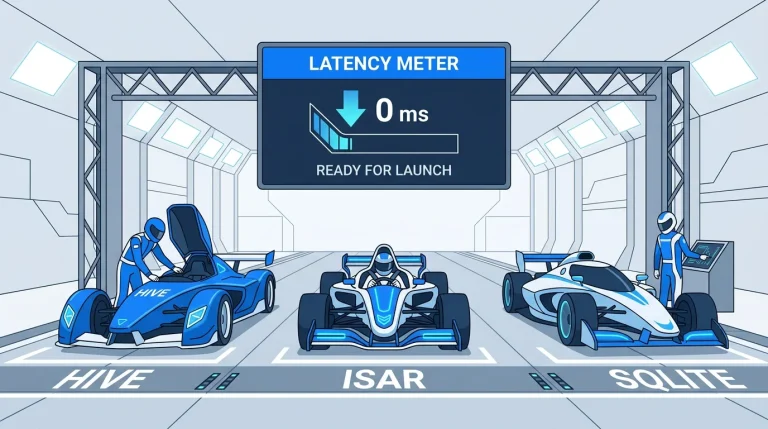
Once the model loads into system memory, the Flutter UI needs an efficient way to talk to the Python sidecar. Standard HTTP POST requests add noticeable overhead to the application stack. Formatting JSON headers, establishing local TCP handshakes, and parsing responses often adds 10 to 15 milliseconds of latency per packet.
For high-frequency UI updates, that delay stacks up quickly. When rendering an AI response, users expect tokens to stream onto the screen exactly as the model generates them. A sluggish Inter-Process Communication (IPC) layer ruins the native feel of the application.
We optimize this communication layer by dropping standard HTTP entirely. Instead, we implement Unix Domain Sockets on macOS and Linux, or Local WebSockets on Windows. This bypasses the standard network stack, utilizing direct memory mapping to push latency into the sub-millisecond range. Pair this socket connection with Server-Sent Events (SSE). The Python sidecar yields generated tokens one by one, and Flutter paints them to the canvas instantly.
The Sovereign AI Stack: Security at the Edge
Shipping Sovereign AI requires you to harden the local deployment envelope. A localized model is only as secure as the wrapper your team builds around it. We secure the environment through three strict architectural rules:
- Localhost Interface Binding: The Python sidecar must bind exclusively to
127.0.0.1. It never listens on0.0.0.0or any external network interfaces. This strict binding prevents malicious actors on the same corporate WiFi network from pinging the API and extracting sensitive data. - Encrypted Model Storage: Raw model weights and fine-tuned LoRAs represent highly valuable intellectual property. We store these
.gguffiles inside an encrypted local volume. An attacker cannot simply drag and drop the intelligence onto a thumb drive. - Isolated Execution Contexts: The sidecar operates under a highly restricted permission set. It only has read-write access to its specific sandbox directory. This minimizes the potential blast radius if a severe prompt injection attack somehow compromises the underlying Python runtime.
Production Deployment: Packaging the Python Payload
Shipping a Python backend to end-users introduces massive friction. You cannot ask a corporate user to open their terminal, install Python 3.11, configure virtual environments, and execute a requirements.txt file. That approach fails immediately in production.
We utilize PyInstaller or Nuitka to compile the entire Python environment into a single, standalone executable binary. This compilation step bundles the Python interpreter, all third-party dependencies, and the FastAPI server into one static file. We then place this binary directly inside the Flutter assets/ directory before building the release app.
During the very first launch, the Flutter application unpacks this binary into a secure, OS-specific directory. On Windows, this is typically AppData/Local; on macOS, it uses Application Support. Flutter then spawns the executable silently in the background, fully abstracting the complexity from the user.
Dart
// Dart: Spawning the Sidecar Binary from Assets
import 'dart:io';
import 'dart:convert';

Future<void> startSidecar() async {
  // Extract compiled binary from assets/sidecar.exe to the local AppData directory
  final binaryPath = await extractBinaryToStorage('sidecar.exe');

  // Spawn the background process without opening a terminal window
  final process = await Process.start(
      binaryPath,
      ['--port', '8000', '--host', '127.0.0.1'],
      mode: ProcessStartMode.detachedWithStdio,
  );

  // Listen to the backend stdout for debugging and ready-state confirmation
  process.stdout.transform(utf8.decoder).listen((data) {
      print("Python Sidecar: $data");
  });
}
This “zero-config” deployment ensures an agency can distribute an AI tool across a massive, non-technical workforce without generating hundreds of support tickets. Figuring out cross-platform binary extraction and dealing with macOS code-signing entitlements eats up weeks of developer time. Utilizing premium, feature-complete architectures from Stacklyn Labs abstracts this deployment pipeline entirely, letting you focus on the product layer.
The Future is Local
Data sovereignty is rapidly shifting from a luxury compliance checkbox to a mandatory baseline for modern enterprise tools. Combining Flutter’s UI flexibility with Python’s deep AI ecosystem allows you to build powerful, private extensions of your user’s hardware. Stop relying on expensive third-party APIs to handle your most sensitive computations. Push the intelligence to the edge, own your infrastructure, and ship software that respects the perimeter.
References & Further Reading
- Ollama: Local LLM Runner & Orchestrator
- Llama.cpp: High Performance C++ Inference Engine
- Stacklyn Labs: Explore our Production-Ready Private AI Templates at Stacklyn Labs
Stacklyn Labs
Developer Notes & Updates