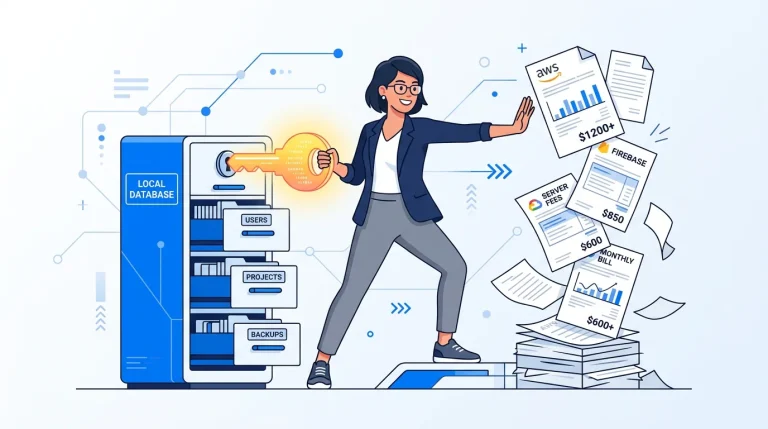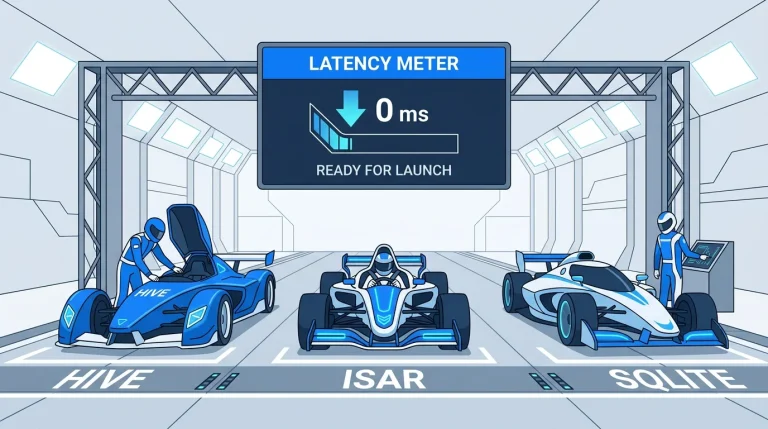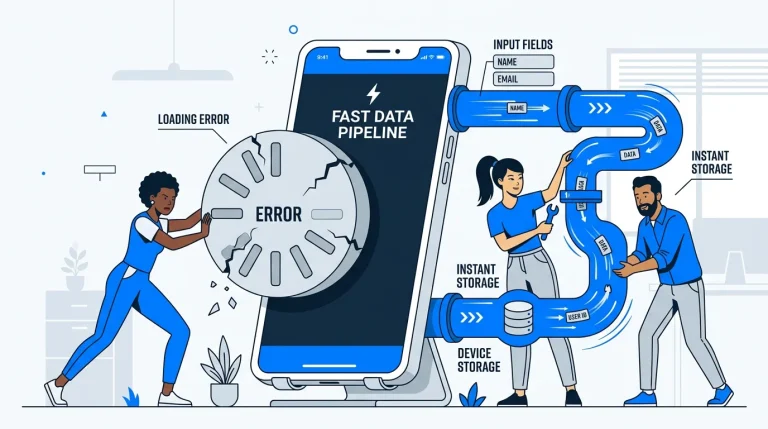
Ever used an app that completely froze the moment your train went into a tunnel? Or worse, one that threw an ugly error screen just because you lost bars on a road trip? It’s a frustrating experience, and honestly, it’s a quick way to lose user trust. In today’s mobile landscape, people expect applications to work flawlessly, regardless of their connection status. They don’t care if they are offline; they just want to tap a button and see things happen.
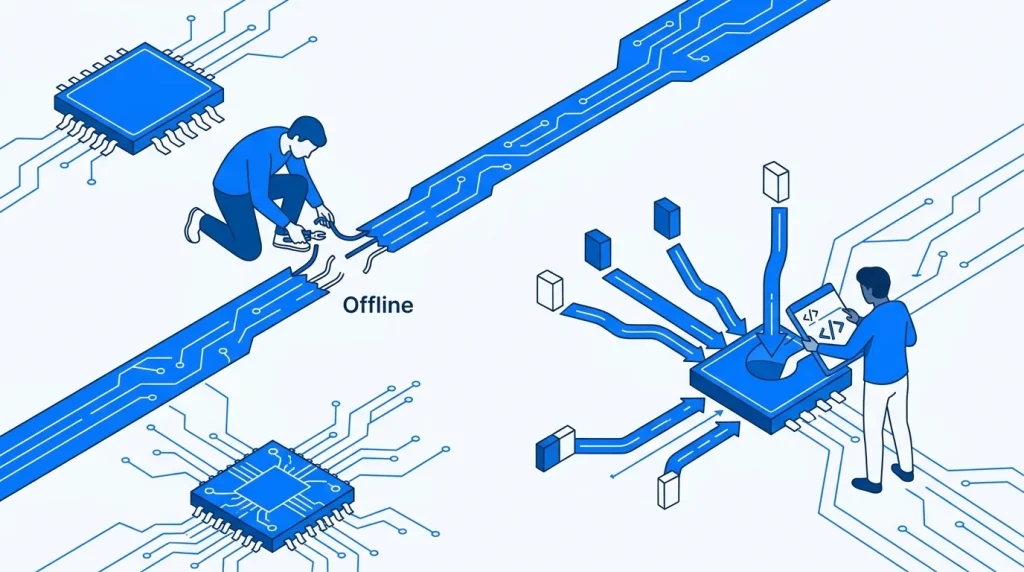
This is exactly where offline-first architecture steps in to save the day. At Stacklyn Labs, we specialize in creating robust, cross-platform mobile apps using Flutter and Dart. Because of this, we know firsthand that building an app that handles network drops gracefully isn’t just a nice-to-have feature anymore, it’s an absolute requirement for a premium user experience.
In this post, we are taking a deep dive into the mechanics of offline data synchronization. We will look at how you can sync local Hive data with remote APIs, set up reliable background polling, implement smart retry logic, and handle the inevitable collisions with standard offline first conflict resolution strategies like Last-Write-Wins. Let’s get into it.
The Magic of Optimistic UI in Flutter
Before we even talk about databases and APIs, we need to talk about user perception. When a user hits “Save,” they shouldn’t have to stare at a spinning loading wheel while the app begs the server for a response.
Instead, you should leverage an optimistic UI. In an optimistic ui flutter implementation, your app assumes the network request will eventually succeed. You update the local screen instantly. The user sees their new note, their sent message, or their updated profile picture right away, feeling like the app is lightning fast. Behind the scenes, the app is quietly queuing up the actual data payload to be sent to your remote API.
If the network is down? No problem. The UI still updates, the user keeps working, and the app takes on the responsibility of sending that data later. But to pull off this magic trick safely, you need a highly reliable local storage system.
Building the Engine: Local Storage with Hive
To make an offline-first app work, the device itself has to become the temporary source of truth. For Flutter developers, Hive is often the go-to tool for this job. It’s a lightweight, incredibly fast NoSQL database written entirely in Dart.
When syncing local Hive data with remote APIs, the standard approach is to create a queue system. Every time the user makes an edit or creates a record offline, you save that record into a Hive box. Crucially, you append a pendingSync flag or a similar metadata marker to it.
This flag isolates local mutations from your main, already-synced data. Your app now has a clear to-do list. It knows exactly which items are perfectly in sync with the cloud, and which items are waiting in the departure lounge. Whether you are running the latest Dart SDK 3.11.1 or maintaining an older codebase, building this queue locally ensures that no user input is ever lost to the void of a disconnected network.
Keeping Things Moving: Flutter Background Sync and Retry Logic
So, the user has made changes, and those changes are safely sitting in Hive. How do we get them to the server?
The first step is connectivity detection. By utilizing packages like connectivity_plus, your app can actively listen for network changes. The moment the device reconnects to Wi-Fi or cellular data, the app wakes up its sync service.
This brings us to the mechanics of flutter background sync. You don’t want your sync process to only run when the app is actively open on the screen. Users frequently background apps to check a text or answer a call. By using background task managers (like workmanager or flutter_background), you can schedule periodic uploads or trigger sync events even when the app is resting in the background.
But what happens if the device is online, but your backend server is temporarily down or rejecting requests due to rate limits? This is where retry logic becomes essential.
You should never just try once, fail, and delete the queued item. Instead, implement an exponential backoff strategy. If the first API sync fails, the app waits two seconds and tries again. If that fails, it waits four seconds, then eight, and so on. This prevents your app from aggressively hammering a struggling server while ensuring the data eventually makes its way home.
The Elephant in the Room: Offline First Conflict Resolution
We’ve covered saving data locally and shipping it off to the server. But here is where things get truly complicated. What happens when two different sources change the same piece of data at the same time?
Imagine this scenario: A user is on a flight without Wi-Fi. They open your app and edit a document. Meanwhile, their colleague on the ground opens the web dashboard and edits that exact same document. When the plane lands and the mobile app finally reconnects, you have two conflicting versions of reality.
This is the core challenge of offline data synchronization. If you blindly overwrite the server’s data with the app’s data, the colleague’s work is destroyed. To prevent data loss, you need a deliberate offline first conflict resolution strategy.
Strategy 1: Last-Write-Wins (LWW)
The most common and straightforward approach is Last-Write-Wins. In this model, every single record (and ideally, every single field) is stamped with a precise timestamp when it is modified.
When a conflict occurs during a sync, the server simply compares the timestamps. The edit with the most recent timestamp is accepted, and the older edit is discarded. It’s deterministic, easy to understand, and works perfectly for apps where a single user is syncing their own data across multiple personal devices.
Strategy 2: Field-Level Merging
If Last-Write-Wins is too destructive for your use case, you can step up to custom field-level merging. Instead of looking at the document as a whole, the system evaluates conflicts field by field. If User A changed the title of the document, and User B changed the description, the server can safely merge both changes together into a single, cohesive document because the specific fields don’t overlap.
Strategy 3: Delta Syncs
To optimize this whole process and save bandwidth, you should implement Delta Syncs. Rather than downloading the entire database every time the app reconnects, the mobile client simply tells the server, “Here is the timestamp of my last successful sync.” The server then responds only with the specific records that have changed since that exact moment. This keeps API payloads incredibly small and makes the sync process feel instantaneous.
Putting It All Together
Building a truly offline-first application requires a shift in how you think about architecture. You can no longer rely on the server to hold your hand through every single interaction. The mobile client must be smart, resilient, and capable of managing its own state.
By combining an optimistic UI for immediate visual feedback, local Hive storage for durable queuing, intelligent background retry logic, and robust conflict resolution strategies, you can build apps that feel unbreakable. Your users might not know what “Last-Write-Wins” means, but they will definitely notice when your app is the only one on their phone that still works flawlessly in a subway tunnel.
Need help building resilient mobile applications?
At Stacklyn Labs, we design and develop high-performance, cross-platform mobile apps that handle complex edge cases seamlessly. Whether you’re dealing with tricky offline data synchronization, custom web implementations, or building a scalable backend architecture, our team is ready to bring your vision to life. Reach out to us today, and let’s build something bulletproof together.
References & Further Reading
- DeCandia, G., Hastorun, D., Jampani, M., et al. (2007). Dynamo: Amazon’s Highly Available Key-value Store. ACM SIGOPS Operating Systems Review
- Denko, M. K., & Lu, H. (2006). Replica Dissemination and Update Strategies in Cluster‐Based Mobile Ad Hoc Networks. Mobile Information Systems
- Iovescu, D., & Tudose, C. (2024). Real-Time Document Collaboration System Architecture and Design. Applied Sciences
- Preguiça, N., Baquero, C., & Shapiro, M. (2022). Conflict-Free Replicated Data Types (CRDTs). Encyclopedia of Big Data Technologies
- Saito, Y., & Shapiro, M. (2005). Optimistic replication. ACM Computing Surveys
Stacklyn Labs
Developer Notes & Updates