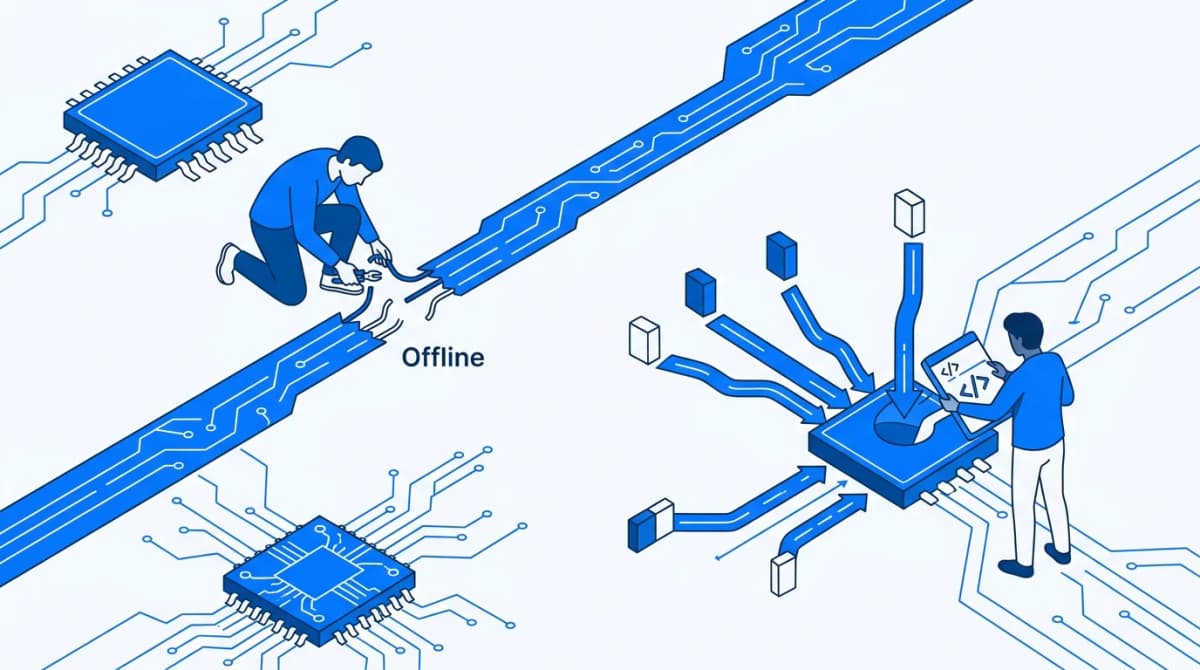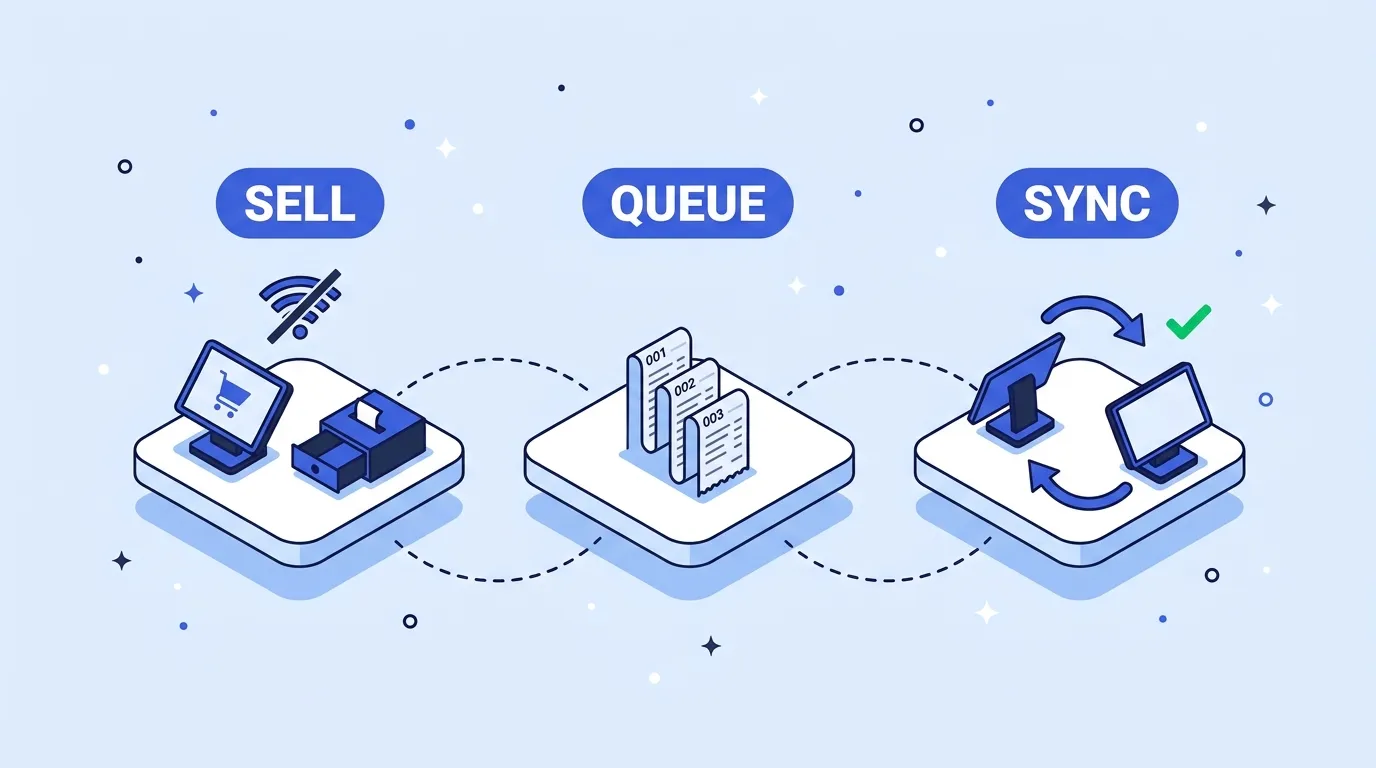
A corner shop runs your Flutter POS on two Android tablets. At six in the evening the router drops. The owner keeps selling, because the app was sold as working without internet. An hour later the Wi-Fi is back and the numbers are wrong: two receipts share a number, a sale the cashier tapped twice shows up twice, and the last bottle of olive oil was sold at both tills. None of that is a networking bug. It is offline POS architecture in Flutter, and most of it is decided before you write a line of sync code: how you store money, whether a sale can ever be edited, whether stock is a number or a history, what checkout writes and in what order, and who assigns the receipt number.
This post works through those decisions for a till that has to keep trading with no connection, then covers receipt numbers across tills, the outbox and sync, and what happens when two tills sell the last unit. Where the data lives is a separate choice, covered in picking a Flutter local database for sales and stock.
On the evidence: we built the single-device half of this (checkout, stock checks, crash repair, backup) into our own offline POS app. We have not shipped multi-till sync in any of our templates, so the sync sections describe the design we would use and cite how established POS vendors handle the same problems. Sources were checked on October 28, 2026.
Offline POS architecture in Flutter: five decisions to make first
| Decision | Safe default | What breaks if you skip it |
|---|---|---|
| Money | Integers in minor units (450 means 4.50) | Totals that drift by a cent and never match the drawer |
| Sales | Append-only; refunds and voids are new records | Edited history that cannot be audited or synced |
| Stock | A ledger of movements; the count is derived | Two tills overwrite each other's sales on sync |
| Checkout | One write, keyed by an ID created when the cart opens | Double taps, retries and crashes create duplicate or half-saved sales |
| Receipt numbers | Device prefix plus a per-device sequence | Two tills print the same number while offline |
Get these right on one device and sync becomes a matter of copying records that never change. Get them wrong and no sync library will put the data back together.
Store money as integers in minor units
print(0.1 + 0.2); // 0.30000000000000004
A double cannot hold most decimal prices exactly. One wrong cent on a receipt is a complaint. A fraction of a cent lost on every sale is a cash drawer that never matches the end-of-day report.
Store every amount as an int in the currency's smallest unit: 450 for 4.50. Payment APIs work the same way. Stripe's API takes 1099 to charge 10.99 USD, and 500 to charge 500 JPY, because Stripe treats the yen as a zero-decimal currency. That second example is the trap: keep the number of decimals with the currency, not a hard-coded 100.
Dart's int is 64-bit on Android and iOS but exact only to 53 bits on the web. A shop's totals in minor units stay far below either limit.
Decide where rounding happens. Line totals are exact in integers. Percentage discounts and tax are where fractions appear, so pick per line or per receipt, and make any server use the same rule, or synced totals will disagree with printed ones.
Make sales append-only
A paid sale is a fact. Do not update it. A refund is a new record that points at the original sale, and so is a void. Offline, this matters twice over: a record nobody can edit never conflicts on sync, and the history survives for the owner, the accountant or a tax inspector.
Each line should also keep a copy of what the customer saw: the product name and unit price at the moment of sale. If a line stores only a product ID, renaming a product or changing a price quietly rewrites every old receipt you reprint.
class SaleLine {
  const SaleLine(this.productId, this.name, this.unitPriceMinor, this.qty);

  final String productId;
  final String name;        // copied at time of sale
  final int unitPriceMinor; // 450 means 4.50
  final int qty;

  int get totalMinor => unitPriceMinor * qty;
}

class Sale {
  const Sale({
    required this.id,
    required this.deviceId,
    required this.receiptNo,
    required this.createdAt,
    required this.lines,
    required this.moves,
    this.reversesSaleId,
  });

  final String id;              // UUID created when the cart opened
  final String deviceId;        // 'T2'
  final String receiptNo;       // 'T2-000147', for people
  final DateTime createdAt;
  final List<SaleLine> lines;
  final List<StockMove> moves;  // stored with the sale, see below
  final String? reversesSaleId; // set on refunds and voids

  int get totalMinor => lines.fold(0, (sum, l) => sum + l.totalMinor);
}
The ID is generated on the device, never by a server, because there may not be one for hours. Any UUID works. Version 7, defined in RFC 9562, puts a millisecond Unix timestamp in the most significant bits, so IDs sort roughly by creation time. The uuid package (4.6.0 on pub.dev) generates both v4 and v7.
Treat stock as a ledger, not a counter
The obvious model is product.stock = 12, decremented on each sale. On one device it works. With two tills it fails without an error: both start at 12, one sells 2, the other sells 3, each syncs its new value, and the server keeps 10 or 9 depending on which arrived last. Five units left the shop and the system recorded two or three.
A ledger records every change as a movement with a signed delta: minus 2 for that sale, plus 24 for a delivery, a correction after a stock take. Current stock is the sum. Movements are append-only, like sales, so syncing them is addition. 12, minus 2, minus 3 is 7, whichever till reports first.
class StockMove {
  const StockMove(this.id, this.productId, this.delta, this.reason);

  final String id;
  final String productId;
  final int delta;     // -2 sold, +24 delivered
  final String reason; // sale, refund, delivery, count
}
Summing thousands of rows on every screen is slow, so keep a cached count per product and treat it as derived: update it after each movement is stored, and rebuild it from the ledger at start-up. When a stock take finds 7 on the shelf, record a correction for the difference instead of overwriting the count, so the reason is kept.
Make checkout one write that can safely happen twice
Checkout is where double taps, retries and crashes meet. It has to check stock, record the sale, record its stock movements, assign a receipt number and queue the sale for sync. If the app dies between any two of those steps, you get a sale with no stock movement, or stock taken with no sale.
Pick the sale ID before the cashier taps Pay
Create the sale ID when the cart opens, not when Pay is pressed. A double tap, a retry after an error and a resent upload then all carry the same ID, and "already have this ID" means "already done". Disabling the button helps, but a slow frame can let a second tap through, and it does nothing for retries.
Future<Sale?> checkout(Cart cart) async {
  // Same ID on a double tap or retry: already recorded.
  if (salesBox.containsKey(cart.saleId)) return null;

  for (final line in cart.lines) {
    if (stockOf(line.productId) < line.qty) {
      throw StockShortException(line.productId);
    }
  }

  final sale = cart.toSale(
    deviceId: deviceId,
    receiptNo: nextReceiptNo(),
  ); // one StockMove per line, inside the sale

  await salesBox.put(sale.id, sale); // the only write
  return sale;
}
Two things there are deliberate. There is no await between the containsKey check and the put. In one isolate nothing else runs in that gap, and the hive_ce README states that writes are readable immediately, so a second tap sees the first sale. And the sale carries its own stock movements and receipt number, so one put records all of it.
One write, because there is no transaction across boxes
The hive_ce documentation (2.22.0, published October 14, 2026) does not describe a transaction that spans several boxes. If sales, stock movements and an outbox each lived in their own box, checkout would be three writes and three chances to die in between. With Hive, design the record so that one put is the whole checkout, and rebuild everything derived from it (stock cache, outbox, next receipt number) at start-up.
With SQLite through drift (2.35.3), keep normal tables and wrap the inserts in transaction(). Drift's documentation requires every query inside it to be awaited; one that is not can run after the transaction has closed.
The app is killed mid-save
The hive_ce README is plain about it: a write can be lost if the process is killed before its future completes. openBox has a crashRecovery parameter that defaults to true, but the API page lists it without explaining what it does, so test it rather than trust it. Start a checkout, run adb shell am force-stop your.package.name while it saves, reopen, and confirm you have the whole sale or none of it. Then make start-up repair explicit: rebuild the stock cache, recompute the next receipt number, and log anything that does not add up.
Backups and the end-of-day check
With one device and no server, the tablet is the only copy. When it is dropped or stolen, the shop's sales history goes with it, so backup belongs in the first version.
Export everything as one file: products, sales with their lines and movements, settings. JSON is easy to inspect when something goes wrong. On restore, validate the whole file before touching the current data, and copy the current data first, so a bad file cannot leave the till half-restored. If the database is encrypted, remember that a plain JSON export is not, and say so in the app.
At closing time, give each till a short summary: number of sales, totals by payment type, refunds, and the first and last receipt number. A gap in the range or a total that does not match the drawer shows up the same evening, not at tax time.
Everything up to here is one device, and none of it shows in a demo. Each piece only proves itself when you force-stop the app mid-checkout, double-tap Pay on a slow phone and restore a deliberately broken backup, and building and testing that layer is days of work before the POS looks any different from a version that loses sales. StockPilot POS source code already has the single-device pieces that are hardest to get right: stock is checked at checkout and nothing is saved if it is short, a double tap cannot record a sale twice, duplicate barcodes are blocked, a half-written record is removed on the next start, and restore checks the backup file and keeps a copy of the current data before changing anything. Data lives in Hive CE with AES-256 encryption and the key in the Android Keystore or iOS Keychain. It does not sync between tills: there is no server and no outbox. If you need two tills, treat it as the single-device layer and add what follows.
Receipt numbers without a server
A counter held on a server cannot hand out numbers while the till is offline. Hike's help centre describes what happens when you try to cache one: each device pre-fetches the next receipt number and stores it locally so it can still sell offline, two devices opened on the same register can hold the same number, and both print it. Their fix is one register per device.
That is the general answer: each till owns its own sequence. Toast gives offline devices check numbers based on the device number, so device 1 starts at 3000, and returns to normal numbering once back online. Microsoft's Dynamics 365 Commerce builds receipt numbers from a mask that can include the store number, terminal number, date parts and a sequence. For a small shop, T2-000147 (till 2, its 147th sale) is enough: unique without coordination, and easy to read out over the phone.
Three rules keep it working:
- The receipt number is not the ID. The UUID is identity, used by sync and deduplication. The receipt number is for people.
- Derive the next number from the sales. Take the highest number stored for this device and add one. A separate counter can end up ahead of or behind the sales after a crash.
- Never reuse a device code after a reinstall. A wiped till that comes back as T2 with no data derives T2-000001 again. Restore its backup first, or register it as a new till.
Check one thing yourself. Microsoft's documentation notes that some countries require consecutive receipt numbers. Per-till sequences are consecutive per till, not across the shop, so if your client's tax rules demand one shop-wide sequence or a fiscal device, that rule decides the design. We cannot tell you what applies where they trade.
Getting the number onto paper is its own set of problems (code pages, paper width, Bluetooth on iPhone), and our guide to fixing Flutter Bluetooth thermal printer problems covers them.
Sync with an outbox and idempotent uploads
Flutter's offline-first guide marks local records with a synchronized flag and pushes the unsynchronised ones on a timer or a background task. That is the right shape. What it does not cover is the case that duplicates sales: the upload reaches the server, the server saves it, and the response is lost when the Wi-Fi drops again. The till still sees the sale as unsynced and sends it again.
The fix is the one you used for the double tap: the server treats the sale ID as an idempotency key. Stripe's API works this way: the client generates a key, a retry with the same key gets the saved result instead of a second object, and Stripe suggests V4 UUIDs. Your endpoint does the same with an insert that skips an ID it already has and returns success either way.
The outbox itself:
- Written with the sale. In SQLite, insert the outbox row in the same transaction as the sale. In Hive, let the outbox be "sales with no synced marker", rebuilt at start-up, because a separate outbox box is another write that can be lost.
- Marked after confirmation. Mark a sale synced only once the server confirms it. If that marker is lost, the resend is harmless.
- Movements travel as their own records. Each has its own ID, and the server sums them.
- Sales go up, catalogue comes down. Tills push sales and movements, and pull products and prices.
Sales and movements never conflict, because nothing edits them. The catalogue does: a price changed in the back office while a till renamed the same product. That needs a rule, and our post on offline sync and conflict resolution covers last-write-wins and field-level merging. Because each sale line carries its own name and price, a price change arriving during sync never rewrites a sale.
Two tills, one last unit
No offline design prevents this. Two tills that cannot talk cannot both know about the last unit. What you can choose is what happens next:
| Policy | While offline | Cost |
|---|---|---|
| Allow and flag | Both sales complete, stock goes to minus 1, flagged at end of day | Someone checks the shelf and the count |
| Split allocation | Each till can sell only its share of scarce items | A till refuses a sale the other could have made |
| Block below a threshold | Items under a set level cannot be sold offline | Lost sales whenever the internet is down |
At a physical counter, allow and flag is usually the honest choice. If two cashiers each scanned a bottle, two bottles existed, and the recorded count was wrong before either sale. Blocking the second sale would only hide that. For orders taken without the item in hand, such as phone orders or deliveries, the oversell is real and a stricter policy makes sense.
The ledger is what makes this visible. Both sales add a minus 1 movement, the sum goes negative, and a negative count is your flag. With a counter overwritten by the last sync, the server would show 0 and nobody would know.
Where to go from here
If the shop needs several tills sharing stock with a back office, we build custom multi-device POS sync in Flutter, starting from the single-device layer described here. If your till still runs on the original hive package, read migrating a Flutter app from Hive to Hive CE before you build sync on top of it.
References
- pub.dev: hive_ce and its openBox API, drift and drift transactions, uuid
- Dart: number representation
- Flutter: offline-first support
- IETF: RFC 9562, UUID version 7
- Stripe: idempotent requests, currencies and minor units
- POS vendors: Hike, duplicate receipt numbers, Toast offline mode, Microsoft Dynamics 365 Commerce receipt numbers

Written by Stacklyn Labs
Stacklyn Labs is a small studio publishing offline-first Flutter templates on CodeCanyon and Codester since 2025, and building custom Flutter and web apps for the teams who buy them.