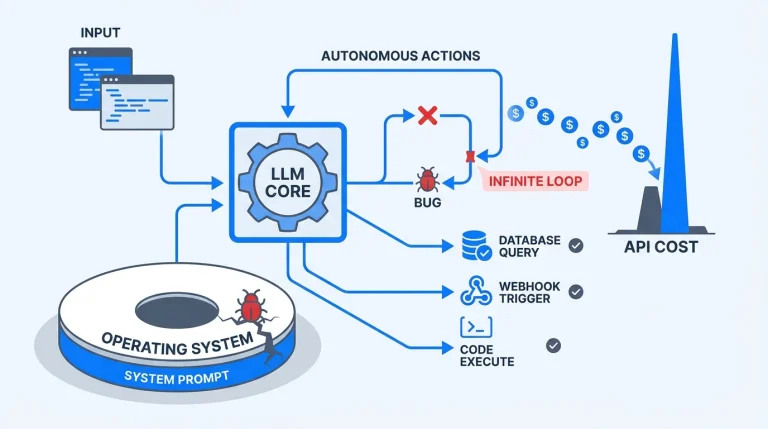
You kick off an autonomous AI coding agent to refactor a massive, tightly coupled legacy module. Two hours later, you leave your desk, your laptop goes to sleep, and you suddenly have zero visibility into your infrastructure. Did the agent succeed? Did it hallucinate an endless loop? Did it completely crash your staging environment?
As AI coding agents evolve from simple autocomplete extensions into autonomous systems handling long-running, compute-heavy tasks, developers face a glaring operational blind spot. We are no longer just sending prompt requests; we are spawning asynchronous, heavily integrated jobs. We need a reliable way to monitor, steer, and kill these processes from anywhere.
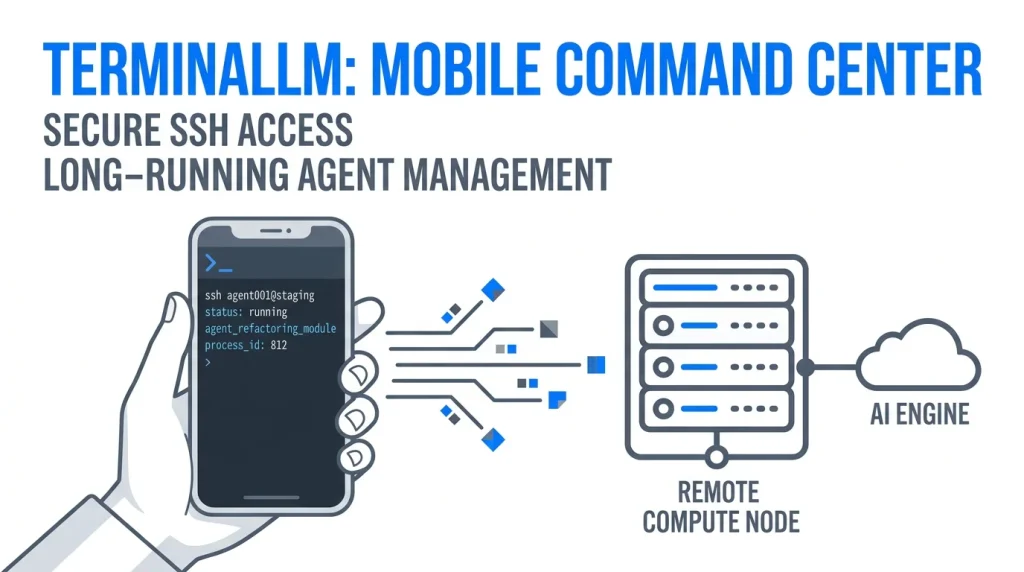
This operational gap is where the concept of TerminaLLM steps in. It serves as a blueprint for a specialized mobile SSH client explicitly built for managing background AI workflows. Building this type of mobile command center requires overcoming severe technical hurdles, specifically regarding network instability and state management.
The Operational Reality of AI Coding Agents
We must distinguish between synchronous LLM queries and asynchronous agentic workflows. When you ask a standard chat interface to write a function, you wait five seconds for a response. When you deploy an autonomous agent to migrate a database schema, you are initiating a highly complex lifecycle.
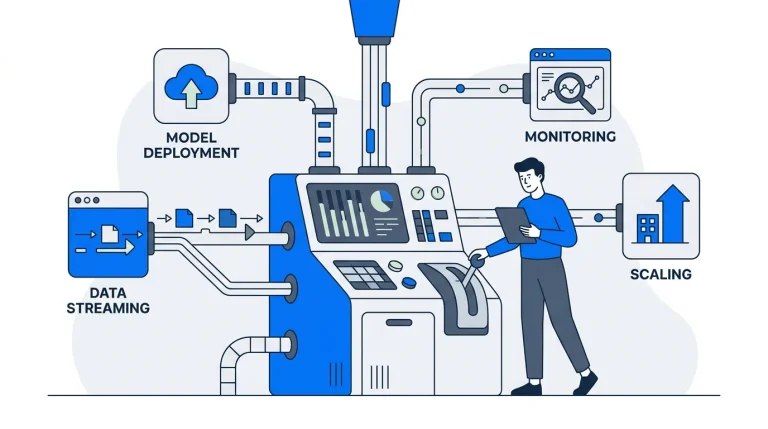
These agents perform vector database lookups, spin up isolated Docker sandboxes, run massive test suites, analyze the inevitable failures, and rewrite their own code. This iterative loop requires significant compute resources and time. These are not instantaneous operations.
Running these loops locally drains battery and hogs system resources. Therefore, professional teams offload these AI coding agents to powerful remote servers or dedicated cloud instances. The challenge immediately shifts from computation to orchestration. You need an “always-on” connection to your development backend to prevent wasted compute cycles.
Why SSH is the Required Conduit
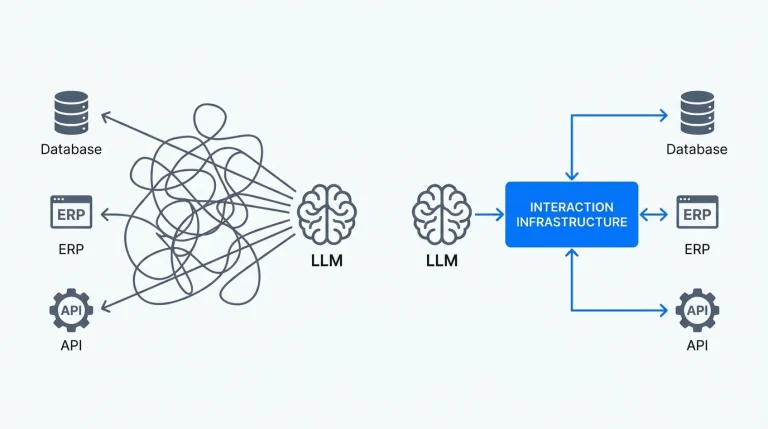
Secure Shell (SSH) remains the gold standard for backend access, and it forms the networking backbone of the TerminaLLM concept. Standard HTTP REST APIs fall short when dealing with dynamic, long-running terminal processes.
SSH provides an encrypted, authenticated connection over hostile networks. It enables remote file transfers, secure command-line execution, and the ability to tunnel dedicated network services safely. For a tool managing your proprietary source code, this level of security is non-negotiable.
However, raw SSH access is not enough. Connecting to a server via a standard terminal emulator on a smartphone yields a terrible developer experience. You cannot easily parse structured AI logs, review visual diffs, or inject human-in-the-loop prompts through a tiny, command-line-only interface.
The Anatomy of a Mobile AI Command Center
To actually manage these agents on the go, a mobile client needs a specialized UI mapped directly to the shell outputs. TerminaLLM envisions translating raw server data into actionable visual components.
- Real-time Log Streaming: Parsing standard output (
stdout) and standard error (stderr) into readable, categorized visual feeds rather than a continuous wall of text. - Human-in-the-Loop Prompts: Creating structured input fields that allow developers to dynamically answer an agent’s request for clarification natively from their mobile device.
- Status Dashboards: Providing high-level visual telemetry of active agents, CPU/RAM consumption on the host machine, and estimated completion times.
- Granular Task Control: Giving developers literal kill switches and pause buttons for runaway processes.
- Code Snippet Review: Rendering generated code with proper syntax highlighting and diff comparisons, entirely bypassing the need for a full IDE.
Translating complex terminal output into these clean UI components requires a highly robust mobile application. This introduces the hardest engineering challenge of the entire concept: mobile network stability.
Engineering the Client: Offline-First Flutter Architecture
Mobile devices drop network packets constantly. You walk into an elevator, your cell service dies, and your TCP connection snaps. If your mobile environment relies on a constant, uninterrupted connection to track your AI agent, the app becomes completely useless in the real world.
To solve this, developers must build an Offline-First Flutter Architecture.
The mobile application must act as a sophisticated state machine. It caches the last known state of your remote server locally. When you open the app in a subway tunnel, it does not show an infinite loading spinner. It instantly renders the cached status of your agents.
If you issue a command like “terminate staging deployment” while offline, the app queues that action locally. The exact millisecond your phone reconnects to a tower, a background isolate instantly syncs the queue, establishes a brief SSH handshake, and executes the command.
Bypassing the Infrastructure Time-Sink
Implementing this architecture from scratch is notoriously difficult. Building robust local-first syncing, handling secure keychain credential storage, and writing Conflict-free Replicated Data Types (CRDTs) to manage state discrepancies easily devours months of engineering time.
Architectural foundations like state management and offline synchronization are massive time-sinks for development teams. Your agency’s value proposition is building the unique AI orchestration logic, not rewriting basic data sync protocols for the tenth time.
This is exactly why smart teams leverage production-ready infrastructure. Utilizing feature-first Flutter templates or a comprehensive SaaS-in-a-Box bundle from Stacklyn Labs allows you to completely bypass these underlying headaches. By starting with a battle-tested Offline-First Flutter Architecture already wired up with local databases and state management, you ship production-grade mobile tooling months faster.
Session Persistence and Server-Side State
An offline-first client solves the mobile side of the equation, but the server must also cooperate. If an SSH connection drops, the child processes attached to that session usually die.
A viable TerminaLLM implementation requires server-side multiplexers like tmux or screen. The mobile client never executes the AI agent directly in the foreground of the SSH session. Instead, the Flutter app securely connects, spawns a persistent background session on the server, starts the agent within that session, and then cleanly detaches.
When the developer opens the app an hour later, the mobile client re-authenticates, reads the output logs from the detached session, and updates the local UI. This decouples the lifespan of the network connection from the lifespan of the AI task.
Parallel Ecosystems: The Shift to Thin Clients
We are already watching this paradigm play out across the broader industry. The push toward robust remote development environments proves that local compute is becoming secondary to cloud orchestration.
GitHub Codespaces and VS Code Remote Development completely separated the IDE UI from the underlying filesystem and compute engine. They allow a lightweight, low-power laptop to control a massive 64-core cloud instance. Mobile tools like Termux on Android and Blink Shell on iOS have already proven that developers want deep server access from their pockets.
TerminaLLM simply applies this proven thin-client model to the next frontier of software engineering. It focuses on the specialized interaction patterns required to supervise autonomous systems.
The Next Era of Developer Tooling
We are transitioning from developers writing every line of code to developers orchestrating systems that write the code. The operational tooling must evolve to match this shift. Providing secure, persistent, and intelligent mobile access to long-running tasks is not a luxury; it is a baseline requirement for agile engineering teams. The developers who dominate the next decade will not just build better software; they will deploy superior infrastructure to manage the machines writing it.
References & Further Reading
- VS Code Remote Development using SSH – Demonstrates remote development environment capabilities and thin-client architecture.
- GitHub Codespaces – Highlights cloud-based development environments accessible from anywhere.
- The rise of AI coding assistants and what it means for developers – Discusses the impact, resource requirements, and capabilities of modern AI coding agents.
- What is SSH? – Provides foundational understanding of the Secure Shell protocol and secure tunneling mechanics.
Stacklyn Labs
Developer Notes & Updates