Beyond Part-Time Chatbots: The Latency Trap
We’ve all been there: you send a prompt to an AI, and for five long seconds, you stare at a loading spinner. In the modern app landscape, that silence is a session-killer. Users no longer tolerate "waiting for a response"; they expect to see the AI think in real-time, token by token, just like Claude or ChatGPT.
Building this "typewriter" effect in Flutter isn't just about UI polish it's about a fundamental shift in how your app communicates with the LLM. At Stacklyn Labs, we’ve moved away from standard request-response cycles toward Stream-based architectures using backend proxies.
Defensive Streaming: Handling Edge Cases and 429 Errors
Real-time streaming is inherently fragile. A dropped WebSocket connection or a cellular "dead zone" can leave your UI in a half-finished state. Furthermore, high-traffic apps often hit HTTP 429 (Rate Limit) errors from LLM providers.
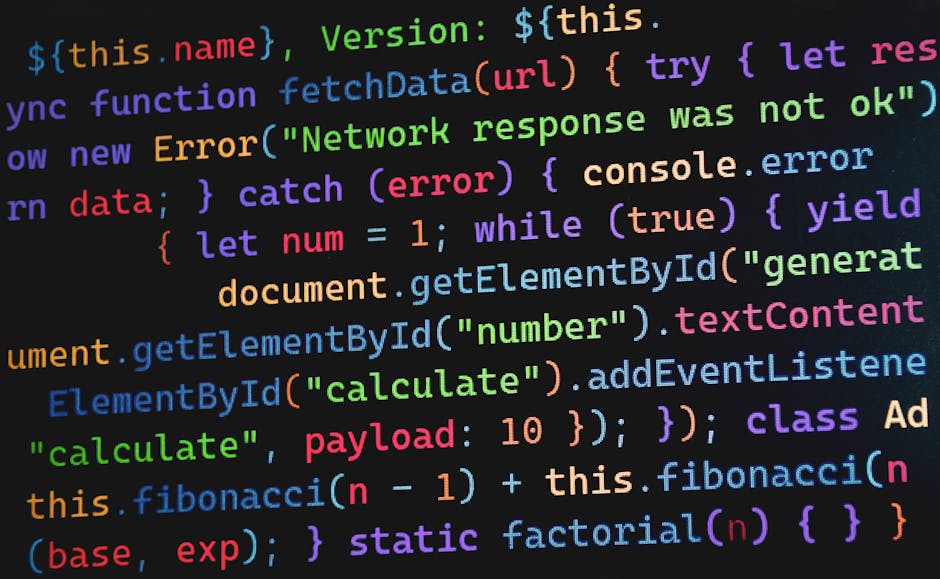
To prevent the "Frozen UI" syndrome, your Flutter logic must include a robust retry-and-reconnect mechanism. Below is a pattern for handling partial data chunks and unexpected stream closures using a temporary buffer.
// Dart: Defensive Stream Handling with Buffer Recovery
import 'dart:async';

Stream resilientStream(Stream source) async* {
  String partialBuffer = "";
  try {
    await for (final chunk in source) {
      // Logic for handling malformed JSON at chunk boundaries
      partialBuffer += chunk;
      if (partialBuffer.endsWith('\n')) {
        yield partialBuffer;
        partialBuffer = "";
      }
    }
  } catch (e) {
    if (e is TimeoutException || e.toString().contains('429')) {
      yield "\n[System: Connection unstable. Attempting to resume...]";
      // Trigger a separate reconnect logic here
    } else {
      rethrow;
    }
  }
}
Performance & Memory: The Cost of Persistence
When tokens are flying in at 50/second, memory management becomes critical. Every token
added to a List<Message> triggers a UI rebuild if not managed
correctly. Furthermore, failing to close a StreamController in an 18-screen
Flutter app can lead to massive memory leaks.
Server-Sent Events (SSE) vs. WebSockets: For AI chatbots, SSE is generally superior. It is more battery-efficient, has built-in automatic reconnection, and works perfectly over standard HTTP/2. WebSockets are overkill unless you require bidirectional low-latency data (e.g., an AI that interrupts the user while they type).
Architecture: State Management meets Local Caching
A production AI app must feel instantaneous. We use Riverpod for reactive state and Drift (SQLite) for local persistence. The architecture follows a "Stream-to-Cache" pattern:
- Stream Ingestion: The Riverpod provider listens to the backend proxy.
- Optimistic UI: The UI updates immediately with the incoming token.
- Debounced Commit: Every 500ms, the accumulated text is "committed" to the local SQLite database. This prevents high-frequency disk writes from lagging the 60fps UI.
Production Strategy: Testing and Deployment
How do you unit test a real-time stream? You mock the Stream itself. Using
the stream_channel package, you can simulate slow token arrivals to verify
that your auto-scroll and markdown parsing logic hold up under stress.
For deployment, we containerize the Node.js proxy with Docker and manage it with PM2. This ensures that even if one worker crashes due to a malformed LLM response, the cluster stays alive, and the user's session is handled by a healthy instance.
// PM2 ecosystem.config.js for Stream Proxy
module.exports = {
  apps : [{
    name: "ai-stream-proxy",
    script: "app.js",
    instances: "max",
    exec_mode: "cluster",
    watch: false,
    max_memory_restart: "1G",
    env_production: {
      NODE_ENV: "production"
    }
  }]
}
Conclusion
Real-time streaming is no longer a "nice-to-have" it is the baseline for enterprise-grade AI applications. By architecting your Flutter apps with resilient proxies, local-first caching, and defensive state management, you build a product that is secure, scalable, and responsive.
Author: Stacklyn Labs